

In this video· click a step to jump to it
Test recording
Nagi — PARA notes walkthrough
89,821 ms · 110,082 pixels changed
We built this regression test for nagi-note.app — it's yours to keep, free.
Take this test with you
This is a real Playwright test, recorded against nagi-note.app. Claim it into your own workspace and re-run it on every deploy — free.
export async function test(page, baseUrl, screenshotPath, stepLogger) {
  const PROJECT = '/projects/01a0cf0f-500b-7d56-bbdb-923c29542cc9';
  const PARA_NOTE = '/notes/01a0cf0f-62af-7e4a-93b9-66757c727c19';
  const STAMP = Date.now().toString(36);
  const shot = (n, slug) => screenshotPath.replace('.png', '-' + n + '-' + slug + '.png');
  const SCROLL_THROUGH = "(async () => { const ease = t => 1 - Math.pow(1 - t, 3); const max = Math.max(0, document.body.scrollHeight - window.innerHeight); if (max < 40) return; const anim = (a, b, ms) => new Promise(res => { const t0 = performance.now(); const step = now => { const p = Math.min(1, (now - t0) / ms); window.scrollTo(0, a + (b - a) * ease(p)); p < 1 ? requestAnimationFrame(step) : res(); }; requestAnimationFrame(step); }); await anim(0, max, 1400); await new Promise(r => setTimeout(r, 350)); await anim(max, 0, 800); })()";

  await page.context().setExtraHTTPHeaders({ 'User-Agent': 'Mozilla/5.0 (X11; Linux x86_64) AppleWebKit/537.36 (KHTML, like Gecko) Chrome/132.0.0.0 Safari/537.36' });
  await page.route('**/cdn-cgi/scripts/**/email-decode.min.js', function (r) { r.abort(); }).catch(function () {});
  await page.route('**/sentry-cdn.com/**', function (r) { r.abort(); }).catch(function () {});

// ─── 1. Public landing ────────────────────────────────────────────────────Checks run
Notes from the demo run
AI-generatedWe signed into Nagi with Google, walked the four PARA buckets, read one of your seeded how-to notes, then made a note, wrote into it and tagged it with a colour we invented on the spot. The thing that stands out is how little Nagi asks of you: no workspace wizard, no onboarding tour, and the sample project and two how-to notes are already sitting there doing the explaining. From sign-in to a tagged note took under a minute.
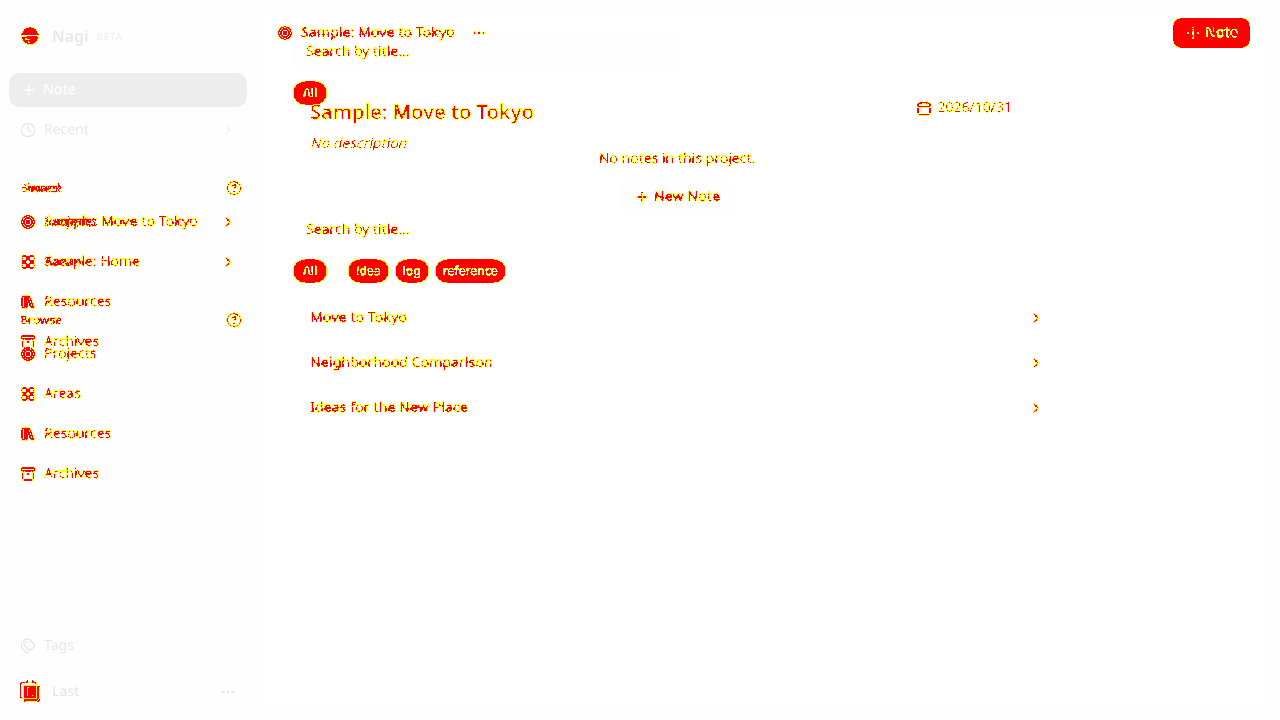
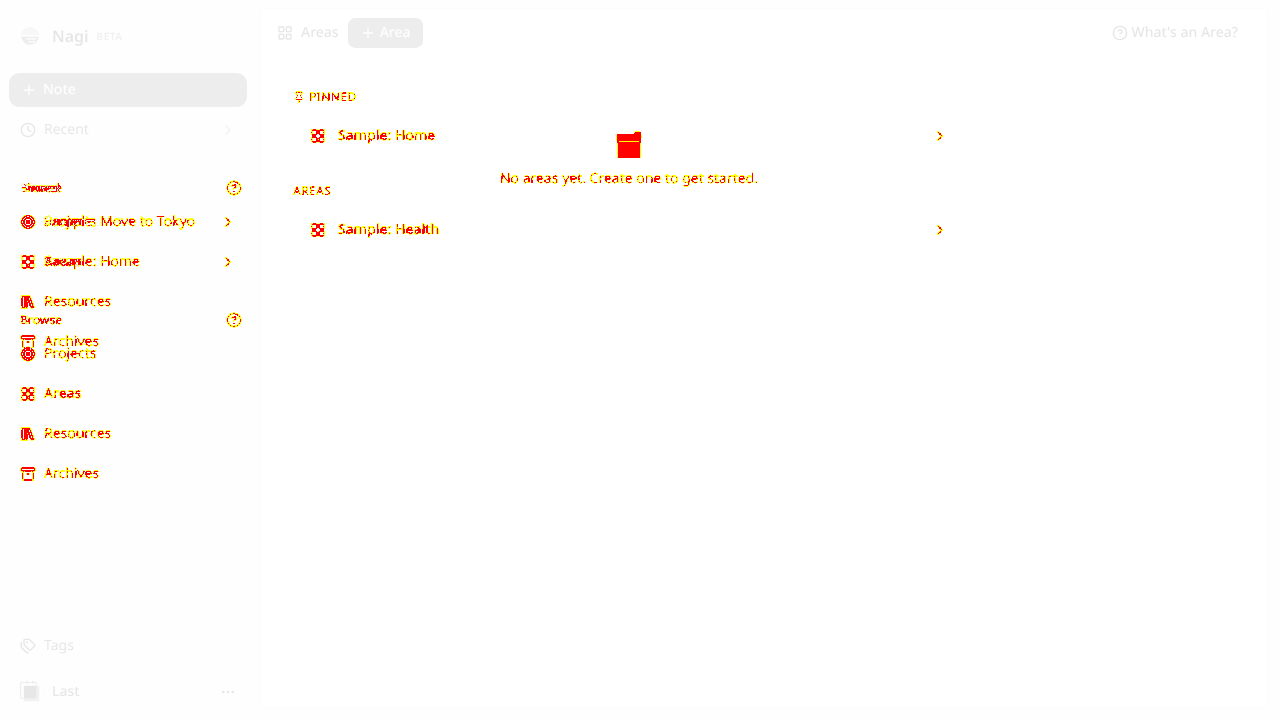
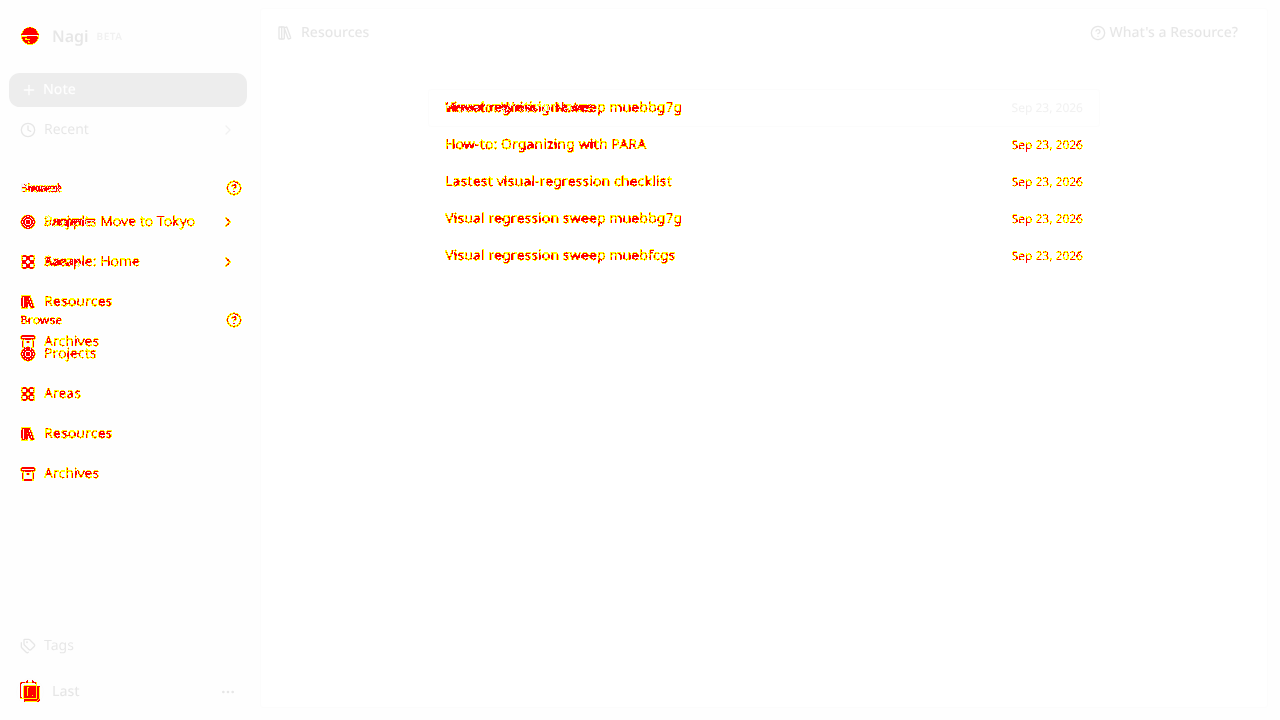
- Sample data that teaches the model"Sample: Move to Tokyo" as a Project and "Sample: Home" as an Area is the clearest possible way to show what the Project/Area distinction means. The how-to notes live in Resources, which is itself an example of the rule they describe.
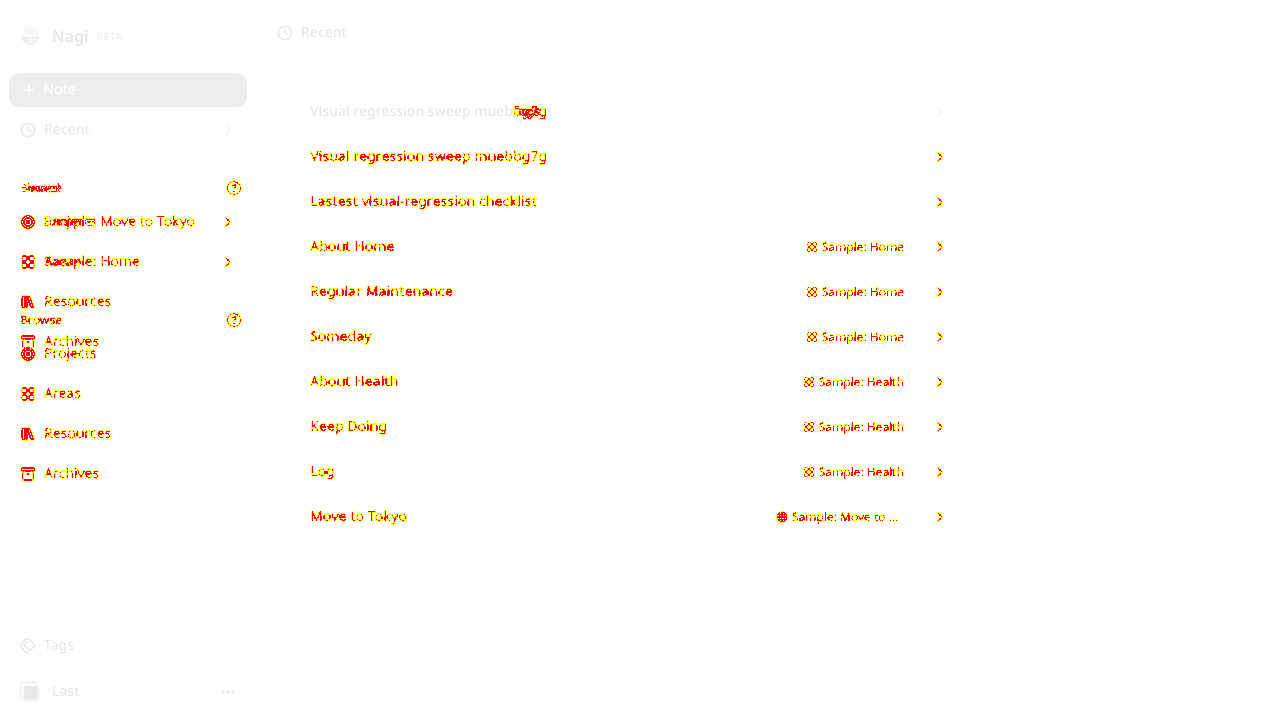
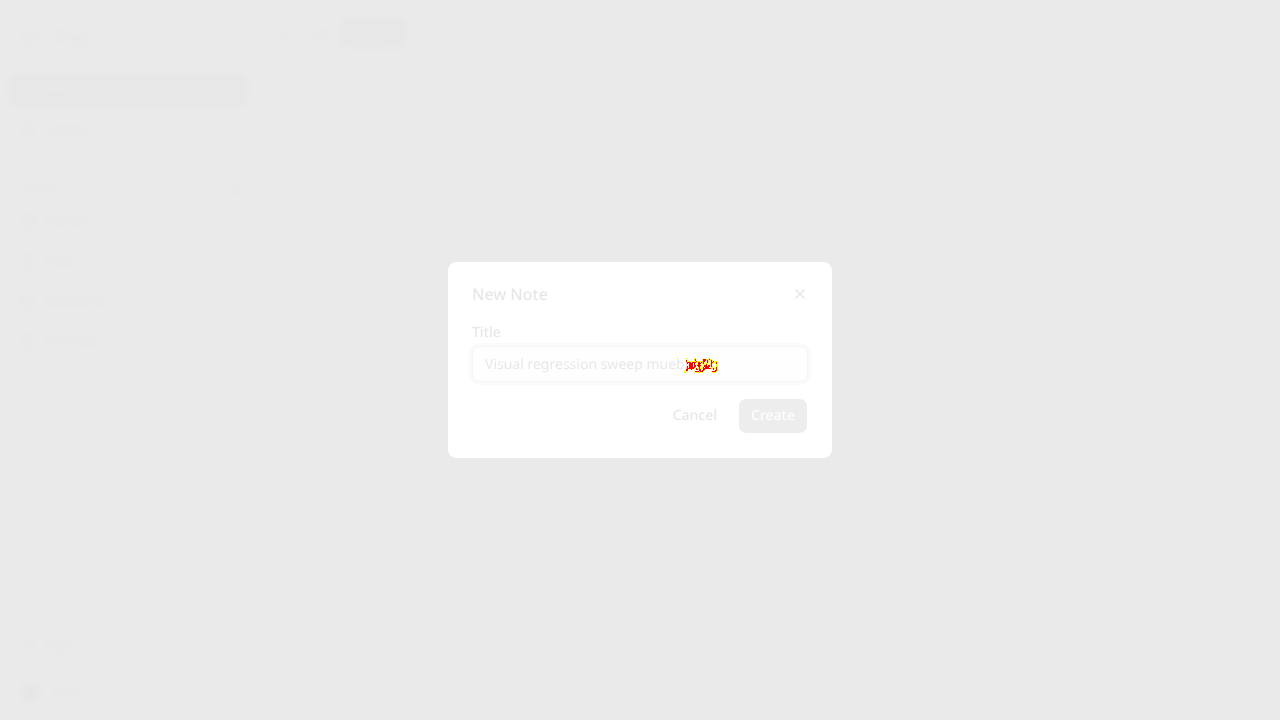
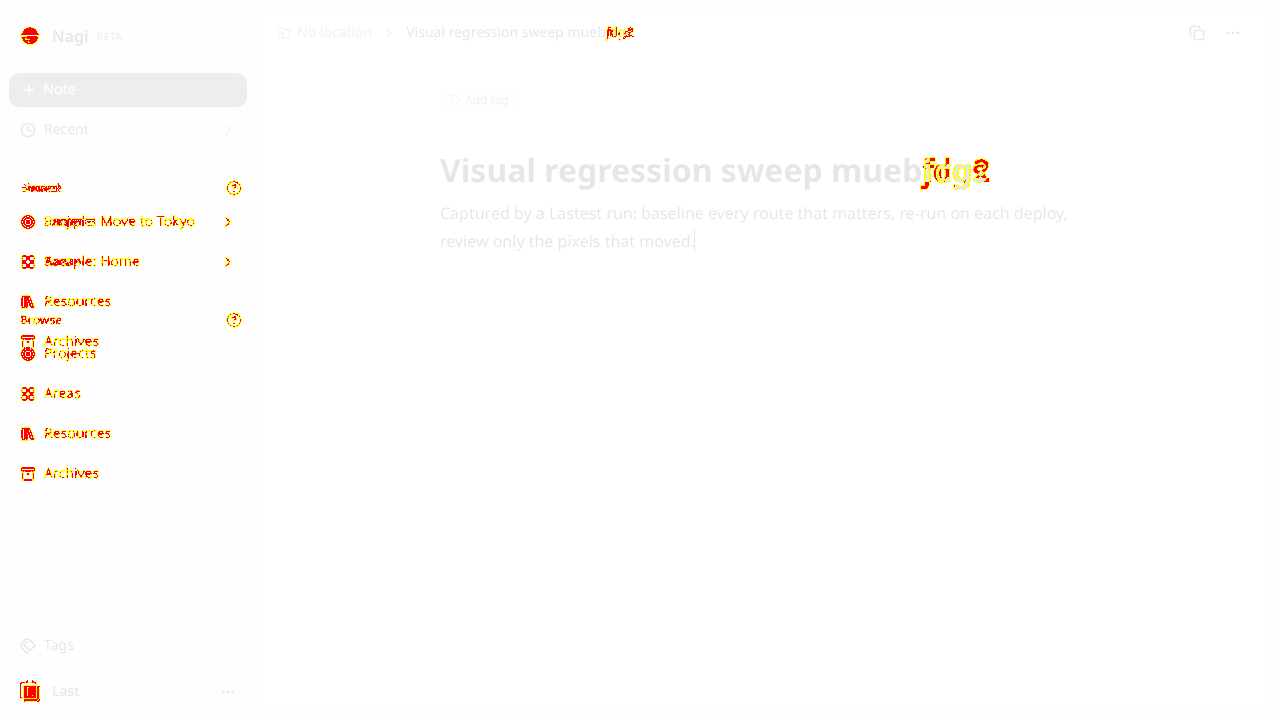
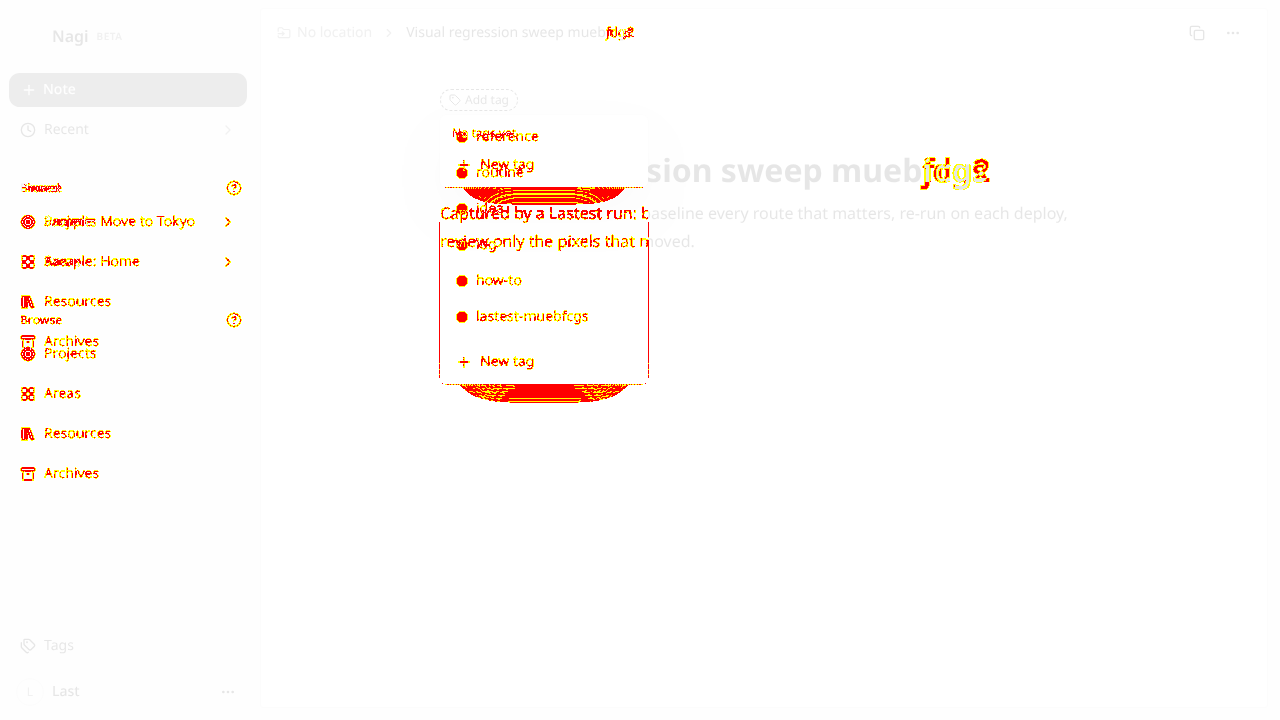
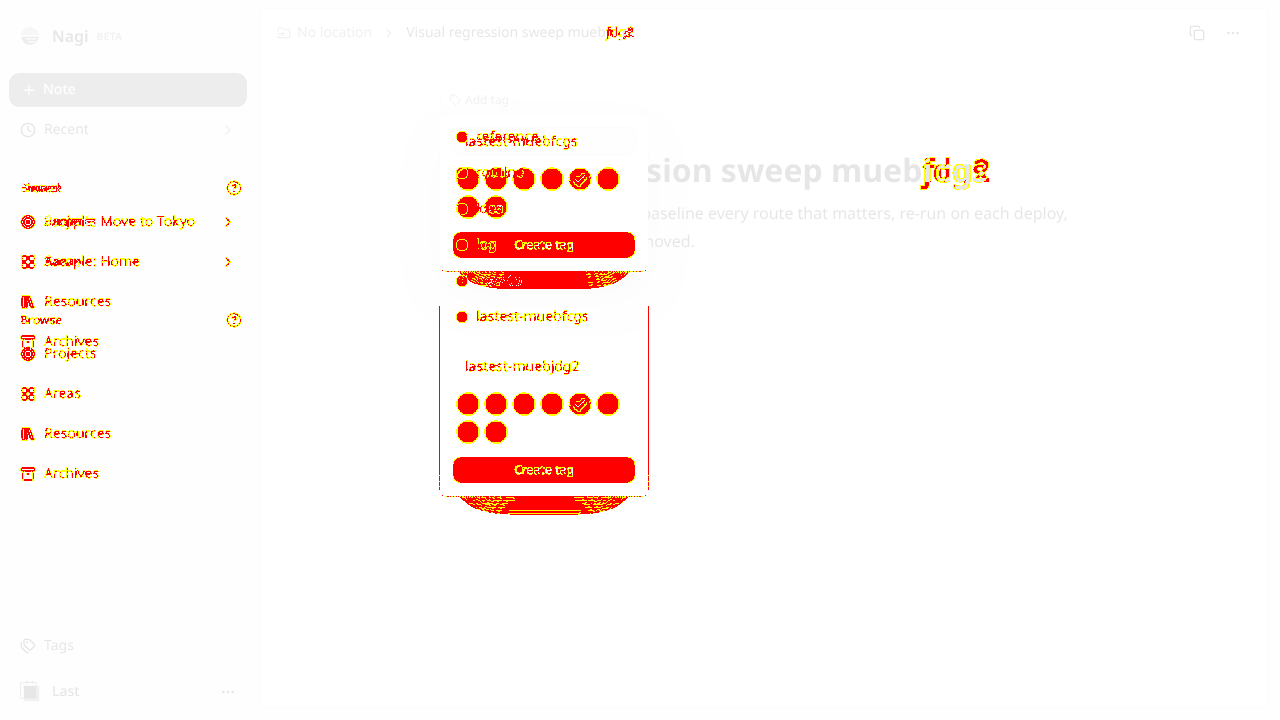
- Note to tagged note in four clicksNote -> title -> Create lands straight in the editor with the cursor ready. Add tag -> New tag -> name + colour -> Create tag applies it immediately. No save button anywhere, and nothing was lost.
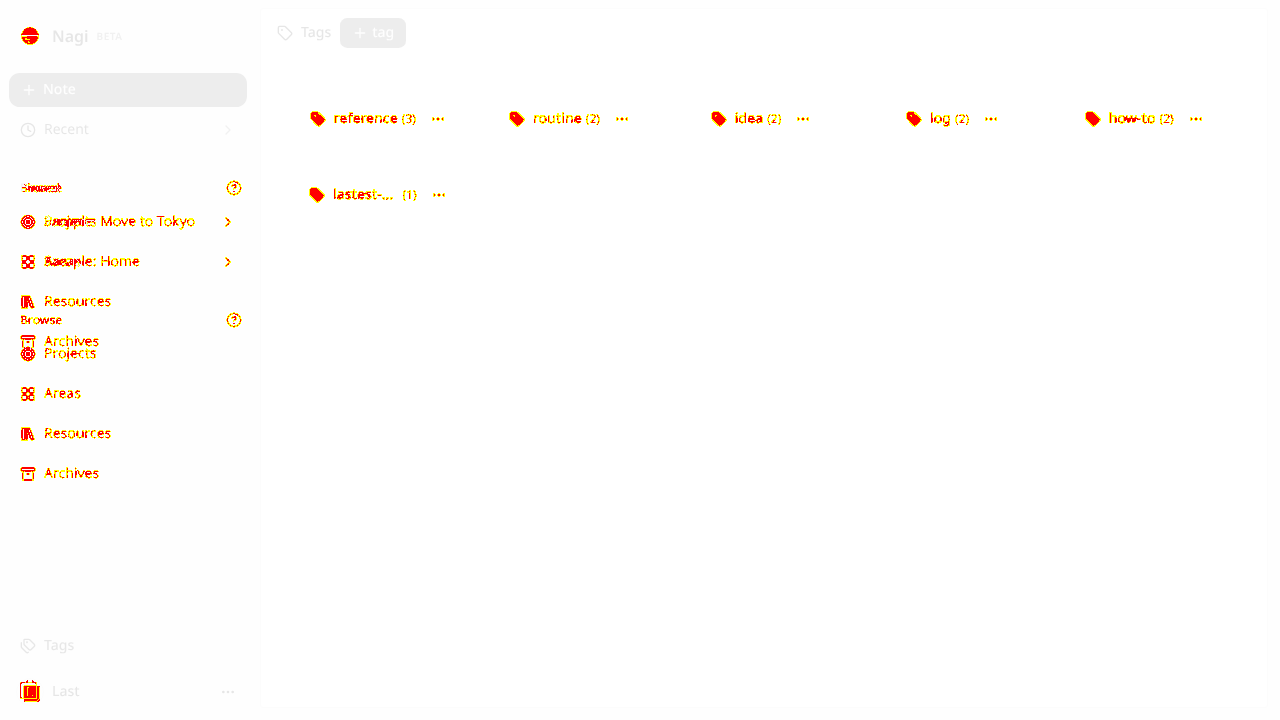
- Local-first, and you can feel itNavigating between Projects, Areas, Resources and Tags is instant because it is all reading a local cache. Our tags index updated the moment the tag was created, without a round trip.
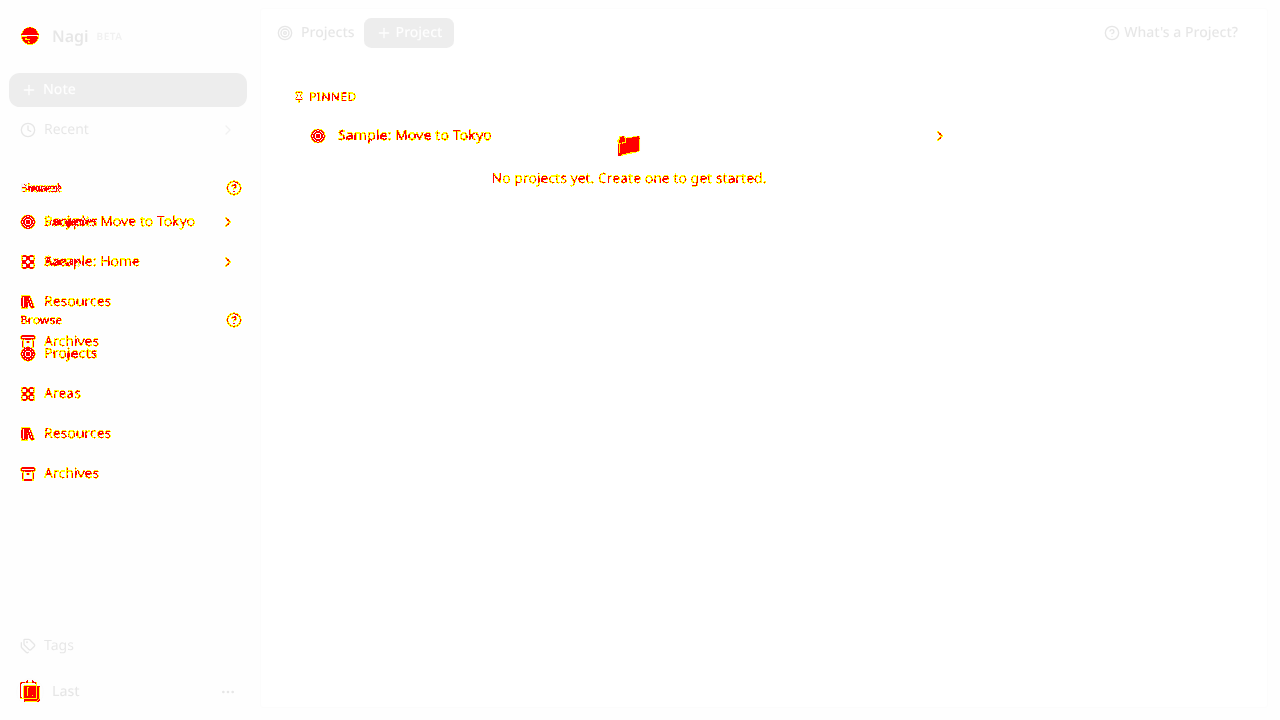
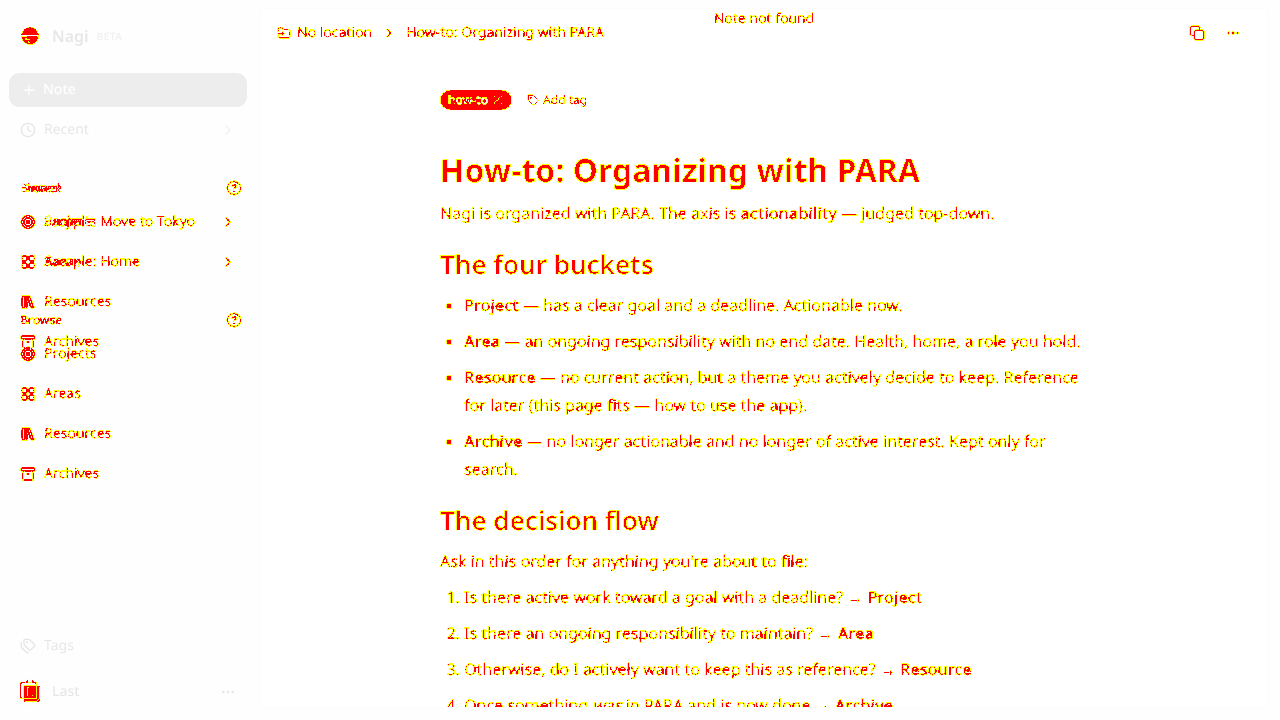
- A signed-in session on a new device starts emptyWe replayed a valid session cookie into a fresh browser and Nagi showed "No projects yet" and "Note not found" on a real note URL until the local cache rebuilt. That is the local-first tradeoff, but a second-device visitor or anyone following a shared note link hits it too. A short "syncing your notes" state instead of the empty/not-found copy would stop it reading as data loss.
- The tag picker shows "No tags yet" before the cache landsSame root cause, smaller blast radius: on a cold session the picker offered only "New tag" even though six tags existed server-side. A skeleton row while tags load would keep people from creating duplicates.
- /browse·Linked as a section heading in the sidebar but 404s on direct navigation — we treated it as a label, not a route, and did not screenshot it.
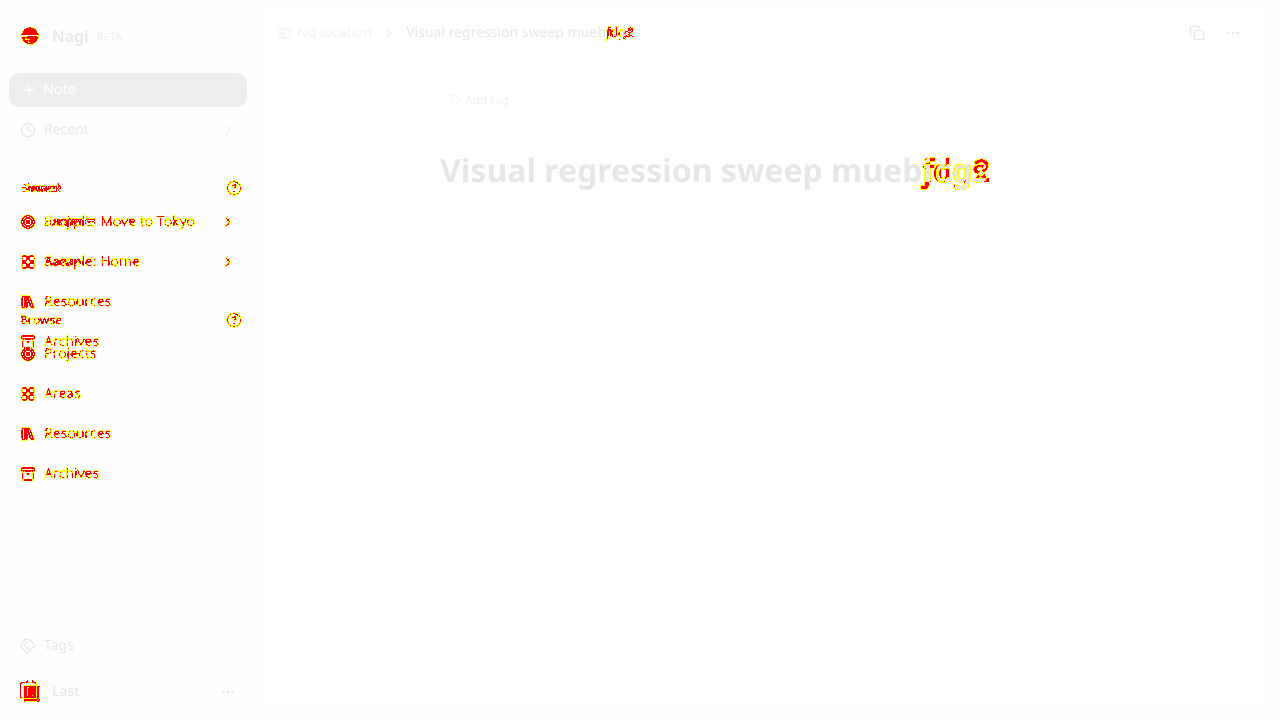
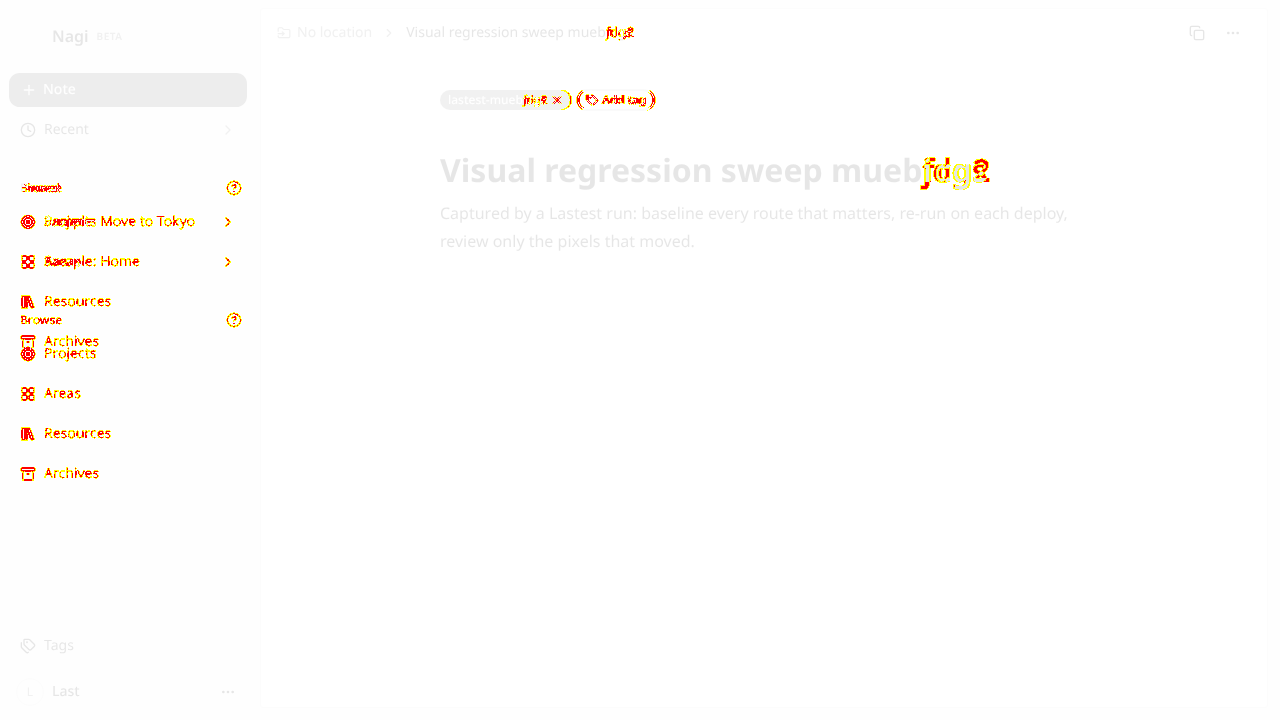
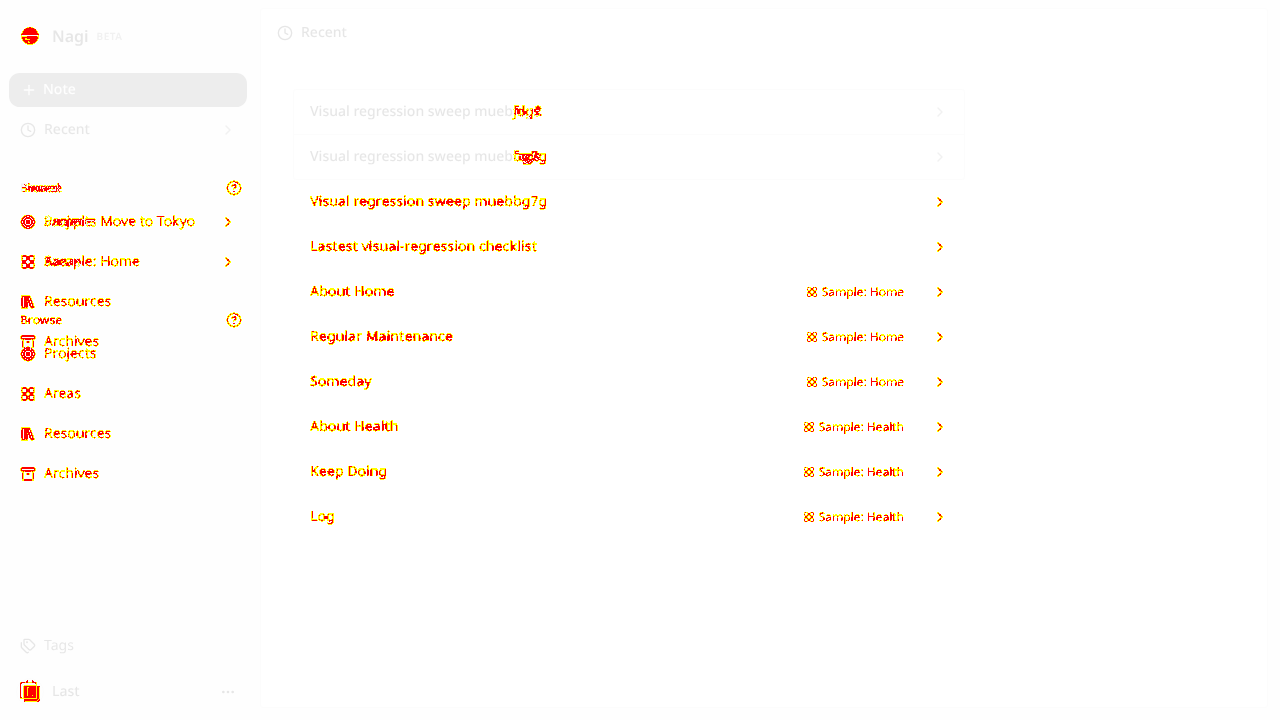
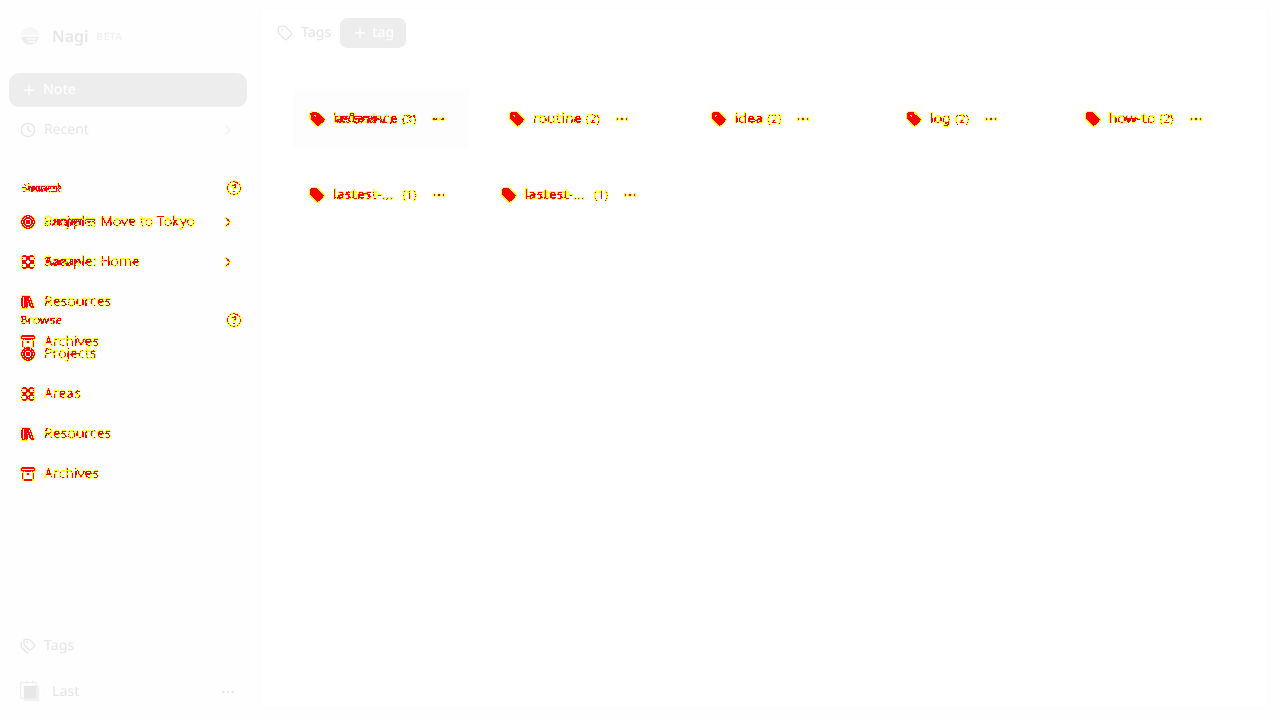
15 visual changes






























Share this run
Proof your app is not AI slop
This test was built for nagi-note.app — claim it free
One click copies the test and baseline screenshots into your own Lastest workspace. Re-run on every deploy and catch regressions before your users do — free, no card required.