

In this video· click a step to jump to it
Test recording
Lunasites — app walkthrough
108,820 ms · 5,590,602 pixels changed
We built this regression test for dashboard.lunasites.io — it's yours to keep, free.
Take this test with you
This is a real Playwright test, recorded against dashboard.lunasites.io. Claim it into your own workspace and re-run it on every deploy — free.
export async function test(page, baseUrl, screenshotPath, stepLogger) {
  const shot = (n, slug) => screenshotPath.replace('.png', '-' + n + '-' + slug + '.png');
  const UA = 'Mozilla/5.0 (X11; Linux x86_64) AppleWebKit/537.36 (KHTML, like Gecko) Chrome/132.0.0.0 Safari/537.36';
  await page.context().setExtraHTTPHeaders({ 'User-Agent': UA });
  await page.setViewportSize({ width: 1440, height: 900 });

  const STAMP = Date.now().toString(36);
  const marketing = baseUrl.replace('://dashboard.', '://');
  let postLoginActions = 0;
  const gate = /send sign-in link|sign in to your account|don't have an account/i;

// ---------- Public phase ----------Checks run
Notes from the demo run
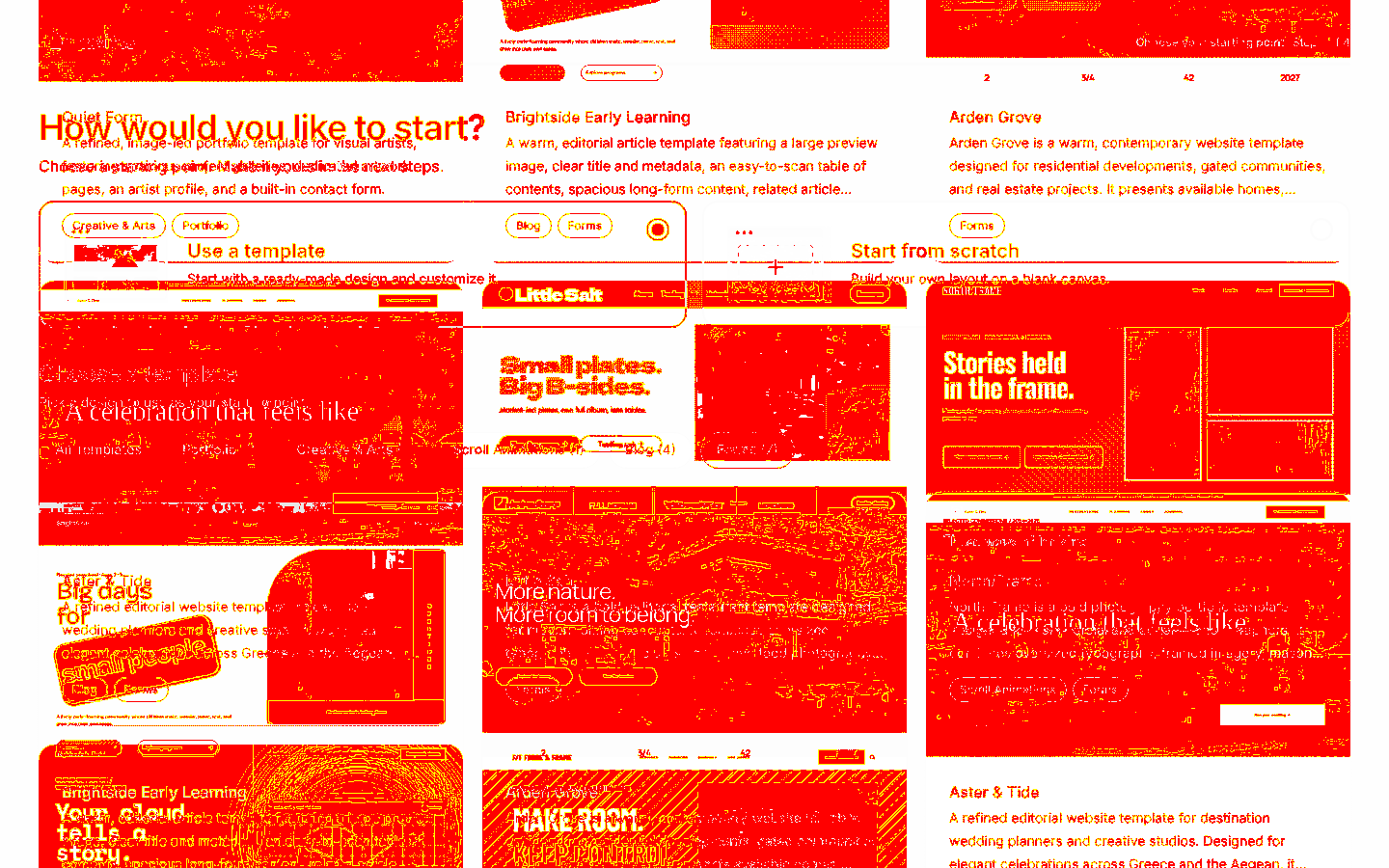
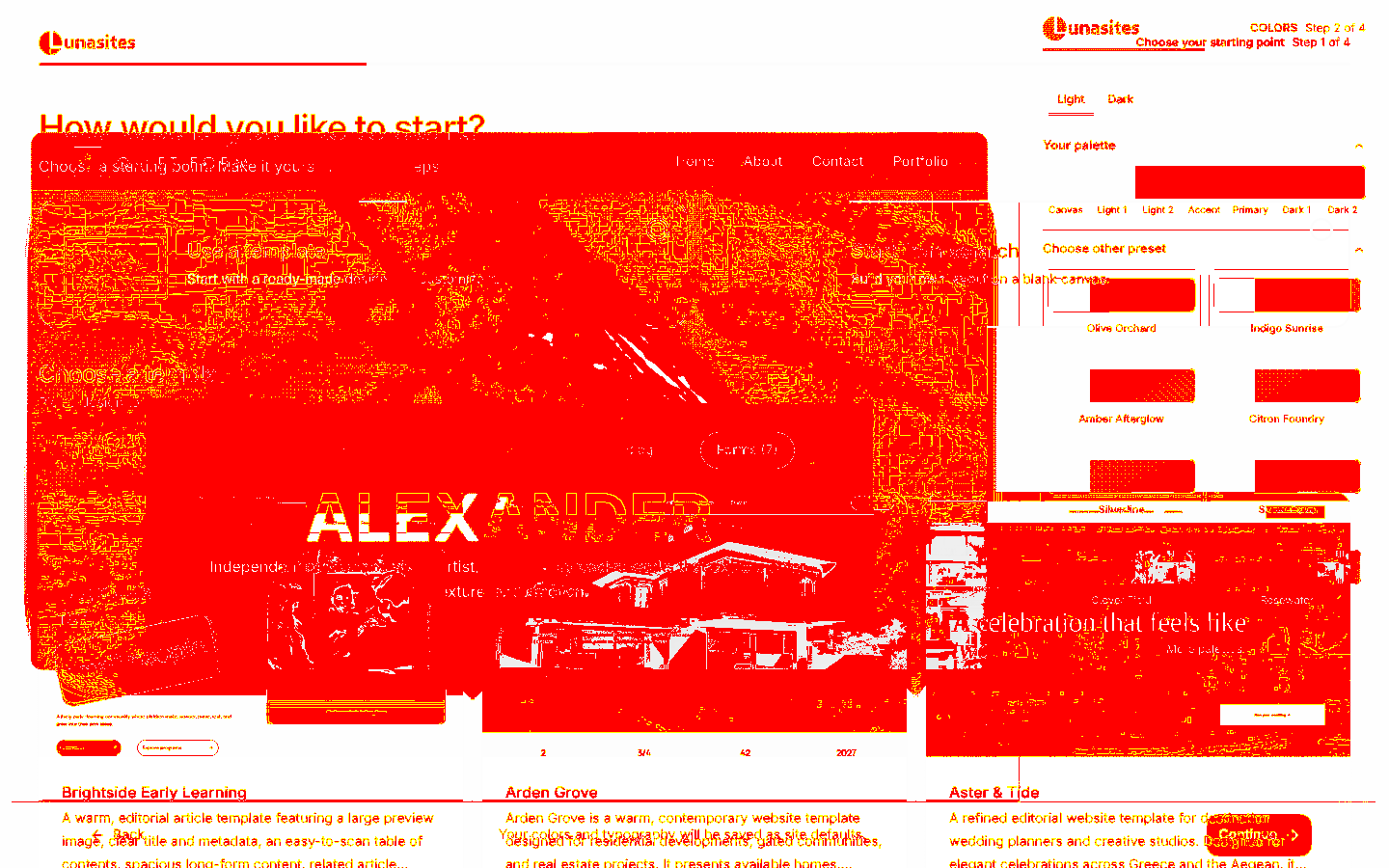
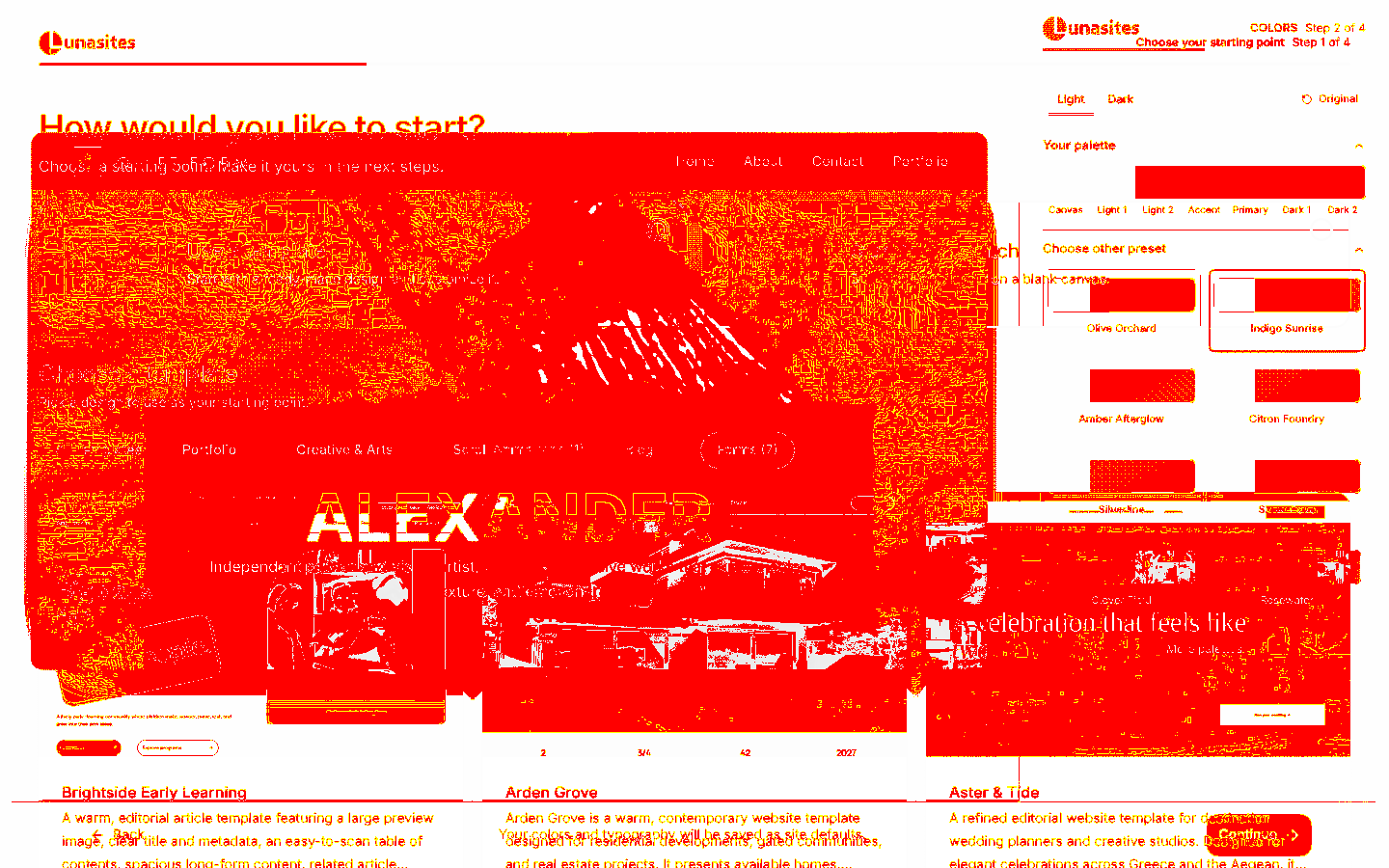
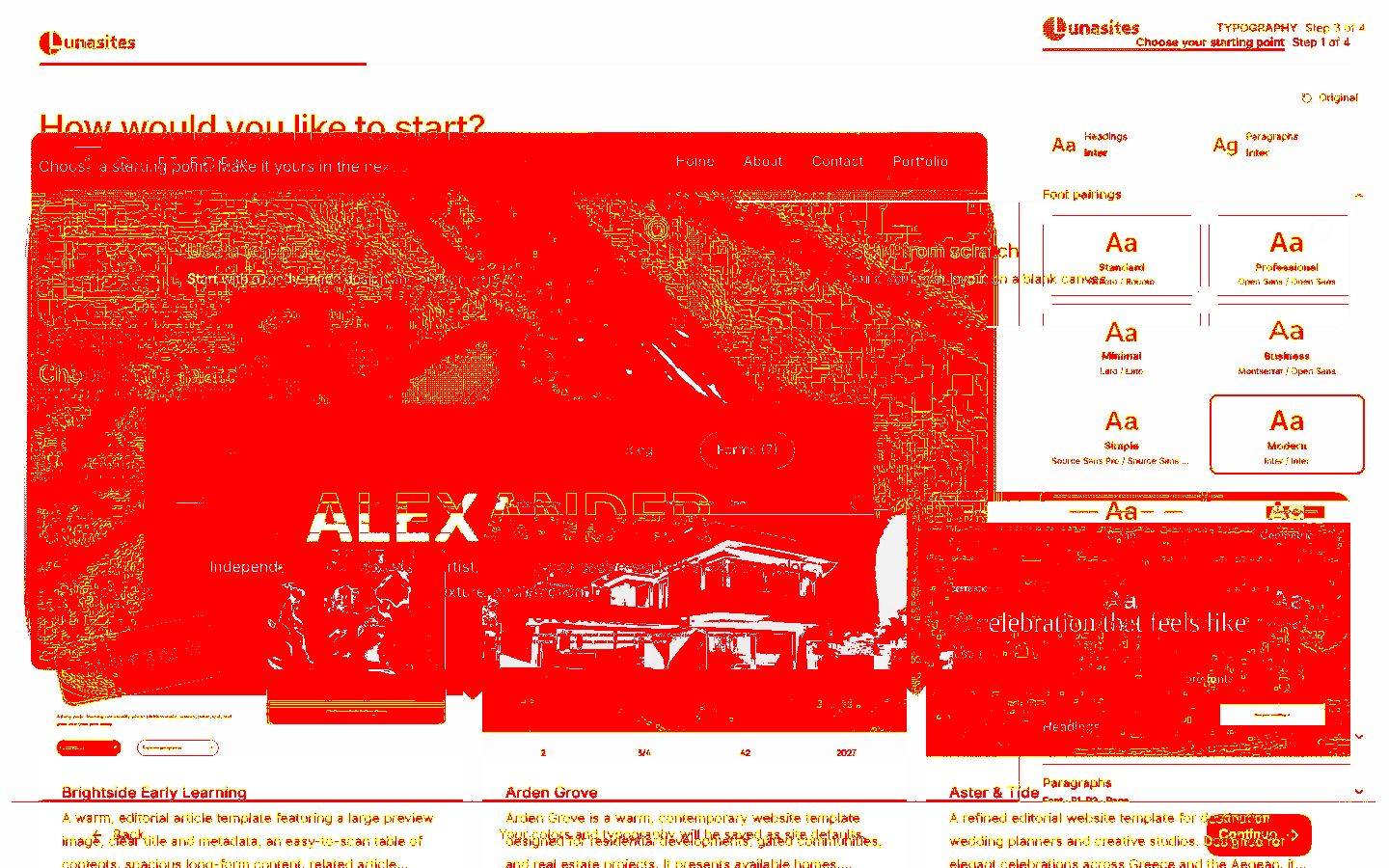
AI-generatedWe signed in to Lunasites with a magic link and drove the dashboard end-to-end: the whole 4-step site builder (template, palette, typography, naming and subdomain), then an existing site opened in the visual editor with the Quiet Form template rendered live, plus domains and My Sites. The builder is the strongest part — four short decisions, each one previewed, and nothing irreversible until the last click.
- Four steps, each with a real previewTemplate, colours, typography, then naming. The palette step shows Canvas / Light 1 / Light 2 / Accent / Primary / Dark 1 / Dark 2 as actual swatches, and the typography step renders each pairing in its own face. You are choosing from what you will get, not from a name.
- The subdomain is handled without a form lecture'.lunasites.io' is fixed alongside the field with 'Spaces are removed automatically. You can add a custom domain later from site settings.' Two sentences that pre-answer the two questions everyone has.
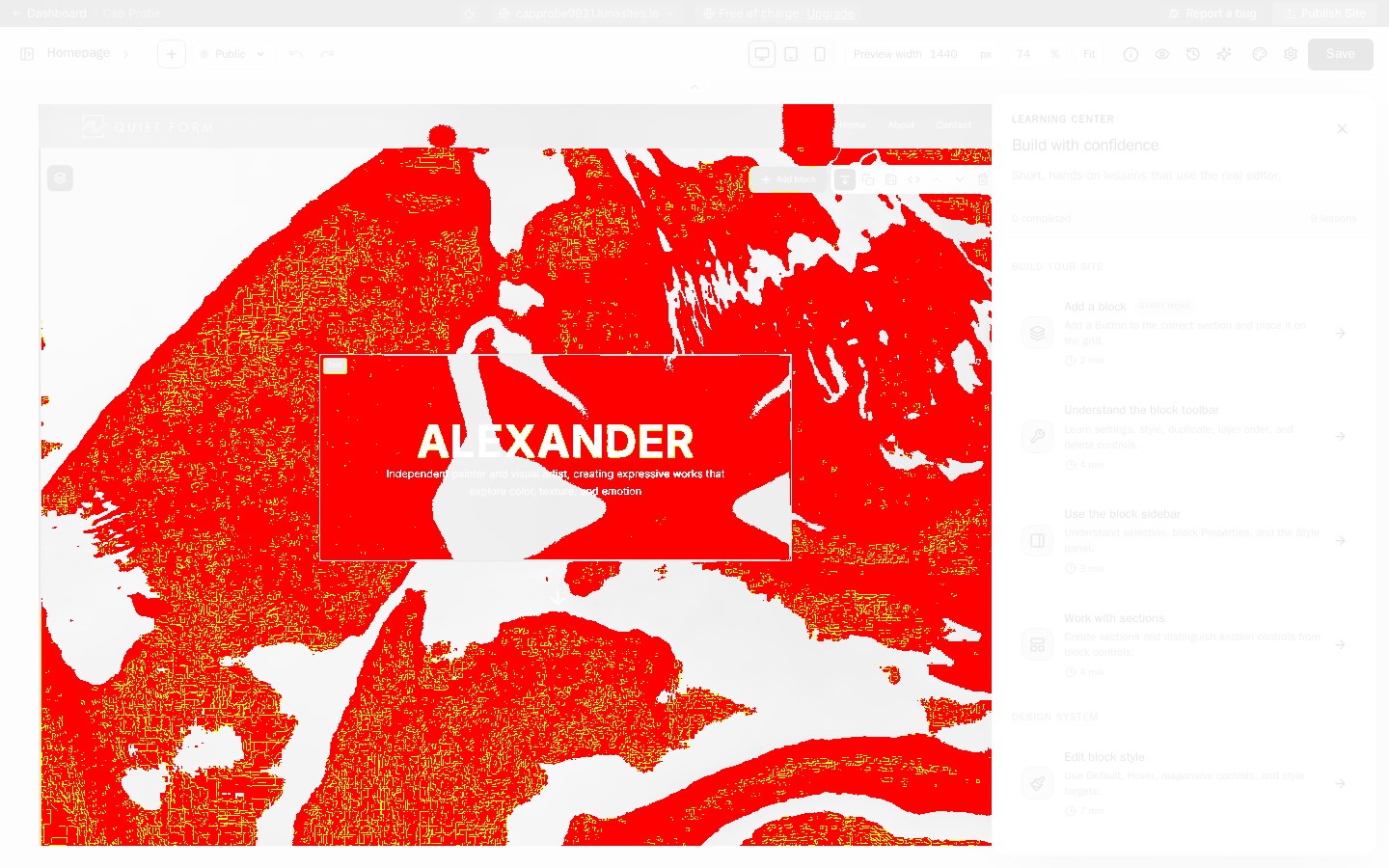
- The editor opens with a working page, not a blank gridStraight after creation the canvas has the full Quiet Form template rendered with a live preview width control and a Publish Site button already in reach.
- The Learning Center covers a third of the canvas on first openA 9-lesson panel opens over the right side of the editor the first time a site is opened. It is genuinely useful content, but it lands on top of the thing the user just spent four steps building. Opening it collapsed with a badge, or after the first edit, would keep the reveal intact.
- The starting-point choice gives no visible feedbackClicking 'Use a template' produces no state change on screen — the radio does not visibly select — so the only way to know it registered is to click a template and see step 2 appear. A selected-card treatment would remove the moment of doubt.
- Create Site (final commit)·We configured the whole builder but stopped before committing, so we would not keep creating sites on your account each run. The existing site was used for the editor walk instead.
- /subscription·Plan selection and checkout — we never enter a payment flow on someone else's product.
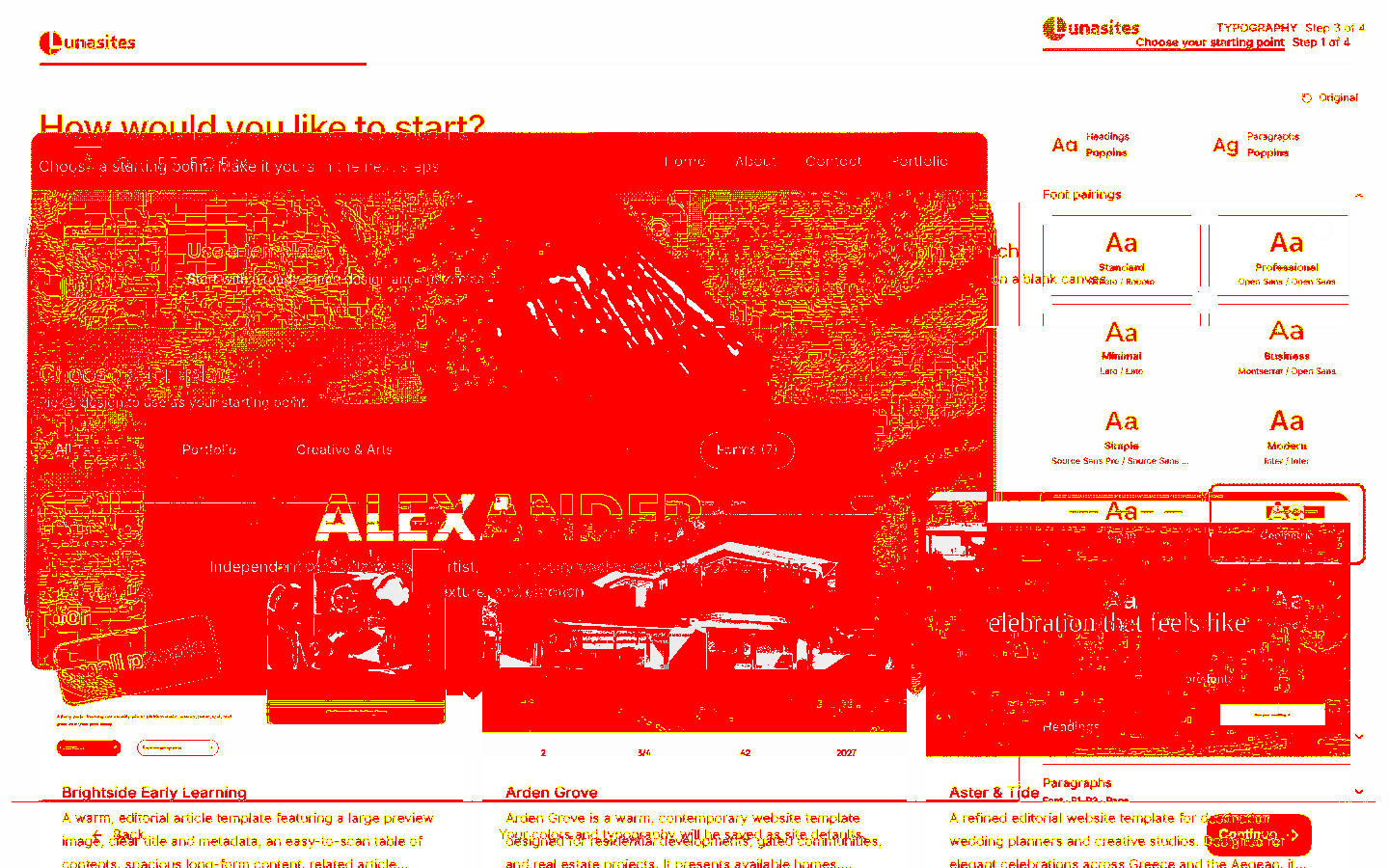
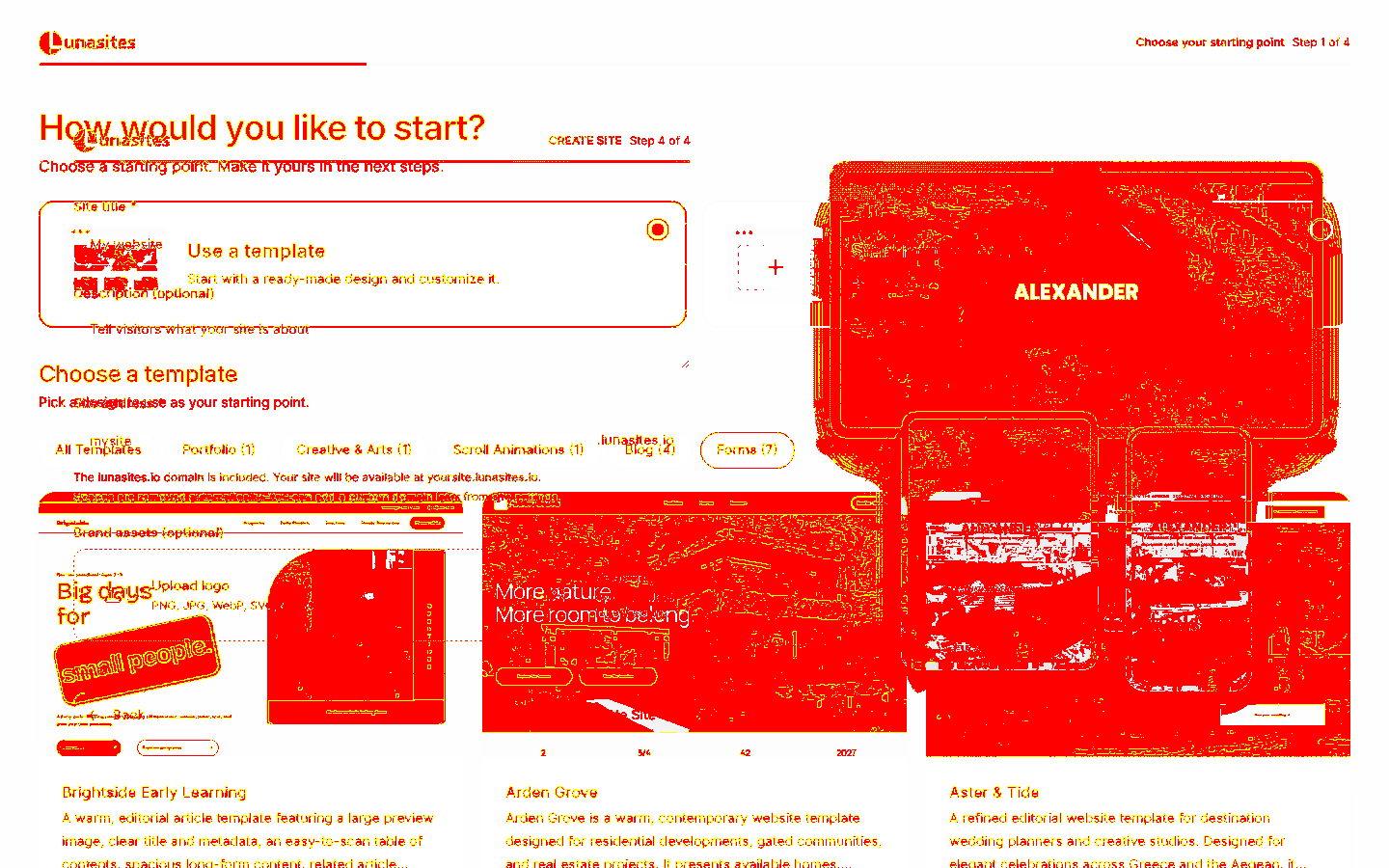
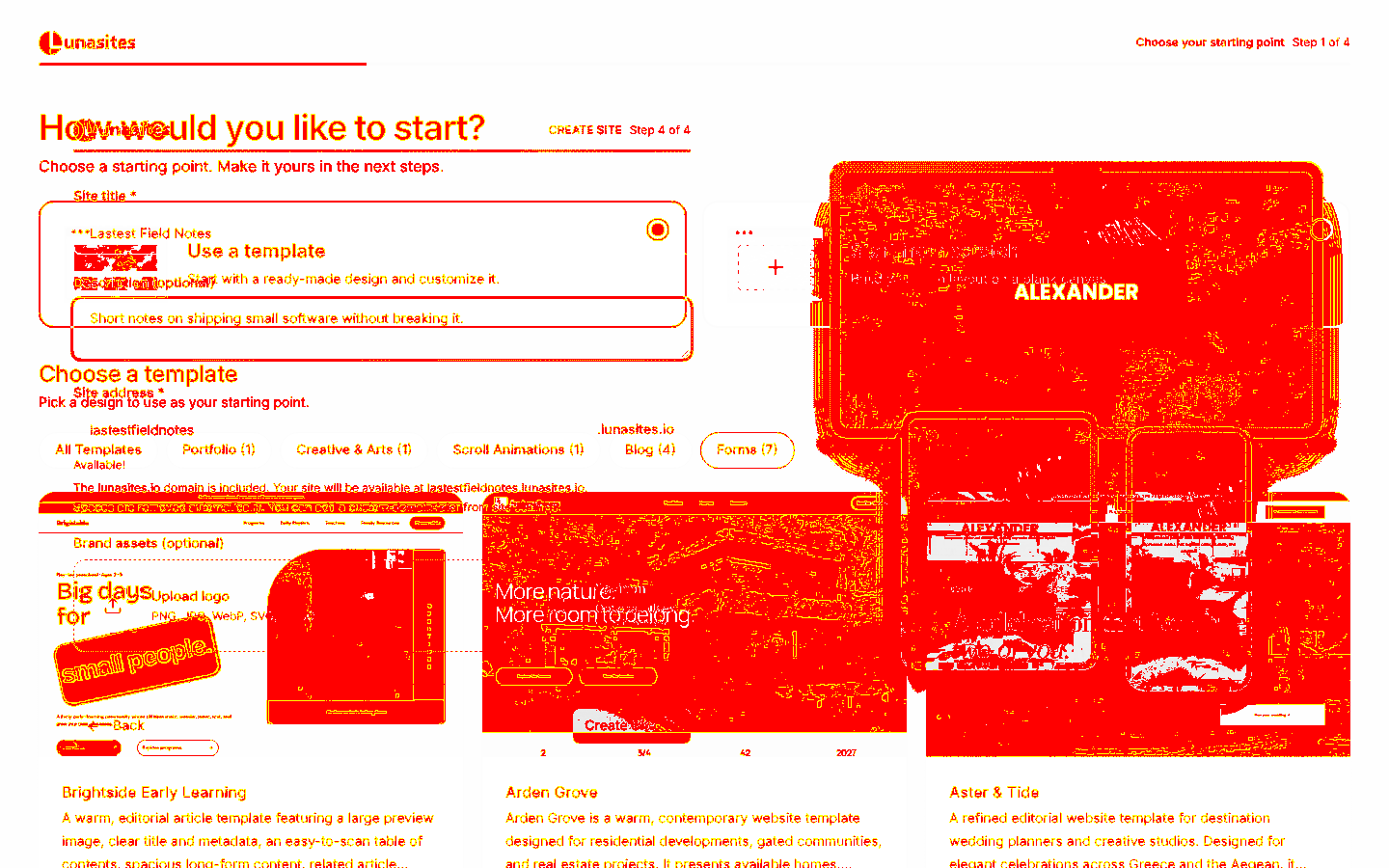
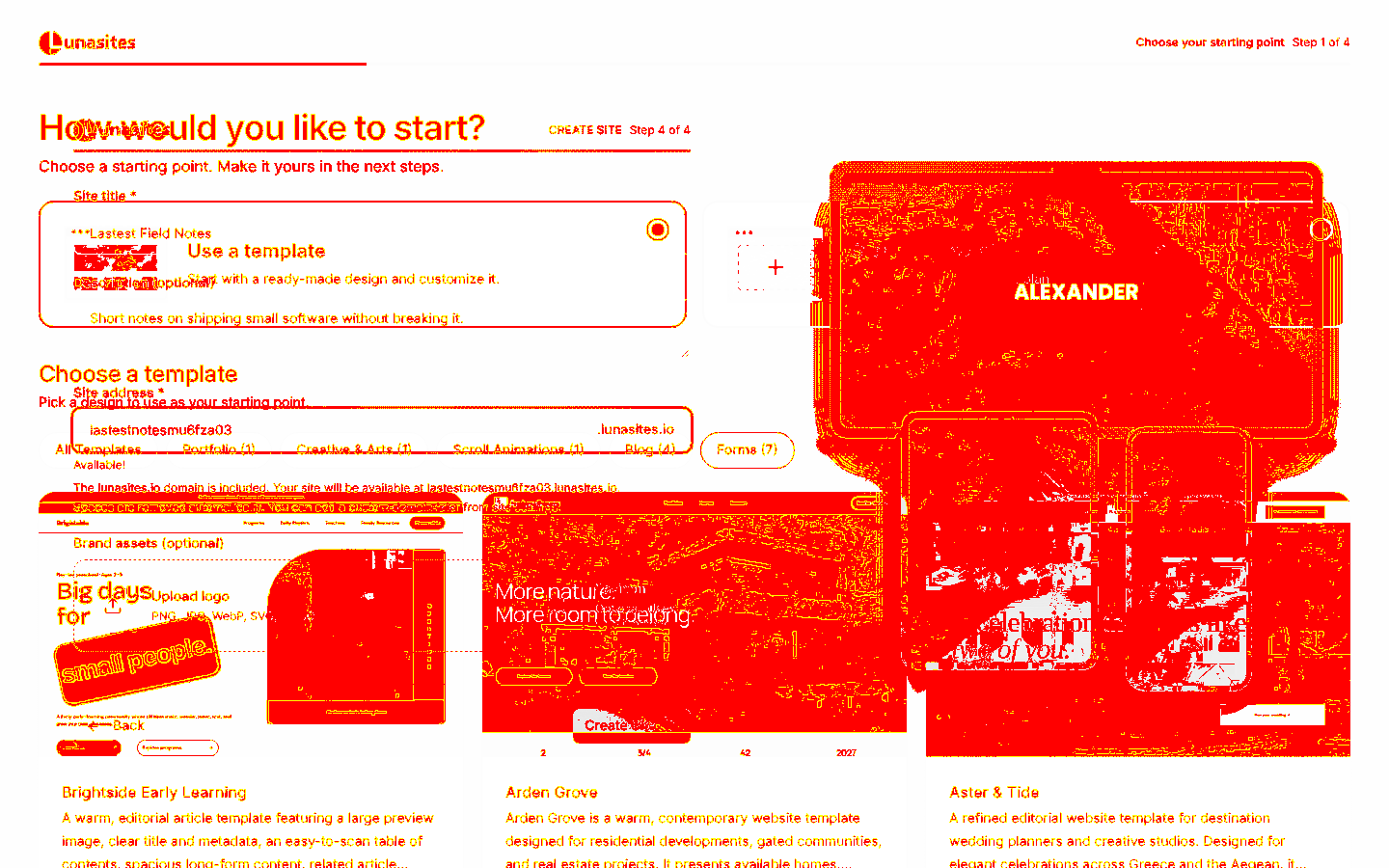
11 visual changes























Share this run
Proof your app is not AI slop
This test was built for dashboard.lunasites.io — claim it free
One click copies the test and baseline screenshots into your own Lastest workspace. Re-run on every deploy and catch regressions before your users do — free, no card required.