

In this video· click a step to jump to it
Test recording
LLMFly AI — app walkthrough
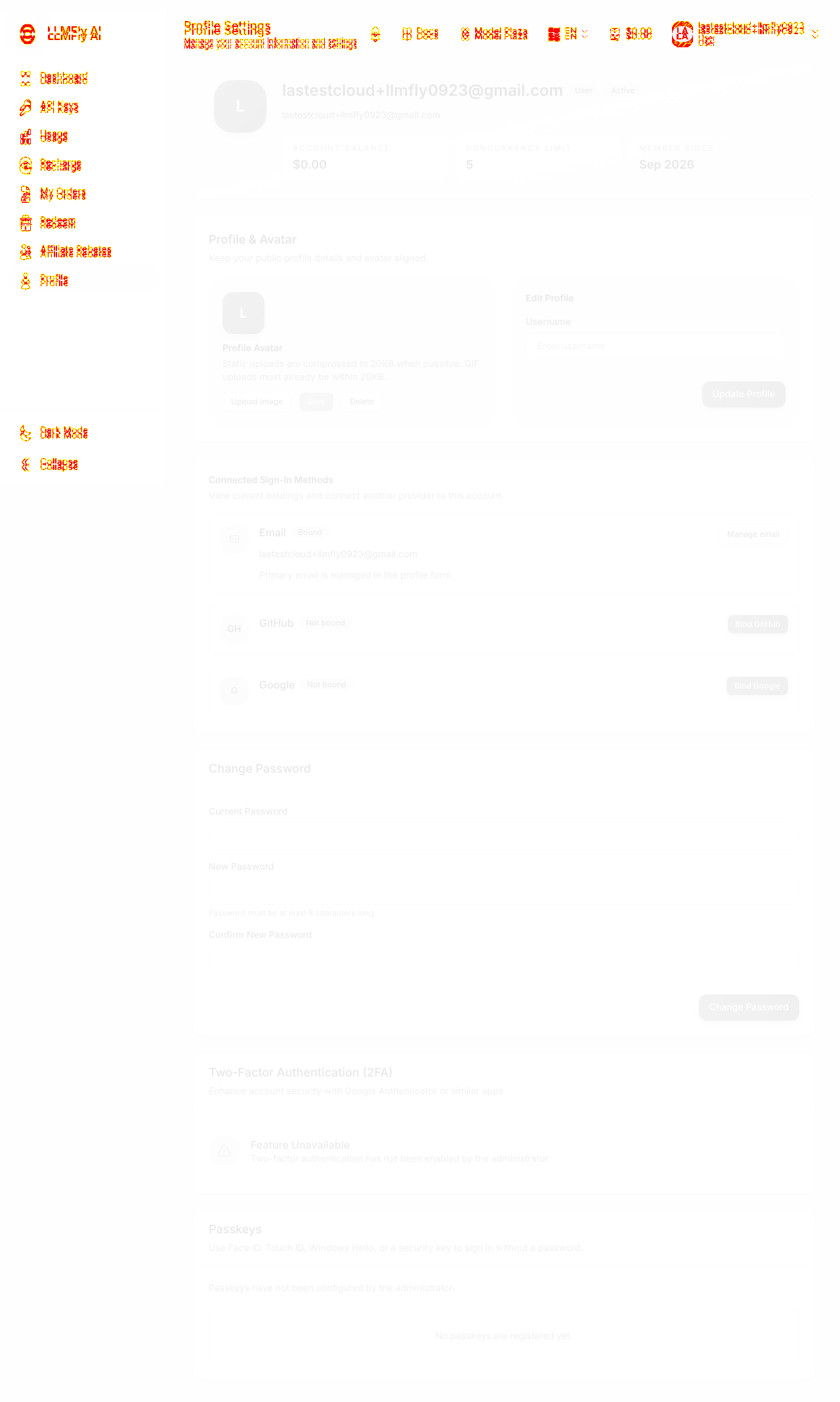
55,921 ms · 18,701 pixels changed
We built this regression test for app.llmfly.ai — it's yours to keep, free.
Take this test with you
This is a real Playwright test, recorded against app.llmfly.ai. Claim it into your own workspace and re-run it on every deploy — free.
export async function test(page, baseUrl, screenshotPath, stepLogger) {
  const shot = (n, slug) => screenshotPath.replace('.png', `-${n}-${slug}.png`);
  const STAMP = Date.now().toString(36).slice(-4);
  const SCROLL_THROUGH = "(async () => { const ease = t => 1 - Math.pow(1 - t, 3); const max = Math.max(0, document.body.scrollHeight - window.innerHeight); if (max < 40) return; const anim = (a, b, ms) => new Promise(res => { const t0 = performance.now(); const step = now => { const p = Math.min(1, (now - t0) / ms); window.scrollTo(0, a + (b - a) * ease(p)); p < 1 ? requestAnimationFrame(step) : res(); }; requestAnimationFrame(step); }); await anim(0, max, 1300); await new Promise(r => setTimeout(r, 300)); await anim(max, 0, 700); })()";

  await page.context().setExtraHTTPHeaders({ 'User-Agent': 'Mozilla/5.0 (X11; Linux x86_64) AppleWebKit/537.36 (KHTML, like Gecko) Chrome/132.0.0.0 Safari/537.36' });

  const go = async (path, waitText) => {
    await page.goto(baseUrl + path, { waitUntil: 'domcontentloaded' });
    await page.waitForLoadState('networkidle', { timeout: 6000 }).catch(function () {});
    await page.getByText(waitText).first().waitFor({ state: 'visible', timeout: 20000 }).catch(function () {});
await page.waitForTimeout(1800);Checks run
Notes from the demo run
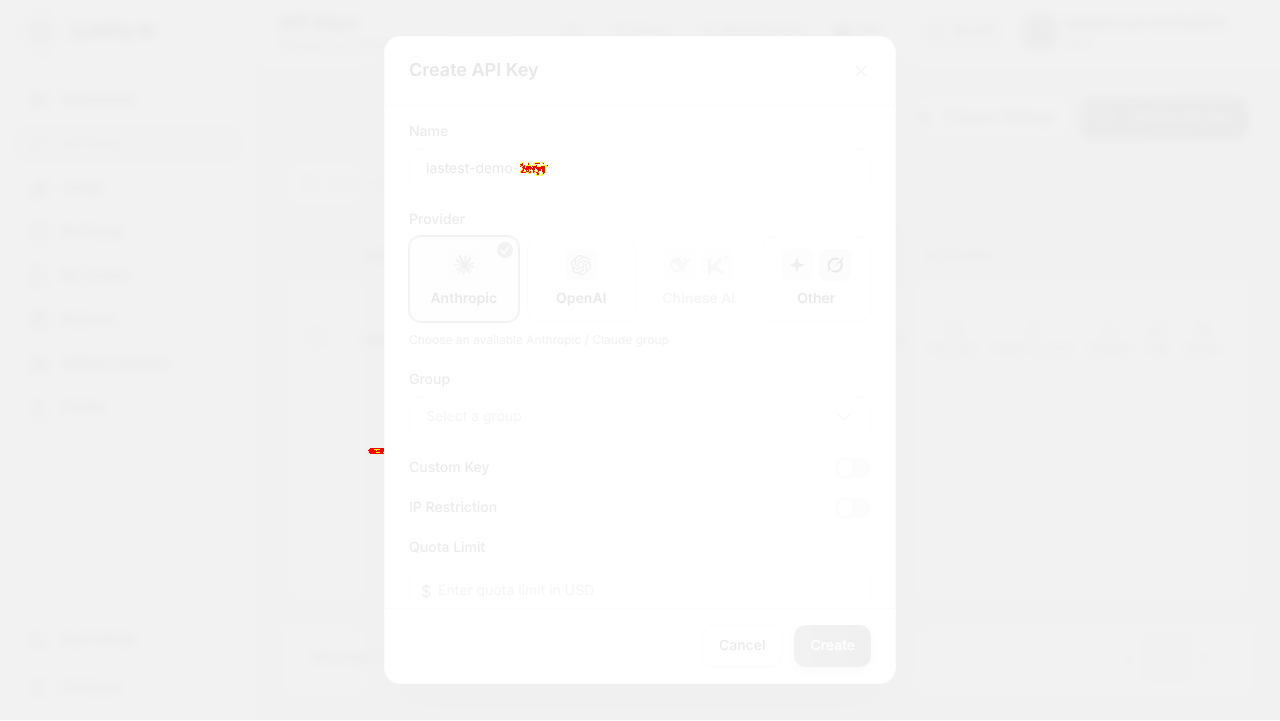
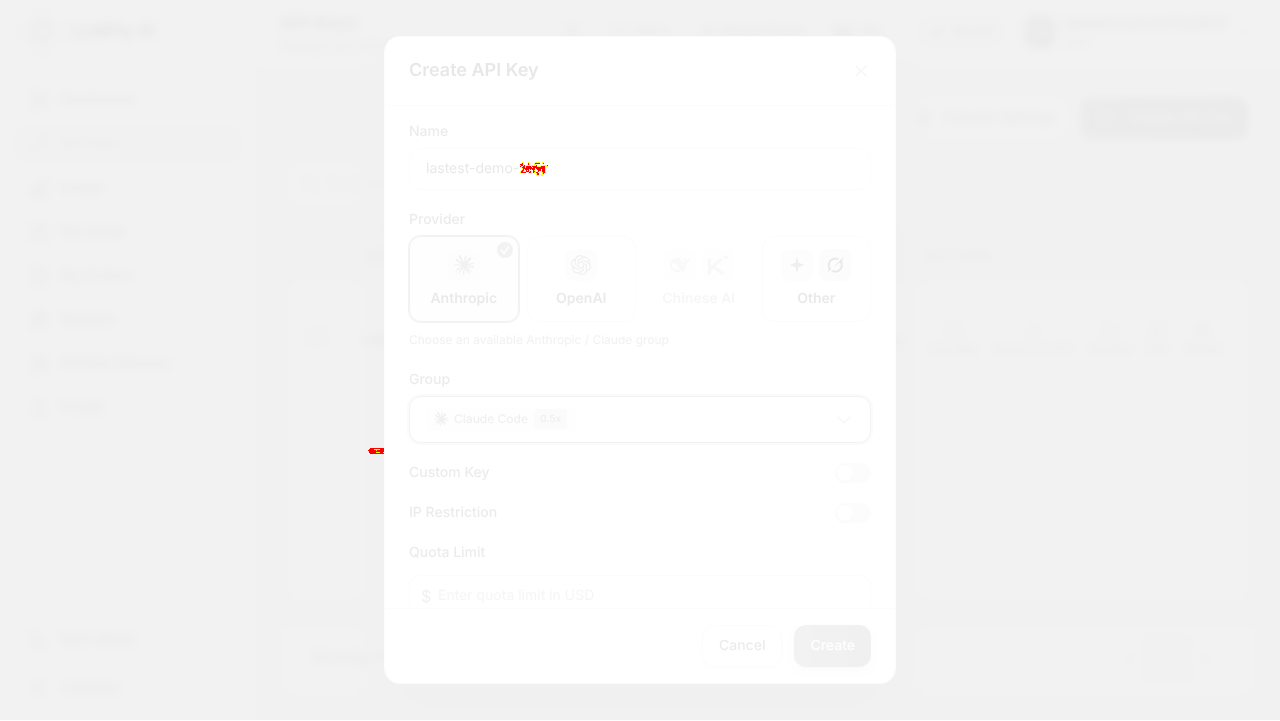
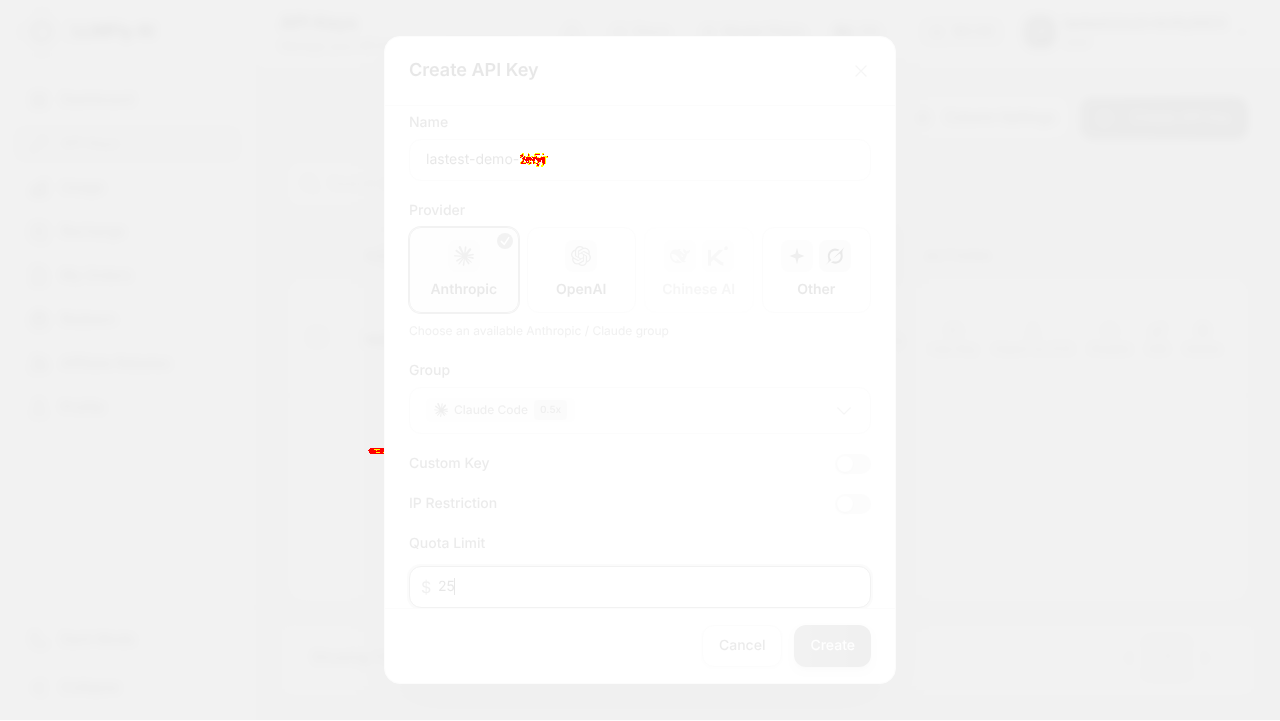
AI-generatedWe signed up with email and a 6-digit code, then drove the LLMFly console the way a developer evaluating a gateway would: dashboard, API keys, creating a real key end to end (name, Anthropic provider, Claude Code routing group, $25 quota cap), usage analytics, recharge, and profile. The console is denser than most gateway front-ends and that works in your favour, because the things a developer actually worries about when handing an API key to a script (which provider it can reach, which routing group, how much it can spend, IP restriction, expiry) are all on the creation form rather than buried in settings after the fact.
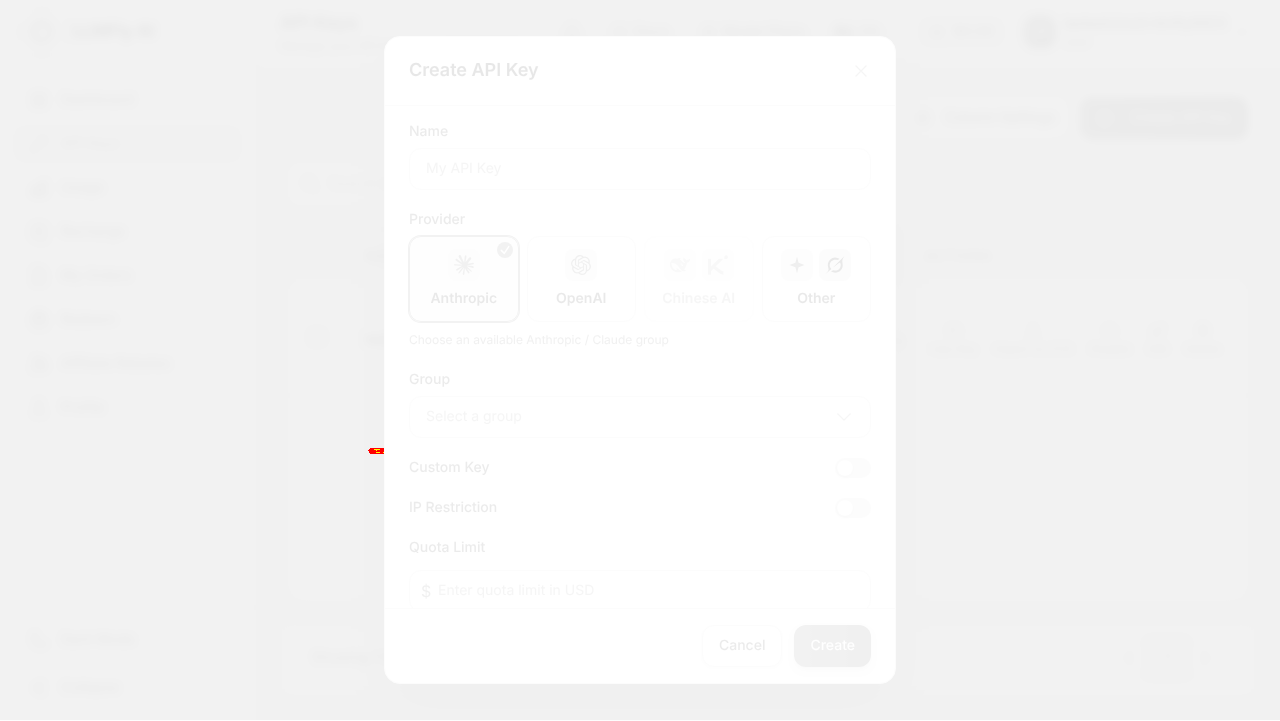
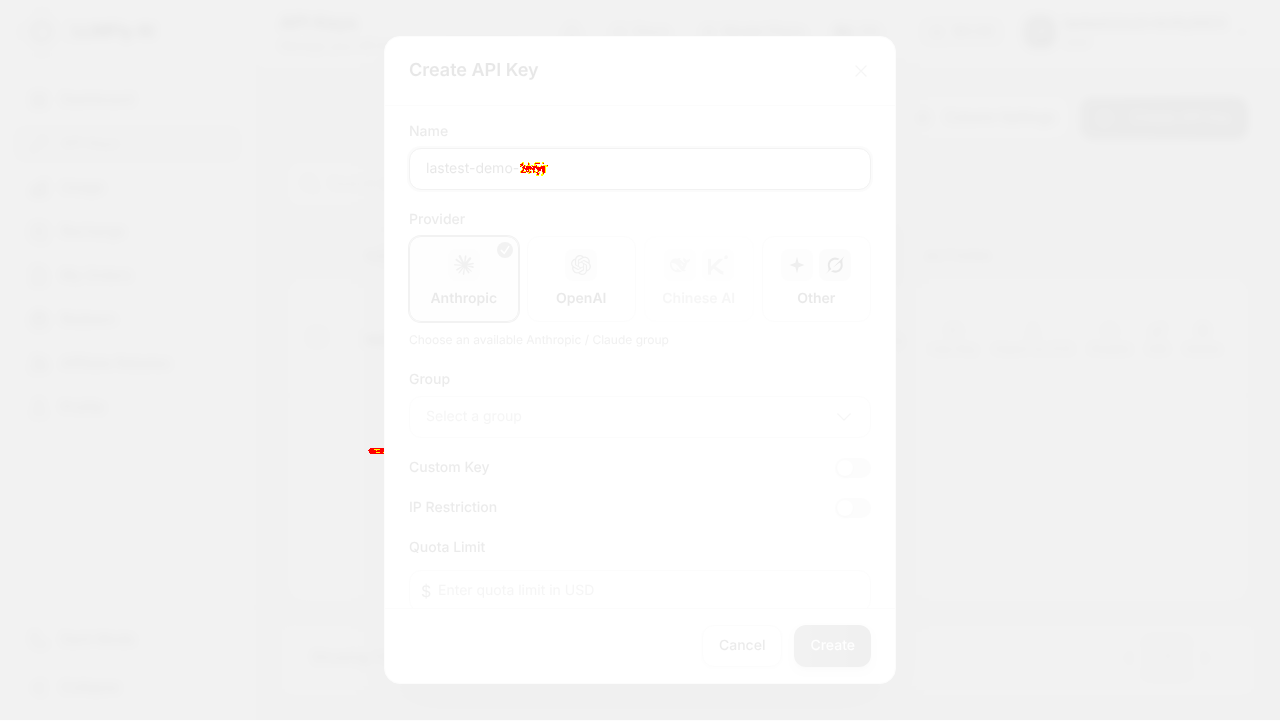
- Provider, group, quota and expiry live on the create formOne dialog sets the provider, the routing group with its rate multiplier shown inline ('Claude Code 0.5x'), a spend cap, IP restriction and an expiration. That is the whole safety story for a key at the moment you issue it, not after a surprise invoice.
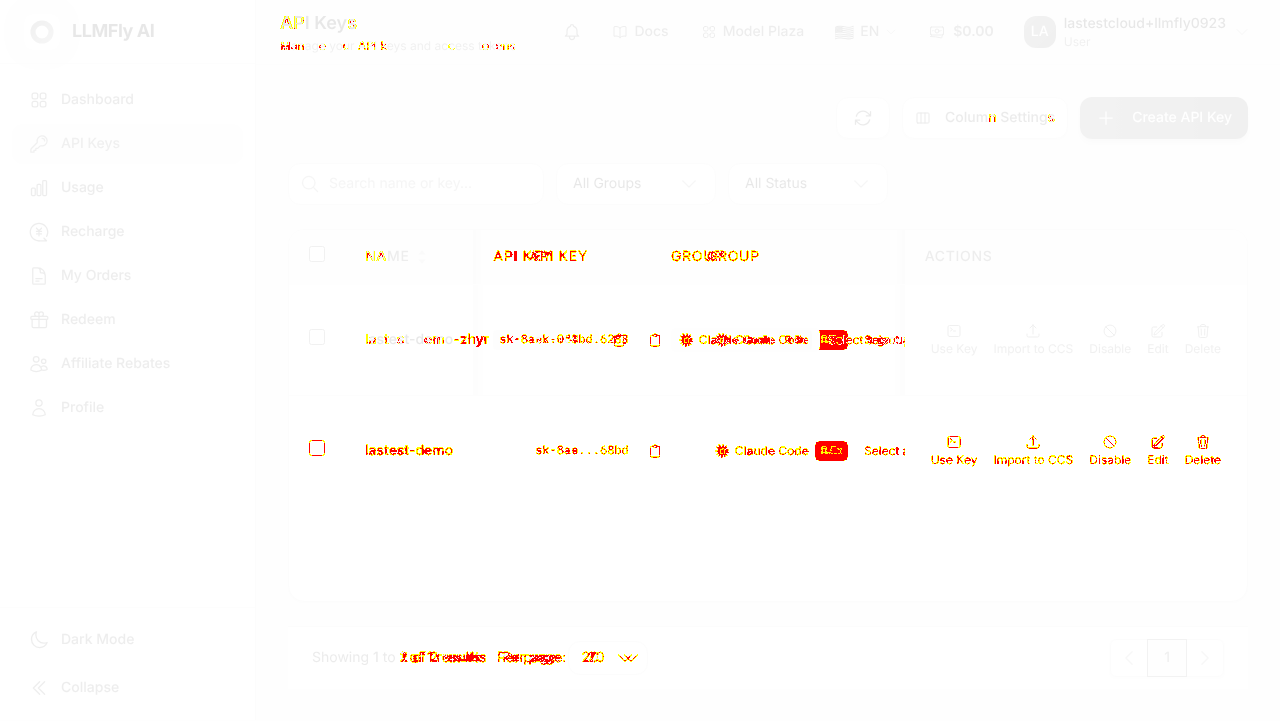
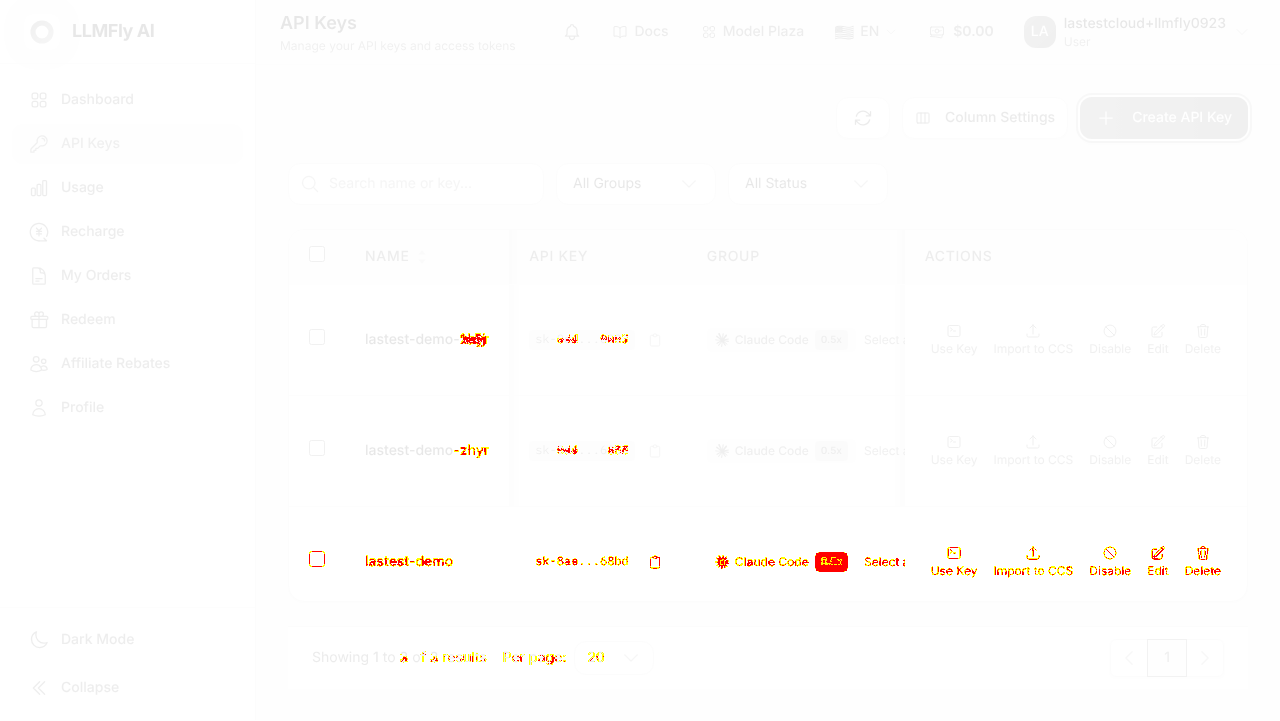
- The keys table earns its widthPer key you show current concurrency, today vs last-30-days usage, quota consumed against cap, expiry and status, plus Use Key and Import to CCS actions. A developer running several integrations can tell at a glance which key is doing what.
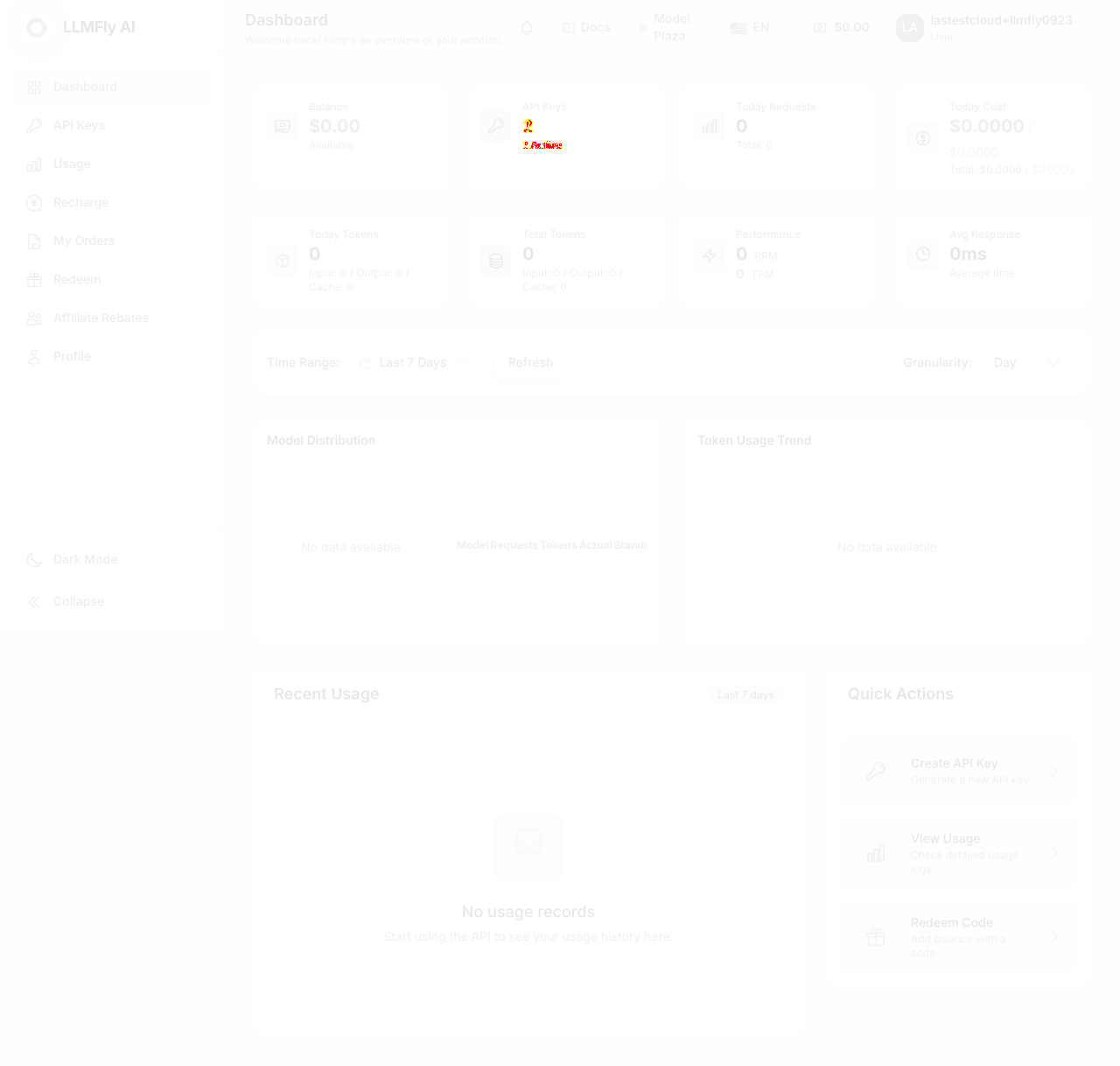
- Signup to working console is about ninety secondsEmail, password, 6-digit code, and you land on a populated dashboard. No sales gate on a developer product is the right call.
- The group field is only revealed as required after you submitWith name, provider and quota filled, pressing Create returns 'Please select a group' and the dialog stays open. Group has no required marker and starts empty, so the first attempt to create a key fails for most people. Defaulting to the only available group, or marking it required, removes a guaranteed stumble.
- Each key row repeats a 'Select a group' control next to the assigned groupA key already assigned to Claude Code still shows a 'Select a group' placeholder button in the same cell, which reads as if the group did not save. It also collides with the create dialog for anything automating the page.
- /purchase checkout·Selected the $50 amount to show the flow but never confirmed payment.
9 visual changes


















Share this run
Proof your app is not AI slop
This test was built for app.llmfly.ai — claim it free
One click copies the test and baseline screenshots into your own Lastest workspace. Re-run on every deploy and catch regressions before your users do — free, no card required.