

In this video· click a step to jump to it
Test recording
Dronggo — app walkthrough (authed)
79,422 ms · 124,859 pixels changed
We built this regression test for app.dronggo.ai — it's yours to keep, free.
Take this test with you
This is a real Playwright test, recorded against app.dronggo.ai. Claim it into your own workspace and re-run it on every deploy — free.
export async function test(page, baseUrl, screenshotPath, stepLogger) {
  const STAMP = Date.now().toString(36);
  const APP = 'https://app.dronggo.ai';
  const MKT = 'https://dronggo.ai';

  let __step = 0;
  const shot = async (label) => {
    __step++;
    const tag = String(__step).padStart(2, '0') + '-' + label;
    const p = screenshotPath.replace(/(\.png)?$/, '-' + tag + '.png');
    await page.screenshot({ path: p, fullPage: true });
stepLogger.log('📸 ' + __step + ': ' + label);Checks run
Notes from the demo run
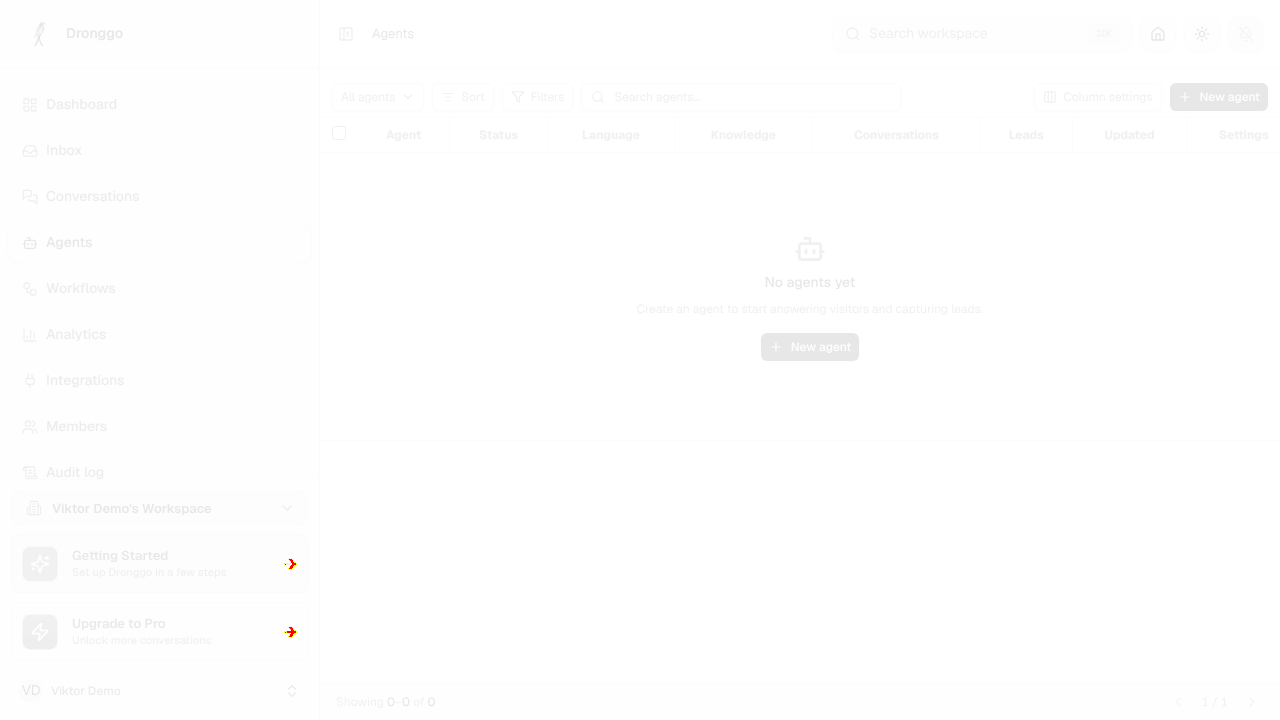
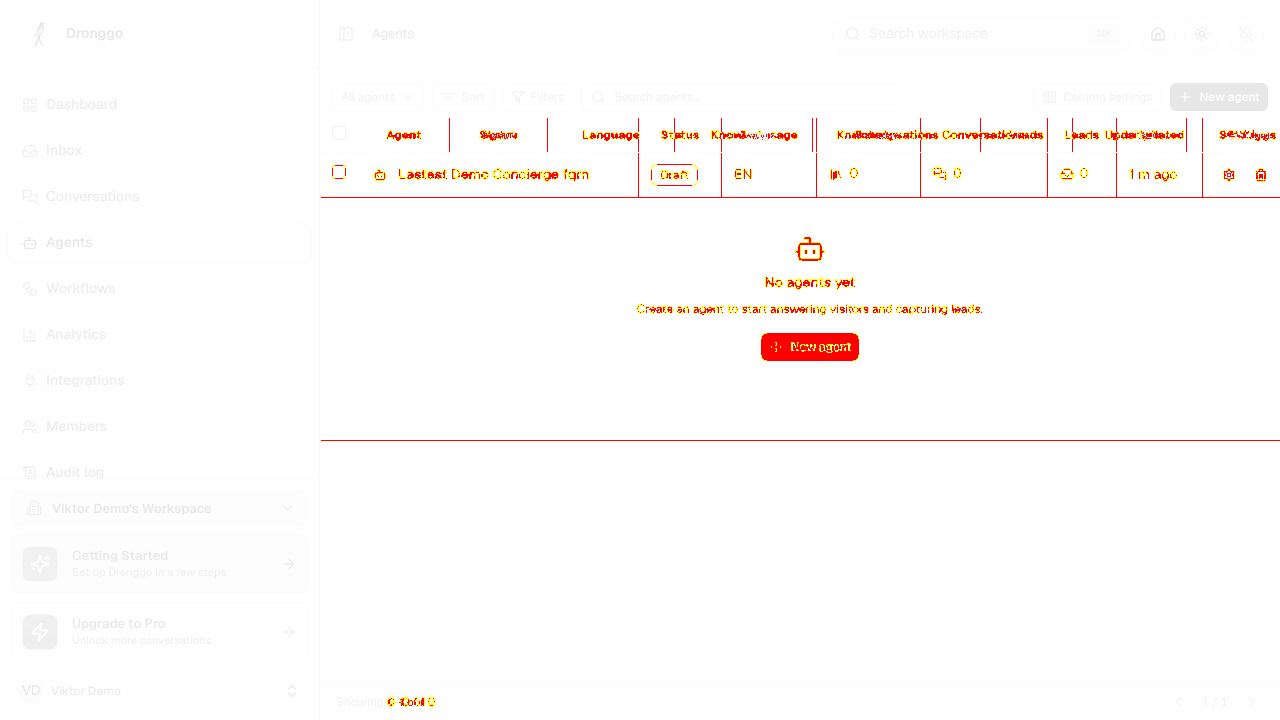
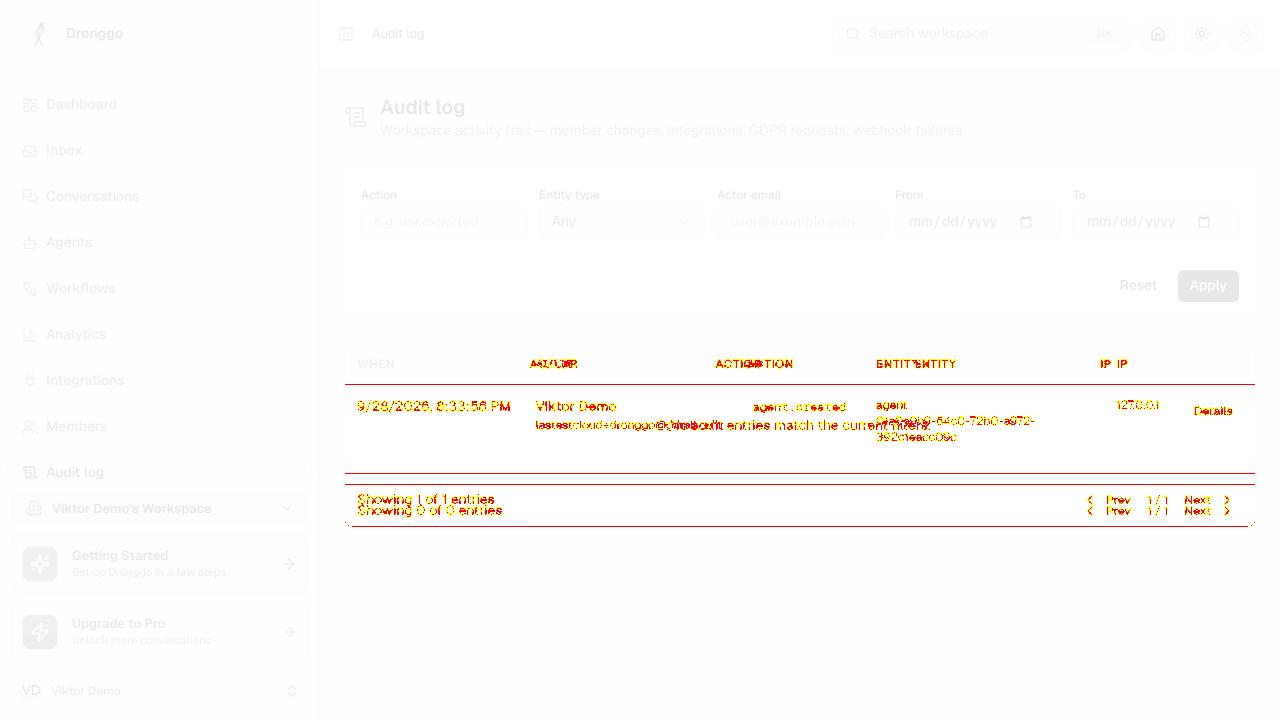
AI-generatedWe registered on app.dronggo.ai, verified the email and drove your whole workspace: dashboard, inbox, conversations, agents, workflows, analytics, integrations, members, audit log and billing, then built an AI concierge agent end to end. The register-to-dashboard path is genuinely fast, and the agent detail page is the strongest screen in the product: the 3-step launch checklist plus the Launch snapshot panel tell a new operator exactly what is still missing before going live.
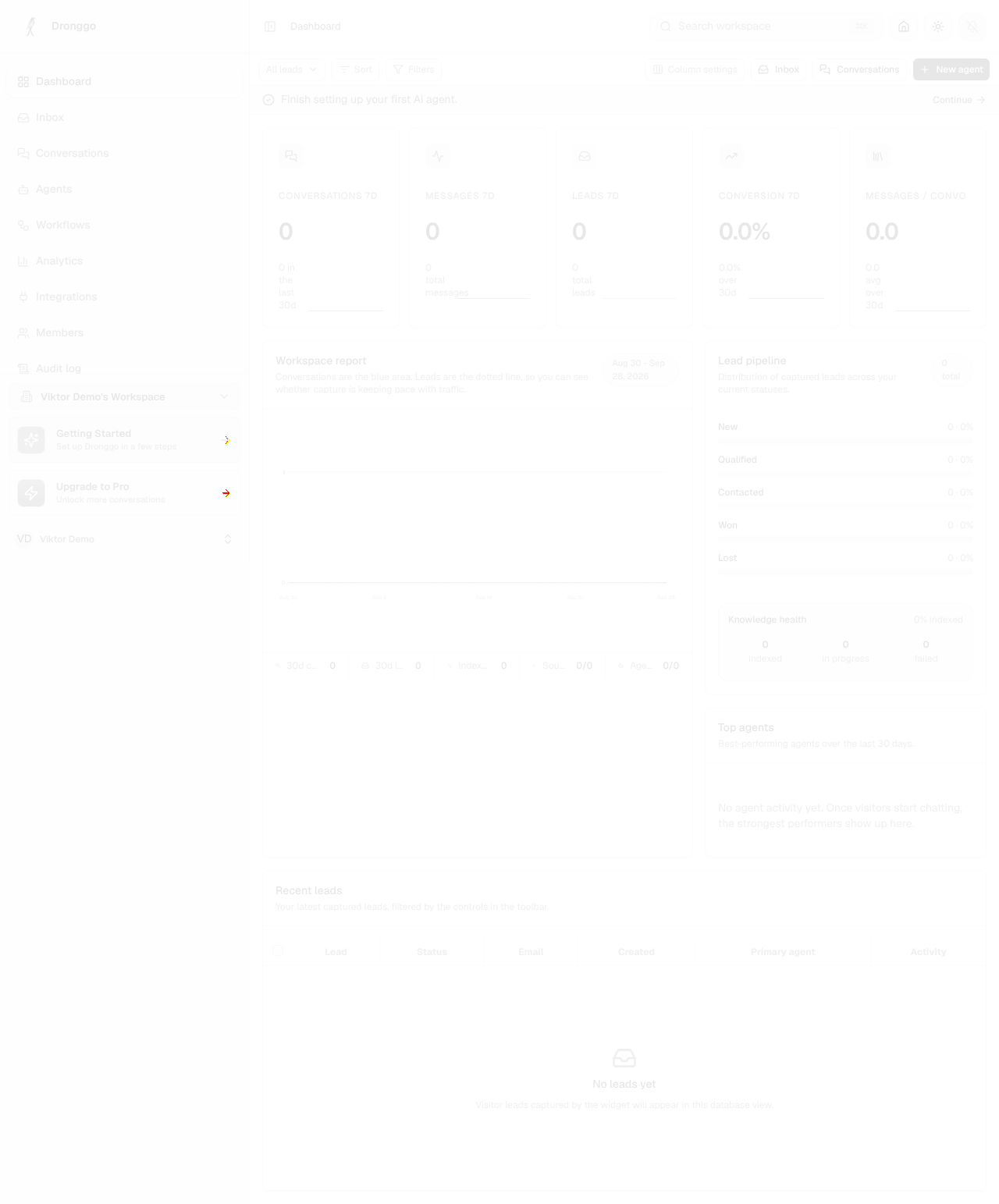
- Empty states that teachYour zero-data dashboard still reads well: the Workspace report explains that conversations are the blue area and leads the dotted line, so the chart means something before any data exists.
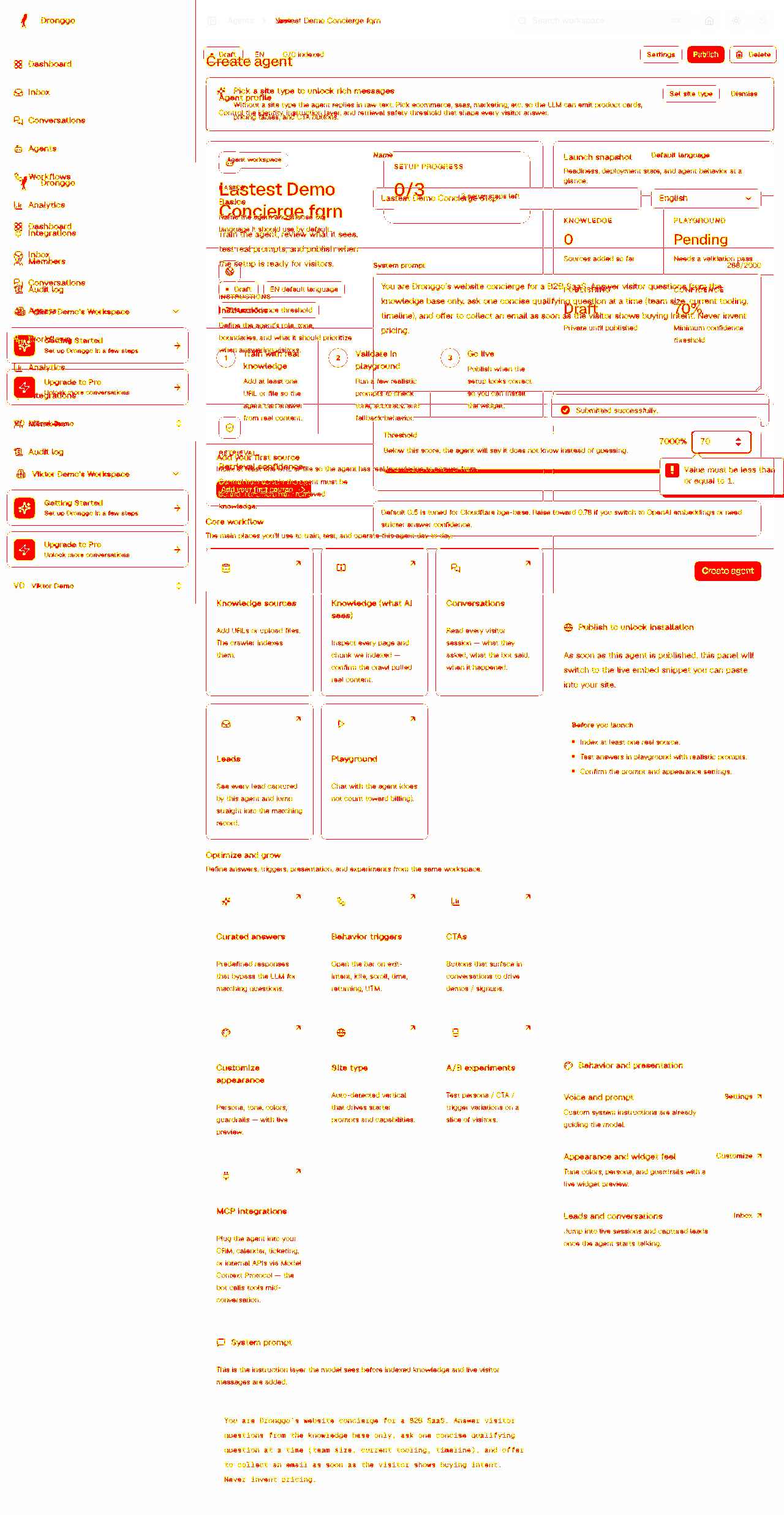
- Agent page does the onboardingAfter Create agent, the Launch snapshot (Knowledge 0 / Playground Pending / Publishing Draft / Confidence 70%) plus 'Train, Validate, Go live' is a clearer next-step model than a separate onboarding wizard would be.
- Deep links survive a cold sessionEvery /app/* route loaded directly from a replayed session cookie with no bounce through a loader or a redirect to /dashboard.
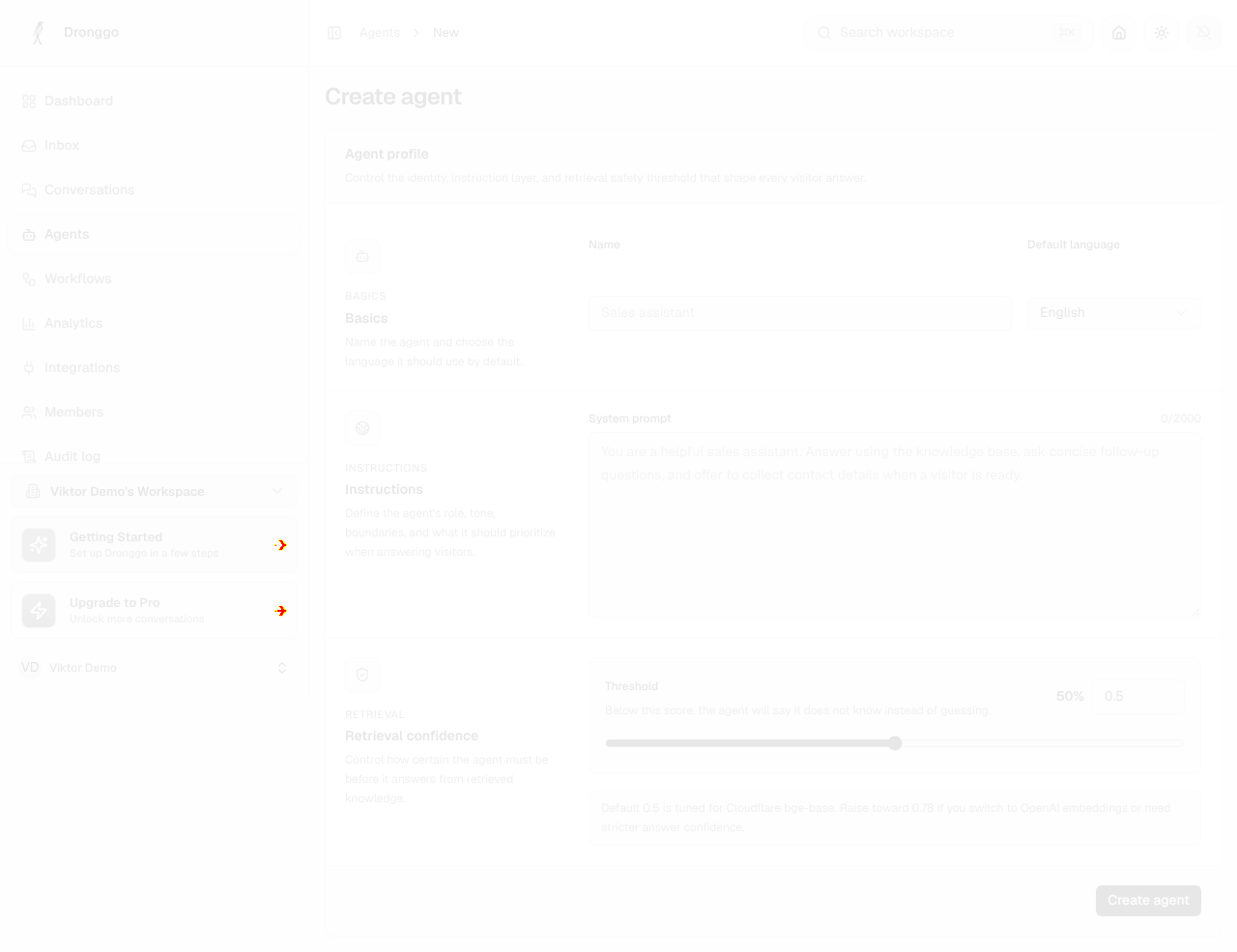
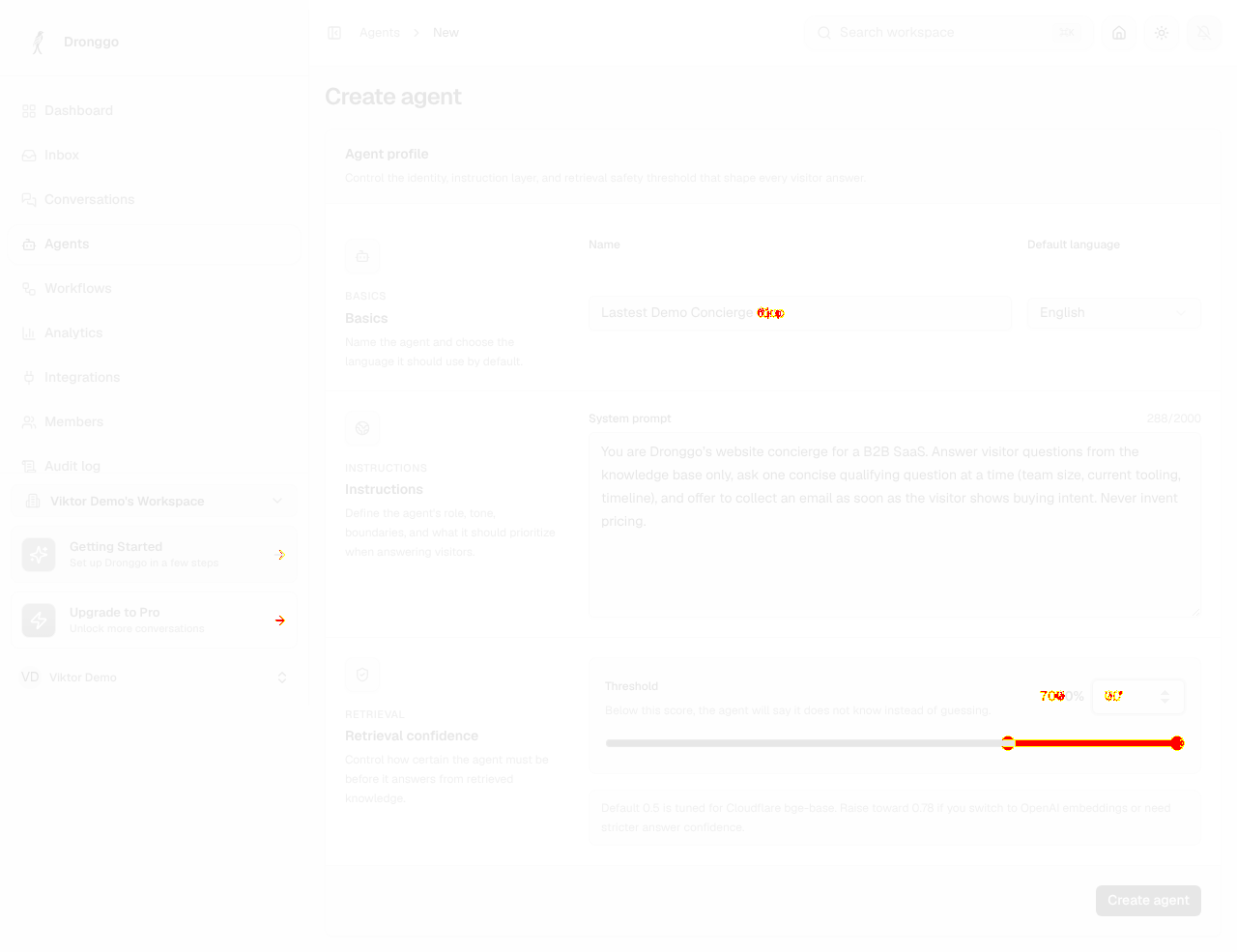
- Retrieval Threshold silently rejects 70The field is a 0-1 ratio but the readout next to it renders the typed value as a percentage, so typing 70 shows '7000%' and blocks Create agent behind a native browser tooltip ('Value must be less than or equal to 1') with no inline form error. Our first run lost the agent this way. Either accept 0-100 and divide, or set max=1 step=0.05 with a visible helper.
- Two 'first agent' nudges at onceThe dashboard shows a green 'Finish setting up your first AI agent' banner and a purple 'Getting Started' sidebar card pointing at the same task. Collapsing to one would make the single next action unambiguous.
- /onboarding·Would have re-entered the setup wizard and hidden the real workspace behind it
7 visual changes














Share this run
Proof your app is not AI slop
This test was built for app.dronggo.ai — claim it free
One click copies the test and baseline screenshots into your own Lastest workspace. Re-run on every deploy and catch regressions before your users do — free, no card required.