

In this video· click a step to jump to it
Test recording
HeyDopple — app walkthrough
58,379 ms · 308 pixels changed
We built this regression test for app.heydopple.ai — it's yours to keep, free.
Take this test with you
This is a real Playwright test, recorded against app.heydopple.ai. Claim it into your own workspace and re-run it on every deploy — free.
export async function test(page, baseUrl, screenshotPath, stepLogger) {
  const UA = 'Mozilla/5.0 (X11; Linux x86_64) AppleWebKit/537.36 (KHTML, like Gecko) Chrome/140.0.0.0 Safari/537.36';
  await page.context().setExtraHTTPHeaders({ 'User-Agent': UA }).catch(() => {});
  for (const pat of [
    '**/cdn-cgi/scripts/**/email-decode.min.js',
    '**/browser.sentry-cdn.com/**',
    '**/cdn.segment.com/**',
    '**/connect.facebook.net/**',
    '**/www.googletagmanager.com/**',
    '**/static.hotjar.com/**',
    '**/*.clarity.ms/**',
]) { await page.route(pat, r => r.abort()).catch(() => {}); }Checks run
Notes from the demo run
AI-generatedWe signed up, confirmed by email, built a dopple through all five wizard steps and then drove the manage view: Documents, Settings, Interactive, Theme, Conversations, Analytics and Job Tools, plus the live public dopple page and a Job Fit Check. The wizard itself is the strongest part of the product, and the manage view gives away more than most free tiers do. The problem is what happens if someone takes the skip you offer on the last step.
- The create wizard is five genuinely distinct stepsGoal, Configure, Theme, Interactive, Documents, each with a real decision in it rather than padding. The Theme step renders a live chat preview as you pick colours and fonts.
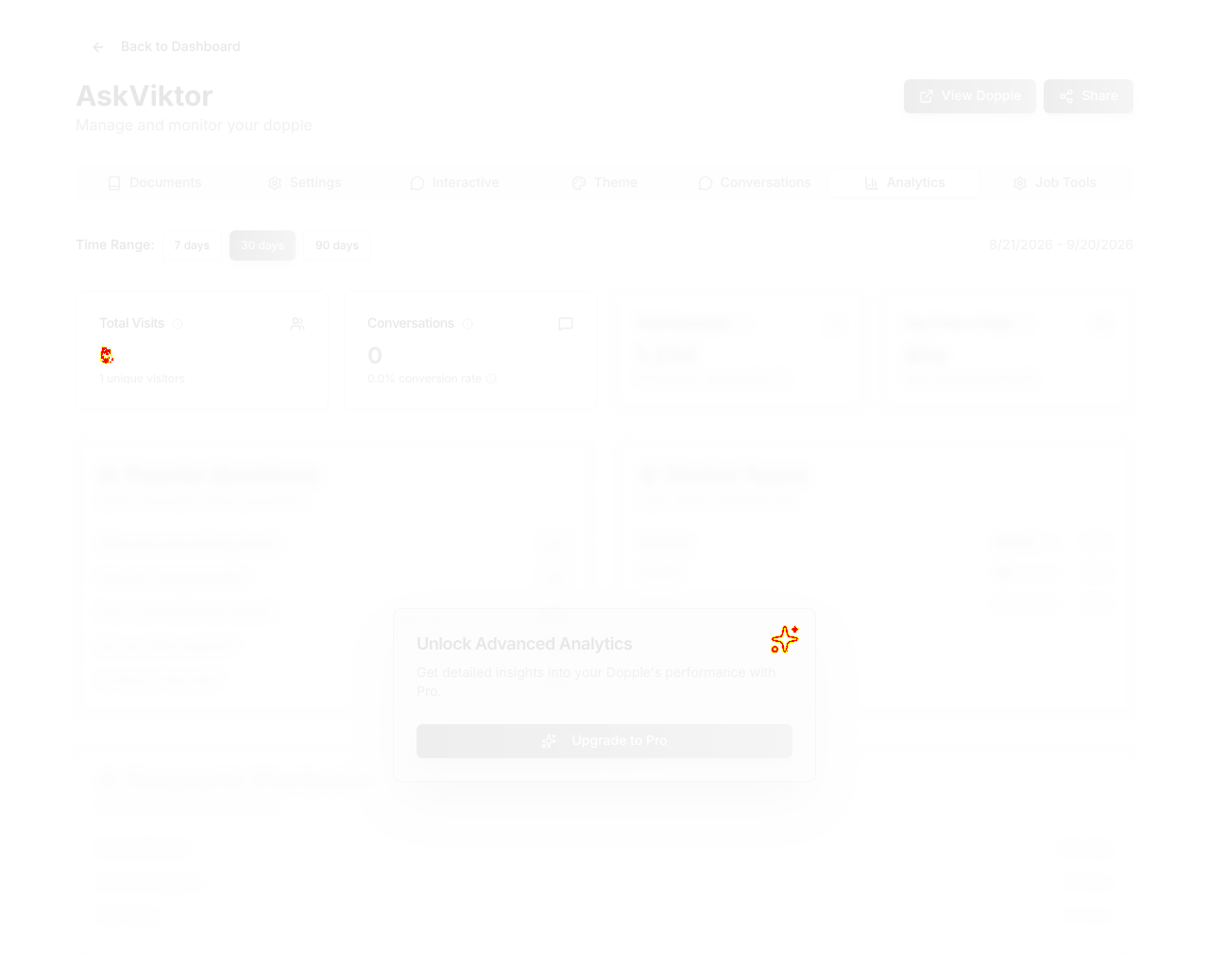
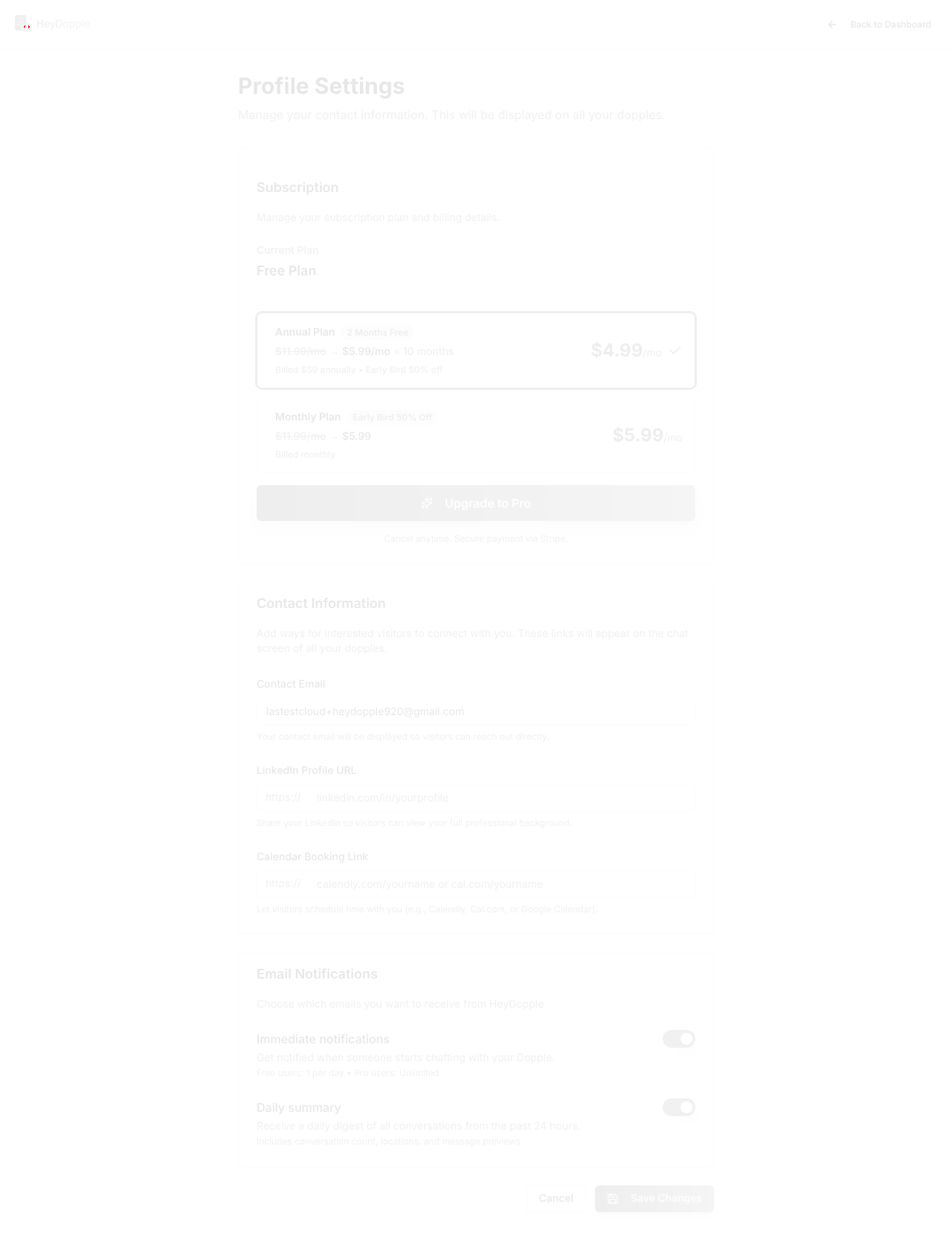
- Seven manage tabs, and the paywall is honest about where it startsDocuments, Settings, Interactive, Theme, Conversations, Analytics and Job Tools are all reachable free. Analytics gives you real Total Visits and Conversations, then blurs the rest behind Upgrade to Pro rather than hiding the tab. Showing the shape of what is locked beats a dead menu item.
- Confirm link drops you straight into buildingThe Supabase confirmation link lands on /dashboard/create, not a generic dashboard. Zero dead steps between confirming an email and making the thing you came for.
- You can launch a dopple with no knowledge base, and it ships brokenStep 5 puts 'I'll do this later' next to 'Launch My Dopple'. Take it and you get a live, shareable URL whose every reply is 'This dopple is not active yet because it has no knowledge base. Ask the owner to upload at least one document.' Share and Embed sit right above that message, so the natural next move is to send someone a dead link. Either gate Launch on one document or mark the dopple as a draft until it has one.
- Two of the three 'add documents' methods are inertThe Documents panel offers Upload Files, Import from URL and Paste Text as a row of choices. Clicking any of them renders no new input and no dialog: the DOM input count stays at 1 (the hidden file picker) in every case, on both the wizard and the manage view. The only working path is drag-and-drop or Select Files. Since pasting a resume is the fastest route to a working dopple, this is the button that costs you activations.
3 visual changes







Share this run
Proof your app is not AI slop
This test was built for app.heydopple.ai — claim it free
One click copies the test and baseline screenshots into your own Lastest workspace. Re-run on every deploy and catch regressions before your users do — free, no card required.