

In this video· click a step to jump to it
Test recording
Quimonit — website monitoring walkthrough
82,130 ms · 182,911 pixels changed
We built this regression test for quimonit.com — it's yours to keep, free.
Take this test with you
This is a real Playwright test, recorded against quimonit.com. Claim it into your own workspace and re-run it on every deploy — free.
export async function test(page, baseUrl, screenshotPath, stepLogger) {
  const STAMP = Date.now().toString(36);
  const shot = (n, slug) => screenshotPath.replace('.png', '-' + n + '-' + slug + '.png');
  const SCROLL_THROUGH = "(async () => { const ease = t => 1 - Math.pow(1 - t, 3); const max = Math.max(0, document.body.scrollHeight - window.innerHeight); if (max < 40) return; const anim = (a, b, ms) => new Promise(res => { const t0 = performance.now(); const step = now => { const p = Math.min(1, (now - t0) / ms); window.scrollTo(0, a + (b - a) * ease(p)); p < 1 ? requestAnimationFrame(step) : res(); }; requestAnimationFrame(step); }); await anim(0, max, 1400); await new Promise(r => setTimeout(r, 350)); await anim(max, 0, 800); })()";

  await page.context().setExtraHTTPHeaders({ 'User-Agent': 'Mozilla/5.0 (X11; Linux x86_64) AppleWebKit/537.36 (KHTML, like Gecko) Chrome/132.0.0.0 Safari/537.36' });
  await page.route('**/cdn-cgi/scripts/**/email-decode.min.js', function (r) { r.abort(); }).catch(function () {});

  // ─── 1. Public home ───────────────────────────────────────────────────────
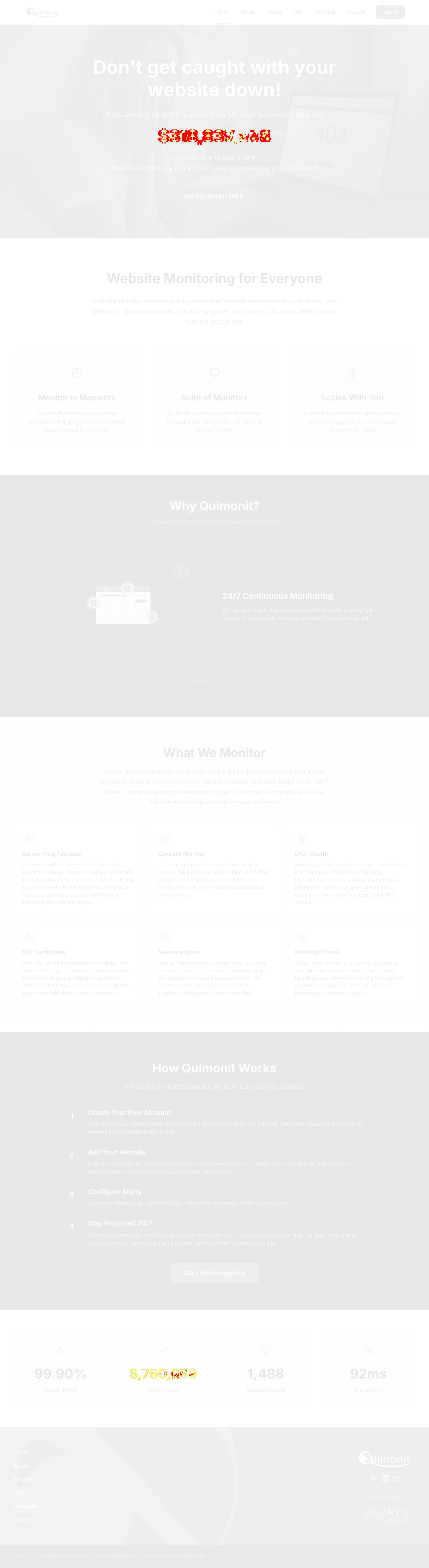
  stepLogger.log('Home - what Quimonit sells');
  await page.goto(baseUrl, { waitUntil: 'domcontentloaded' });
await page.waitForLoadState('networkidle', { timeout: 4000 }).catch(function () {});Checks run
Notes from the demo run
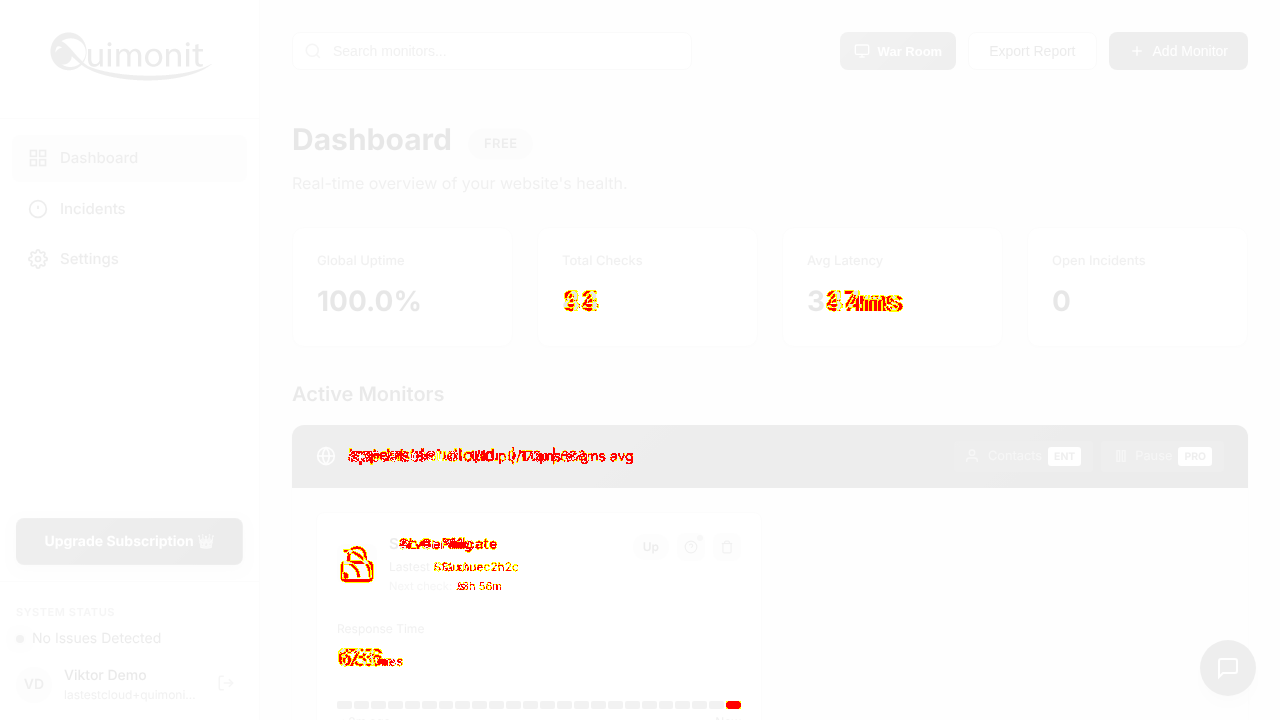
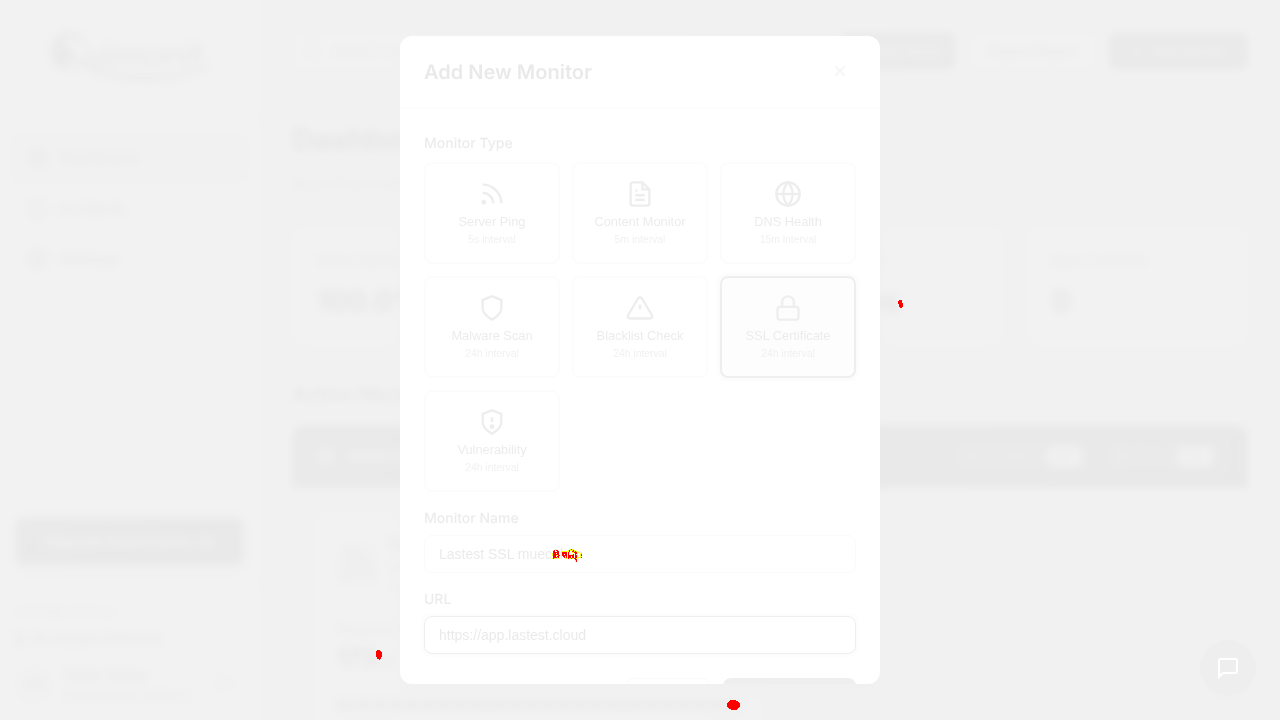
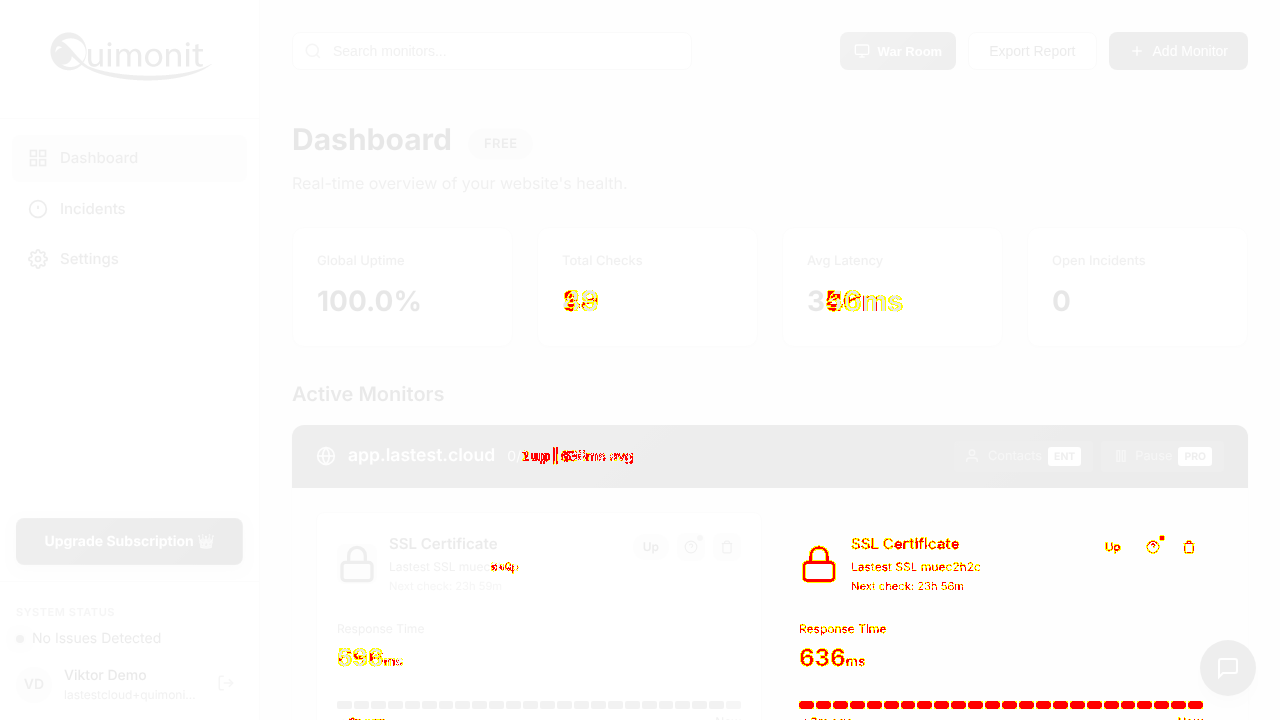
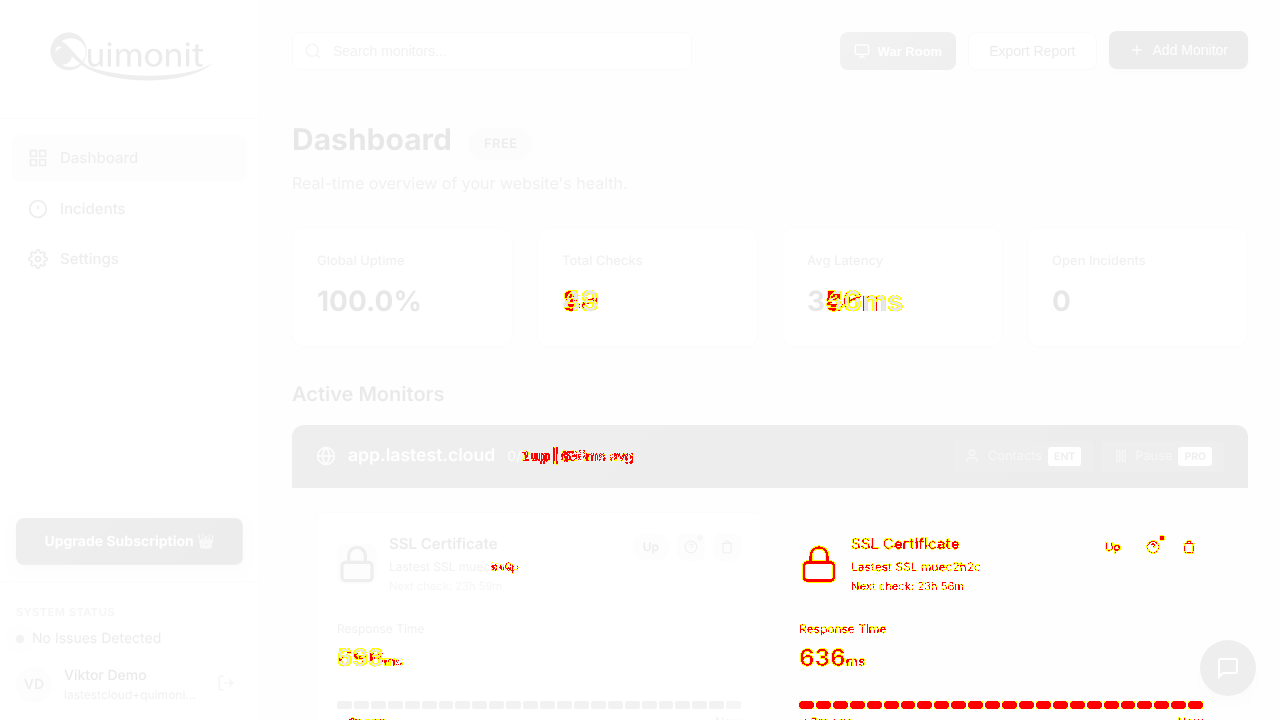
AI-generatedWe signed in, added an SSL-certificate monitor on app.lastest.cloud and had a real check back in under ten seconds — 636ms, green, counting up. That speed from add-monitor to first data point is the whole pitch and you nail it. Seven check types behind one button, each with its own sane default interval, and no plan upsell in the way of the free tier's four monitors.
- First check lands before you can tab awayCreate Monitor to a live latency reading was under ten seconds, with the sparkline already filling in. Most monitoring tools make you wait for the first interval and show an empty card in the meantime.
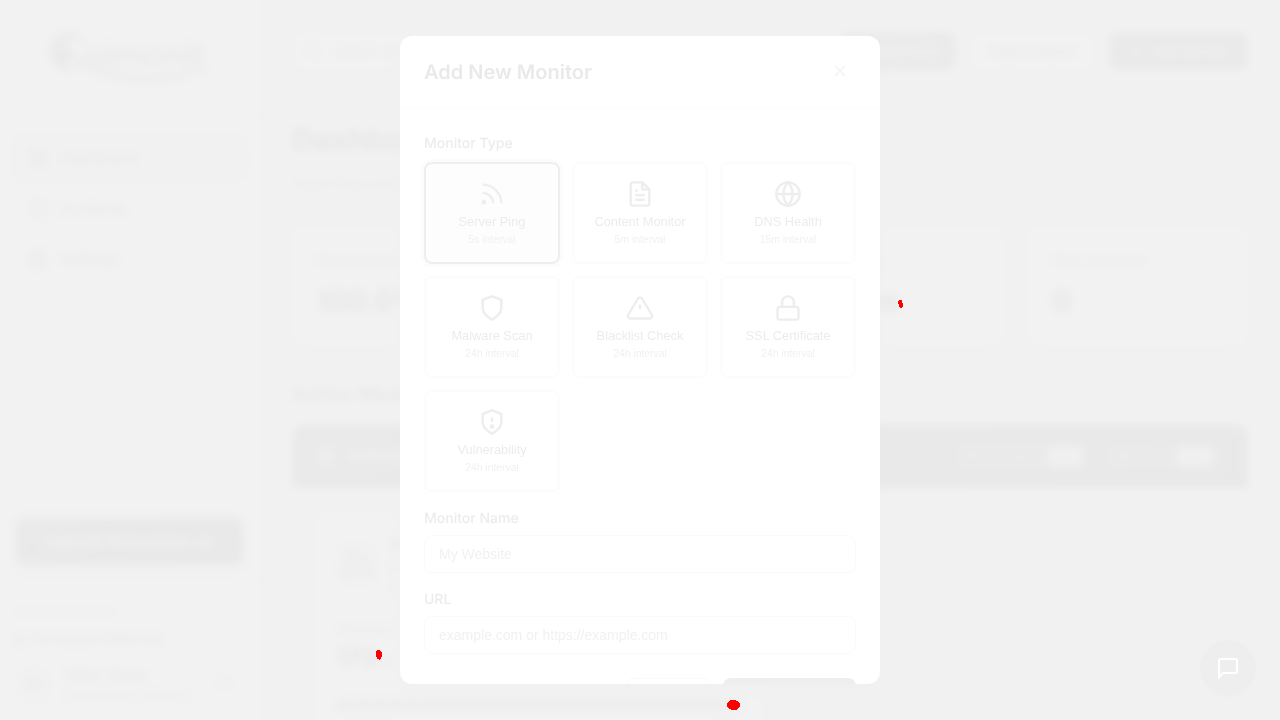
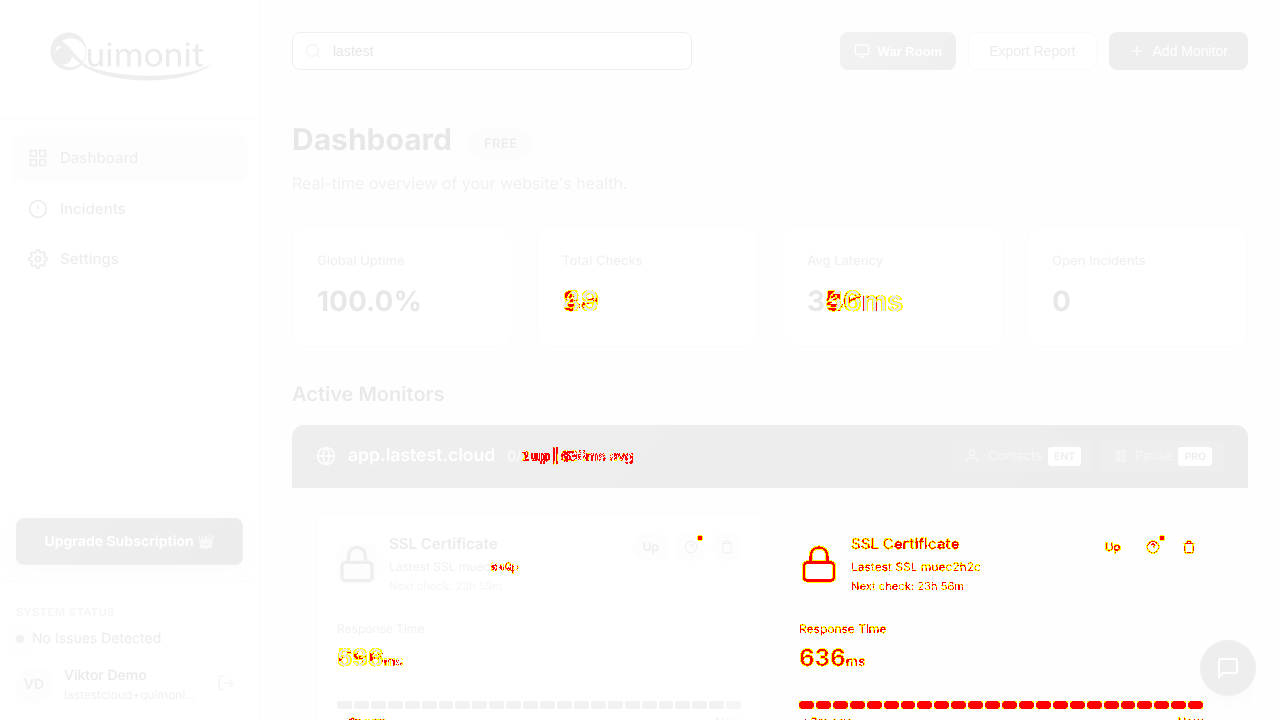
- Seven check types, one dialogServer Ping 5s, Content 5m, DNS 15m, Malware 24h, Blacklist 24h, SSL 24h, Vulnerability 24h — the interval is printed on each card, so the cost/frequency tradeoff is visible at the moment you choose. That is a good bit of interface design.
- Locked features are labelled, not hiddenContacts is badged ENT and Pause is badged PRO right on the monitor card. Showing what exists and what it costs beats discovering a missing feature later.
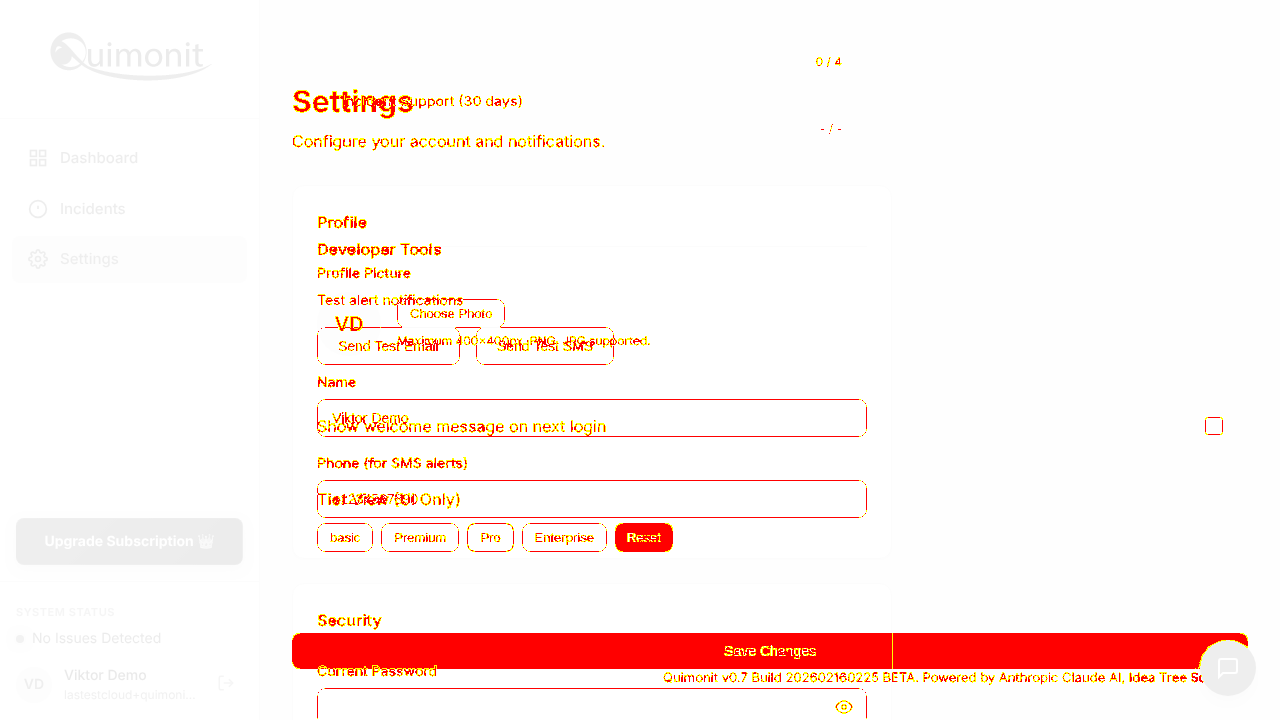
- Tier View lets you see the paid UI before payingThe basic/Premium/Pro/Enterprise switch in Settings repaints the dashboard as that tier. That is an honest way to sell an upgrade.
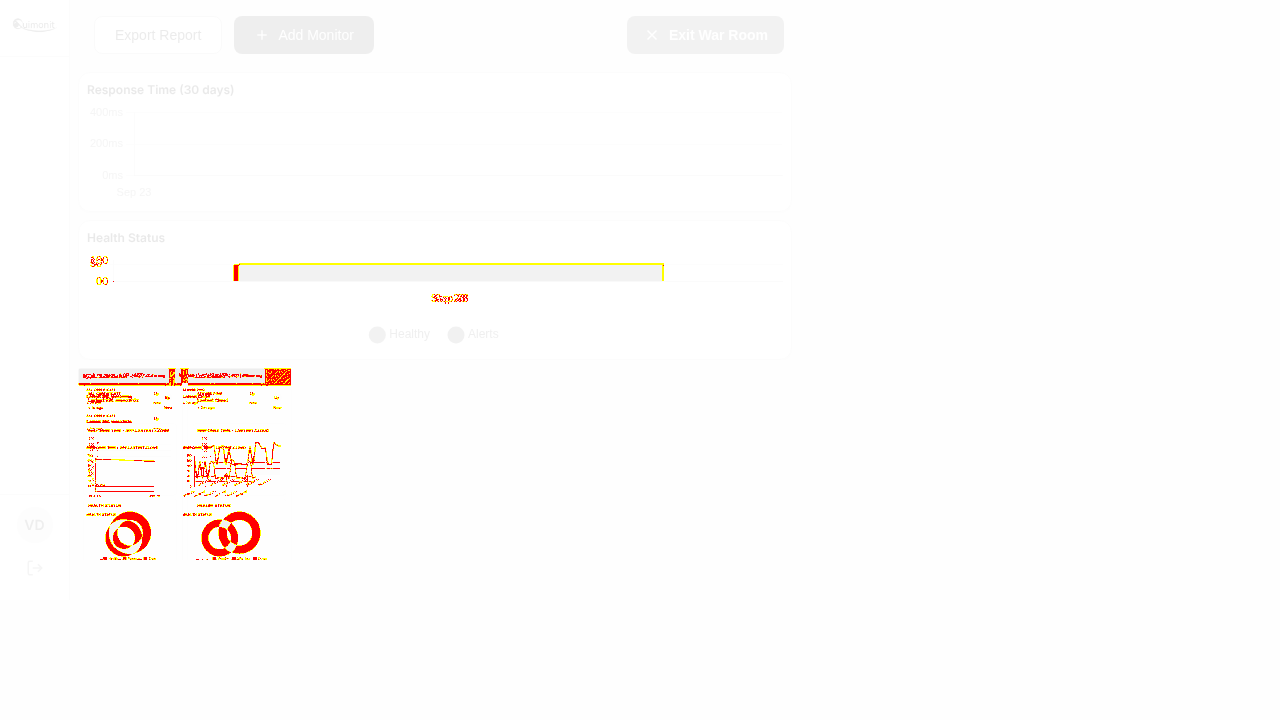
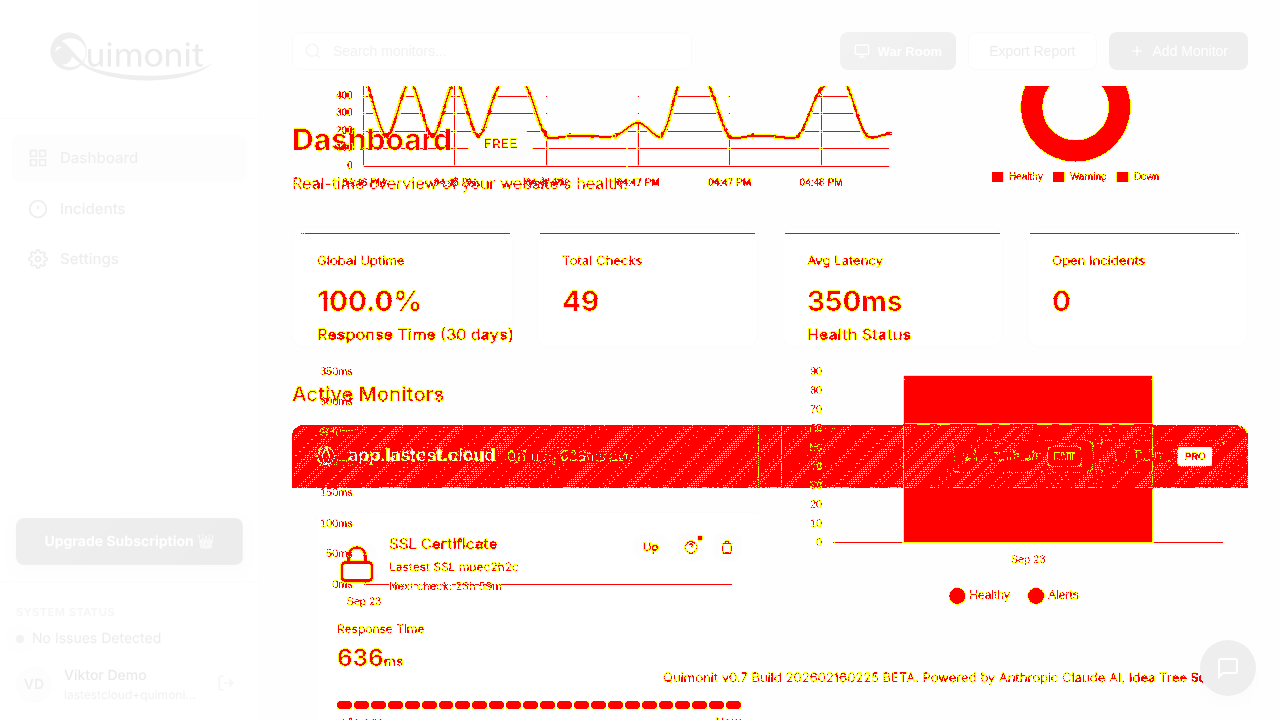
- War Room does not lay out at 1280x720Entering War Room, the monitor tiles render as two thumbnail-sized cards clipped in the top-left while the Response Time and Health Status charts take the full width above them, and the clock washes out against the background. Since War Room is the view people put on a wall display, it is worth pinning the grid to the viewport rather than letting the chart block push it down.
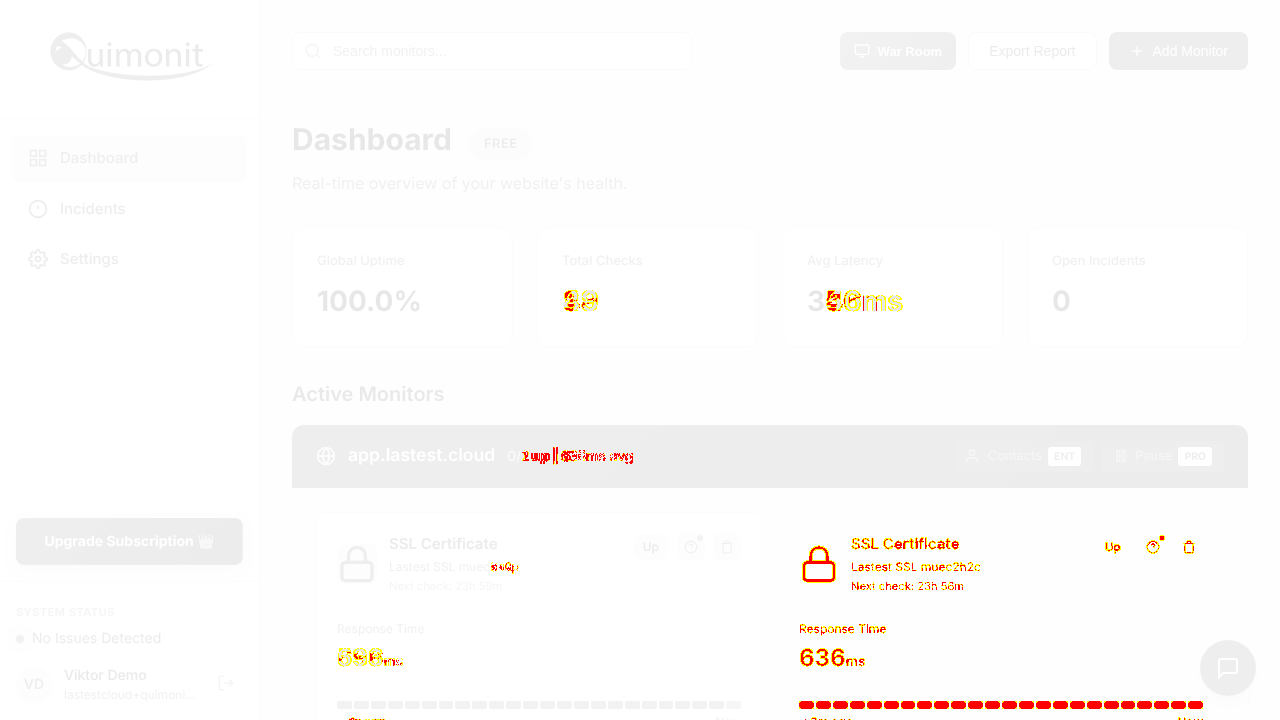
- The group header disagrees with the monitor it containsThe app.lastest.cloud row showed "0/1 up" in its header while the SSL monitor inside it was green and reporting 636ms. Looks like the rollup counts a check type the header does not expect — confusing on a status board, where the header is the thing people scan.
- Export Report·Triggers a file download; we do not fire downloads on someone else's account.
- Send Test Email / Send Test SMS·Sends real outbound messages — out of bounds for an unattended walk.
11 visual changes






















Share this run
Proof your app is not AI slop
This test was built for quimonit.com — claim it free
One click copies the test and baseline screenshots into your own Lastest workspace. Re-run on every deploy and catch regressions before your users do — free, no card required.