

In this video· click a step to jump to it
Test recording
PushPostVault — app walkthrough
91,472 ms · 977 pixels changed
We built this regression test for www.pushpostvault.com — it's yours to keep, free.
Take this test with you
This is a real Playwright test, recorded against www.pushpostvault.com. Claim it into your own workspace and re-run it on every deploy — free.
export async function test(page, baseUrl, screenshotPath, stepLogger) {
  const shot = (n, slug) => screenshotPath.replace('.png', '-' + n + '-' + slug + '.png');
  const UA = 'Mozilla/5.0 (X11; Linux x86_64) AppleWebKit/537.36 (KHTML, like Gecko) Chrome/132.0.0.0 Safari/537.36';
  await page.context().setExtraHTTPHeaders({ 'User-Agent': UA });

  for (const pattern of [
    '**/cdn-cgi/scripts/**/email-decode.min.js',
    '**/cdn-cgi/scripts/**/cloudflare-static/**',
    '**/browser.sentry-cdn.com/**',
    '**/cdn.segment.com/**',
    '**/connect.facebook.net/**',
'**/www.googletagmanager.com/**',Checks run
Notes from the demo run
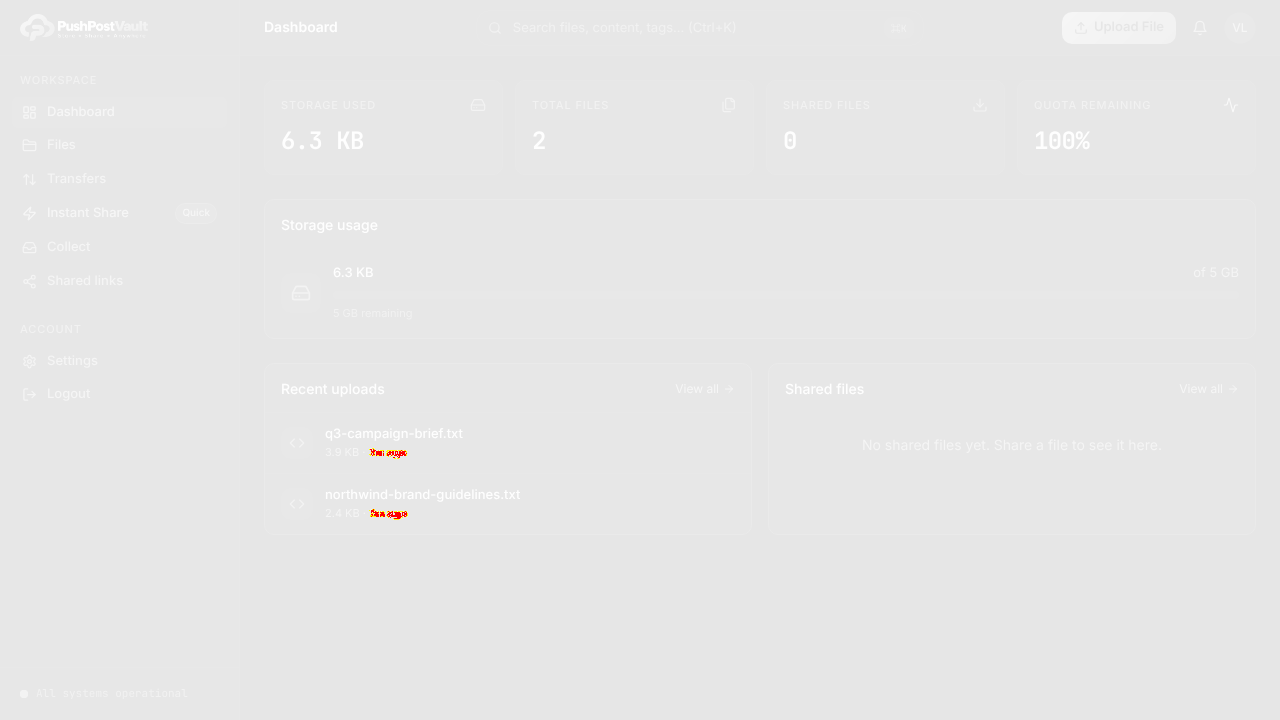
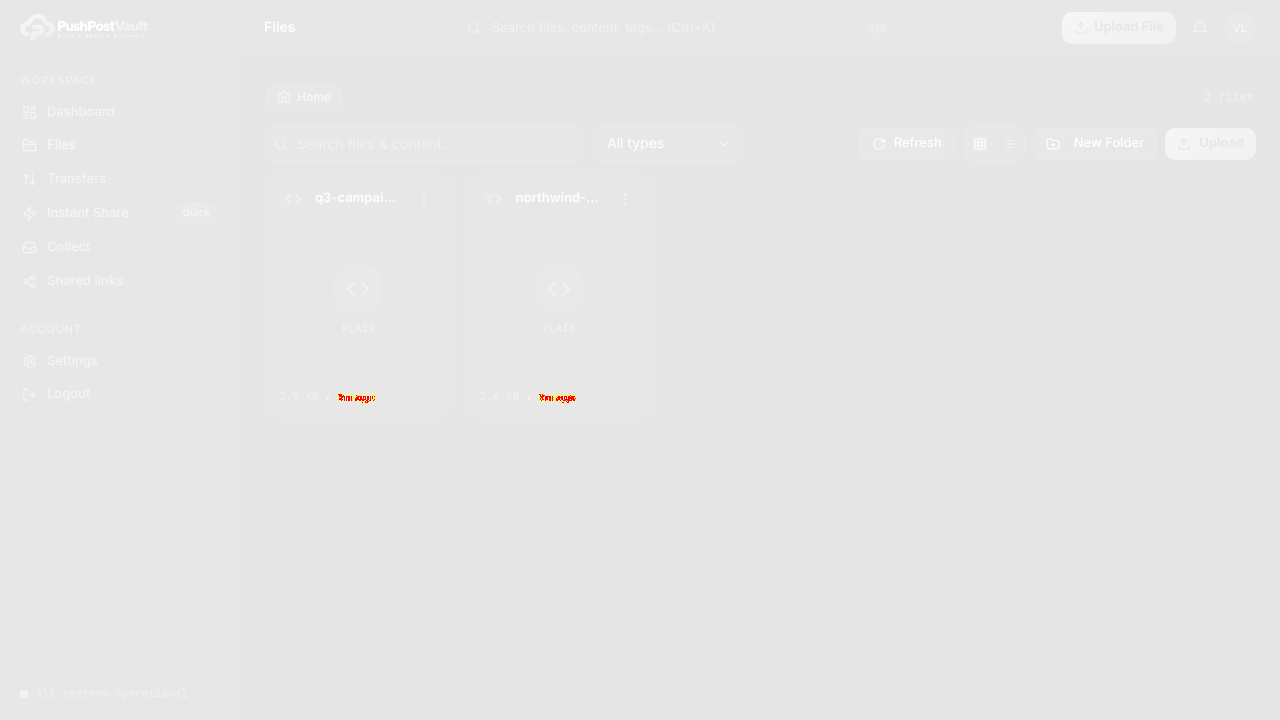
AI-generatedWe registered, cleared the 6-digit email gate, uploaded two files, and then drove the whole PushPostVault workspace: dashboard quota tiles, the file vault, the type filter, the New Folder and Upload dialogs, Transfers, Instant Share, Quick Collect, Shared links, the command palette and Settings. The workspace reads like a real product rather than a file-drop page: a left rail with nine destinations, a persistent Ctrl+K search over files, content and tags, and a dashboard that leads with quota (0 B of 5 GB, 100% remaining) instead of a marketing tile. Upload is the nicest bit: it queues files with sizes, lets you pick or create a destination folder, and only then starts.
- Upload is a queue, not a fire-and-forgetSelect destination folder and queue files to upload, with a per-file size readout and an explicit Start Upload. That is the right model for the large files this product is built for.
- Quota is the first thing you seeSTORAGE USED, TOTAL FILES, SHARED FILES, QUOTA REMAINING 100%, then 0 B of 5 GB. For a storage product, leading the dashboard with the limit is honest and makes the upgrade path obvious.
- Search spans content, not just filenamesThe palette placeholder reads Search files, content, tags. Indexing inside files is a real differentiator against a plain transfer tool and it deserves louder billing on the landing page.
- Instant Share is flagged Quick in the railA small Quick badge next to Instant Share tells a first-time visitor which path is the two-click one. Cheap signpost, genuinely useful.
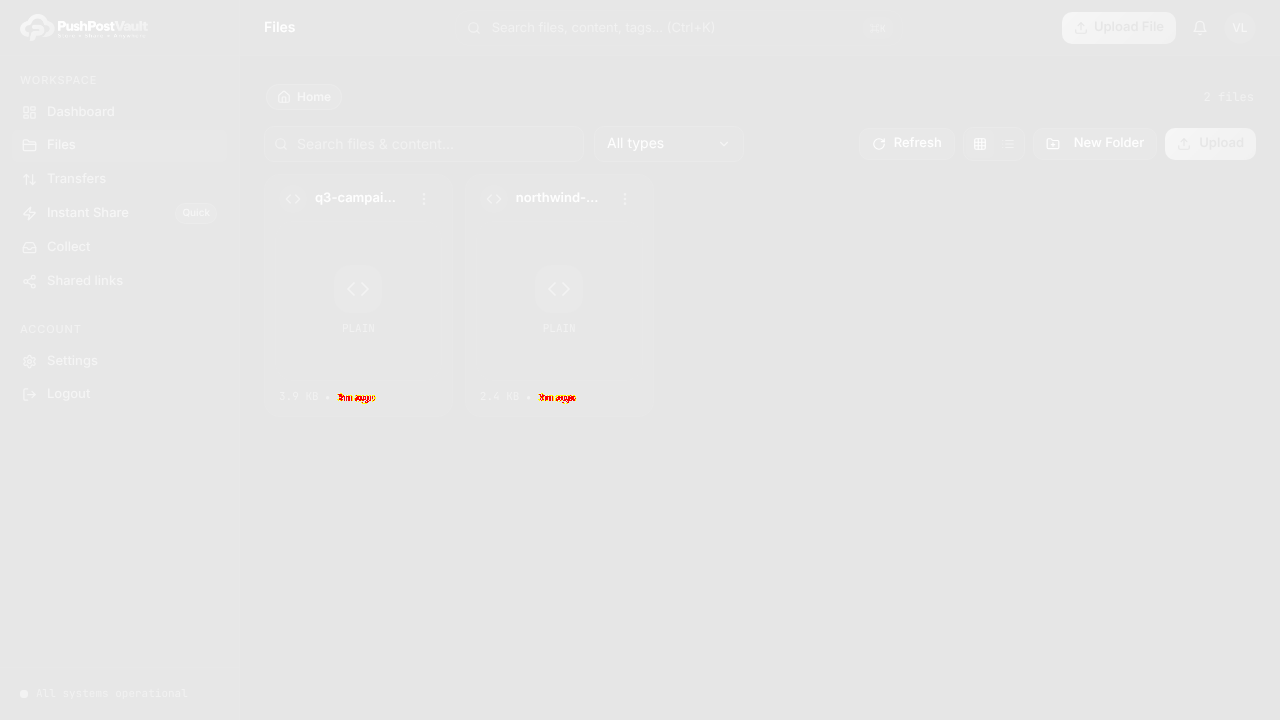
- Two Upload controls, two different behavioursThe header Upload File button and the toolbar Upload button both exist on /files and open the same dialog, but the duplication makes the toolbar row read as a second, different action. Dropping one would tighten the page.
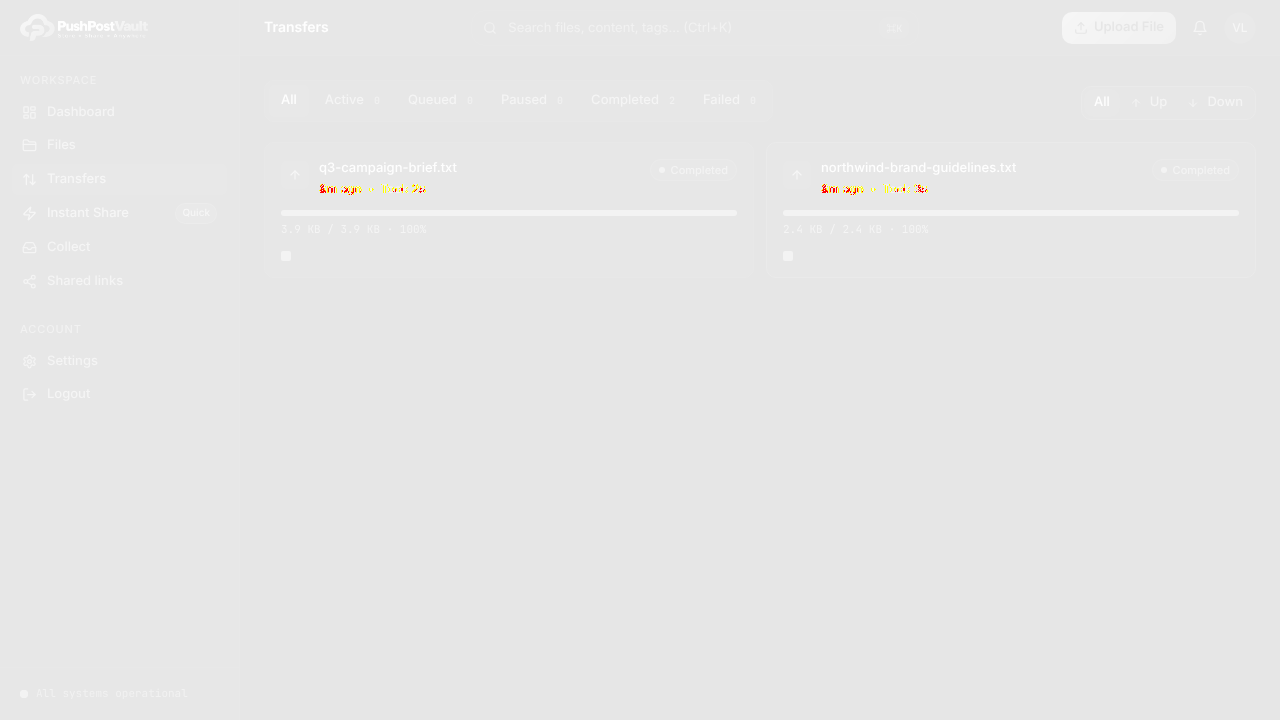
- Empty destinations give no next stepTransfers, Quick Collect and Shared links all render as bare empty states with no inline Create your first... action, so a new account has to go back to Files to do anything. One CTA per empty state would keep people moving.
4 visual changes








Share this run
Proof your app is not AI slop
This test was built for www.pushpostvault.com — claim it free
One click copies the test and baseline screenshots into your own Lastest workspace. Re-run on every deploy and catch regressions before your users do — free, no card required.