

In this video· click a step to jump to it
Test recording
Motuna Business — app walkthrough
92,117 ms · 74,617 pixels changed
We built this regression test for motuna.io — it's yours to keep, free.
Take this test with you
This is a real Playwright test, recorded against motuna.io. Claim it into your own workspace and re-run it on every deploy — free.
export async function test(page, baseUrl, screenshotPath, stepLogger) {
  const shot = (i, slug) => screenshotPath.replace('.png', '-' + i + '-' + slug + '.png');
  const SCROLL_THROUGH = "(async () => { const ease = t => 1 - Math.pow(1 - t, 3); const max = Math.max(0, document.body.scrollHeight - window.innerHeight); if (max < 40) return; const anim = (a, b, ms) => new Promise(res => { const t0 = performance.now(); const step = now => { const p = Math.min(1, (now - t0) / ms); window.scrollTo(0, a + (b - a) * ease(p)); p < 1 ? requestAnimationFrame(step) : res(); }; requestAnimationFrame(step); }); await anim(0, max, 1200); await new Promise(r => setTimeout(r, 250)); await anim(max, 0, 700); })()";
  const SITE = 'https://motuna.io';
  const STAMP = Date.now().toString(36);

  for (const pattern of ['**/googletagmanager.com/**', '**/google-analytics.com/**', '**/*.posthog.com/**']) {
    await page.route(pattern, function (r) { r.abort(); }).catch(function () {});
  }

  // ── POST-LOGIN ACTION 1: organiser dashboard ──
stepLogger.log('Post-login 1: organiser dashboard');Checks run
Notes from the demo run
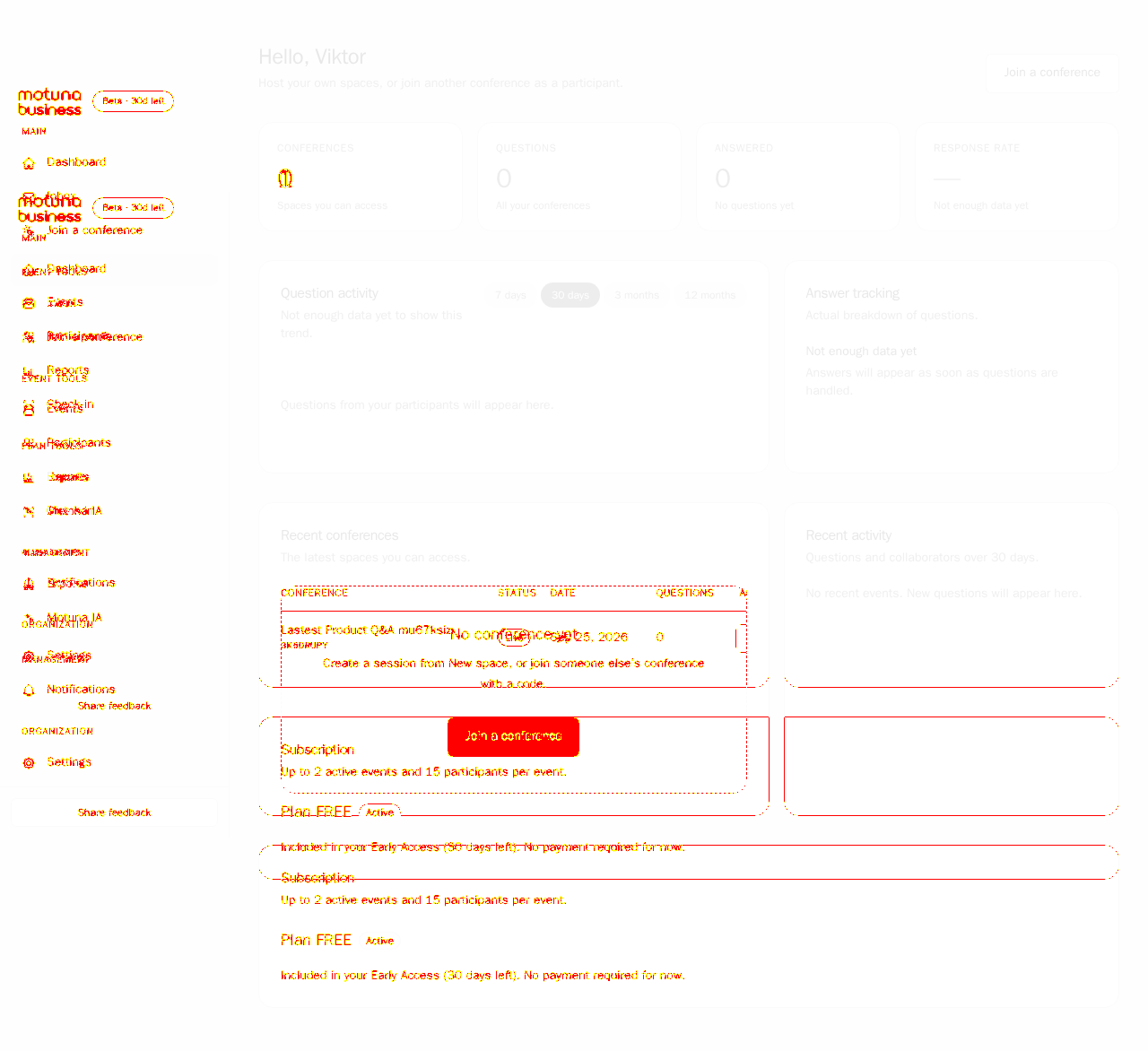
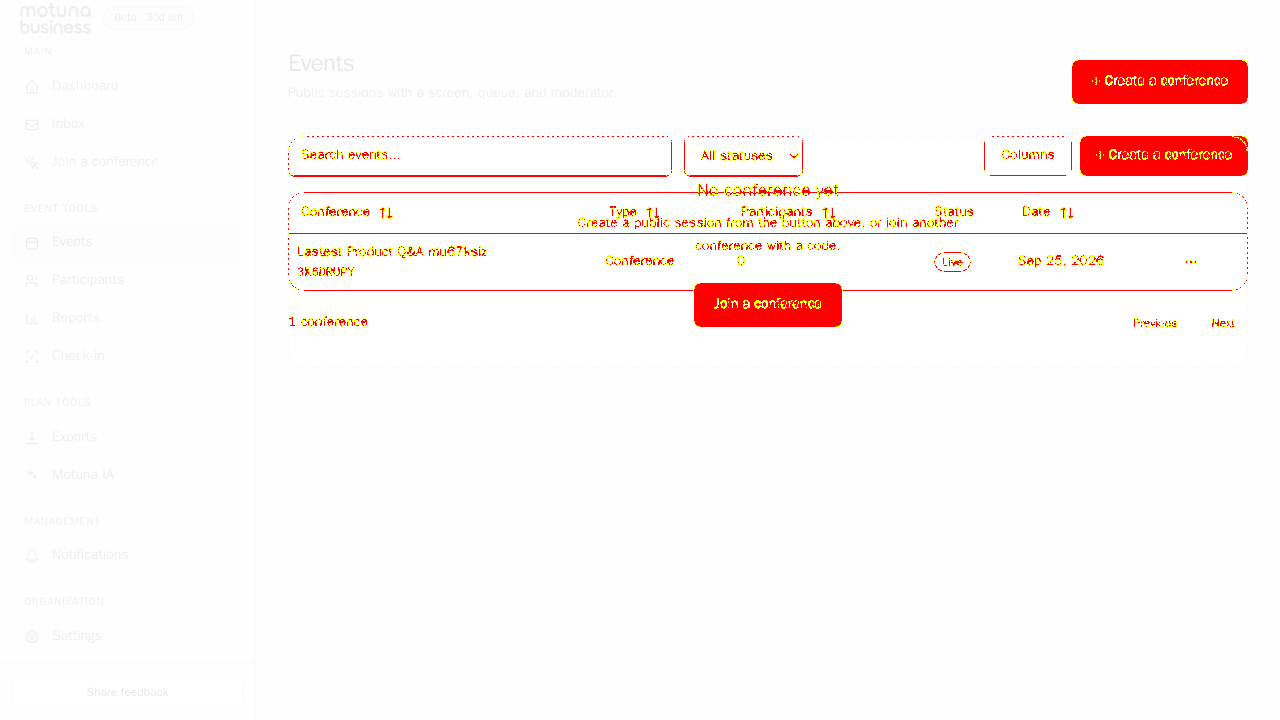
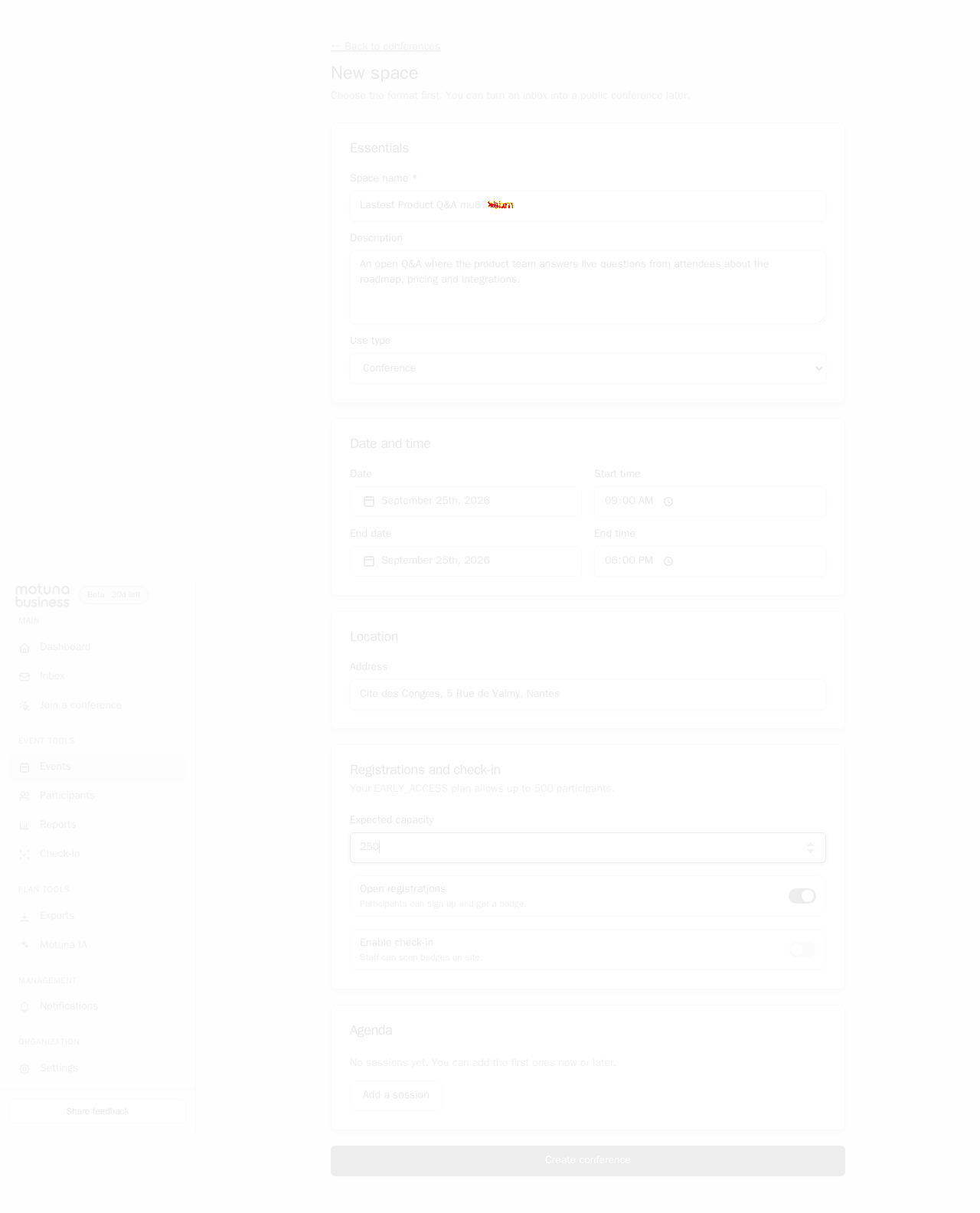
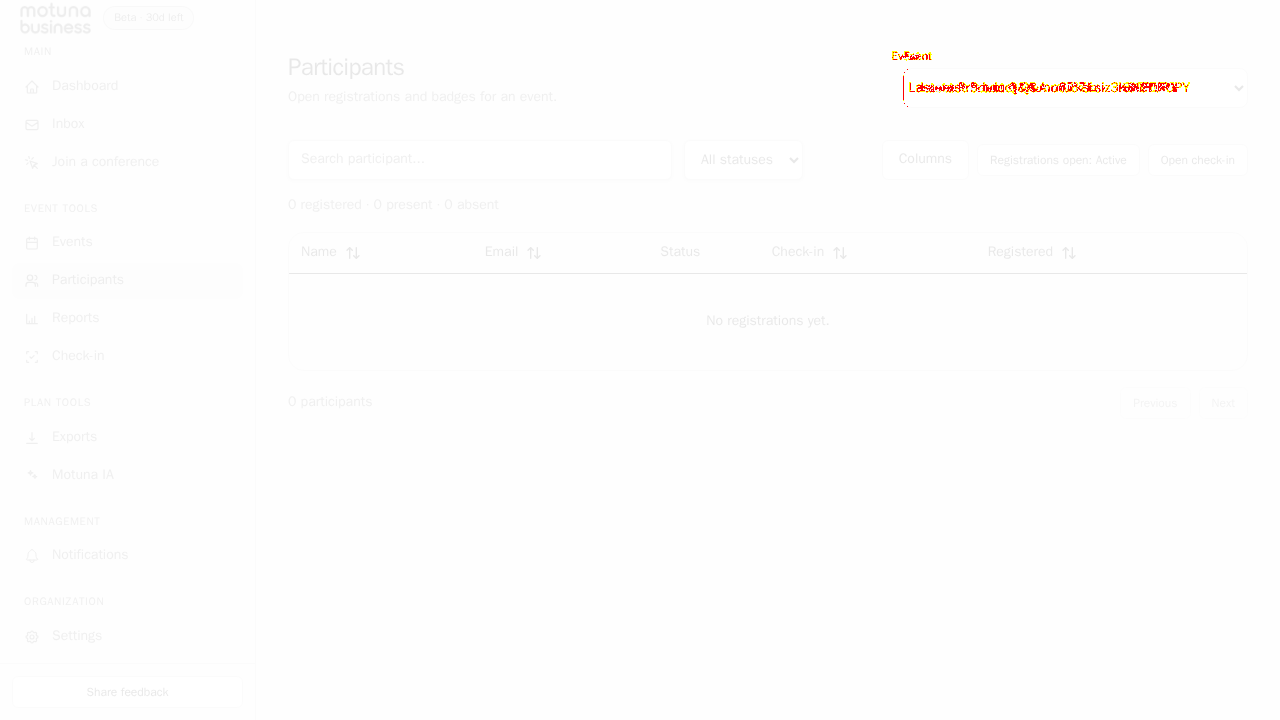
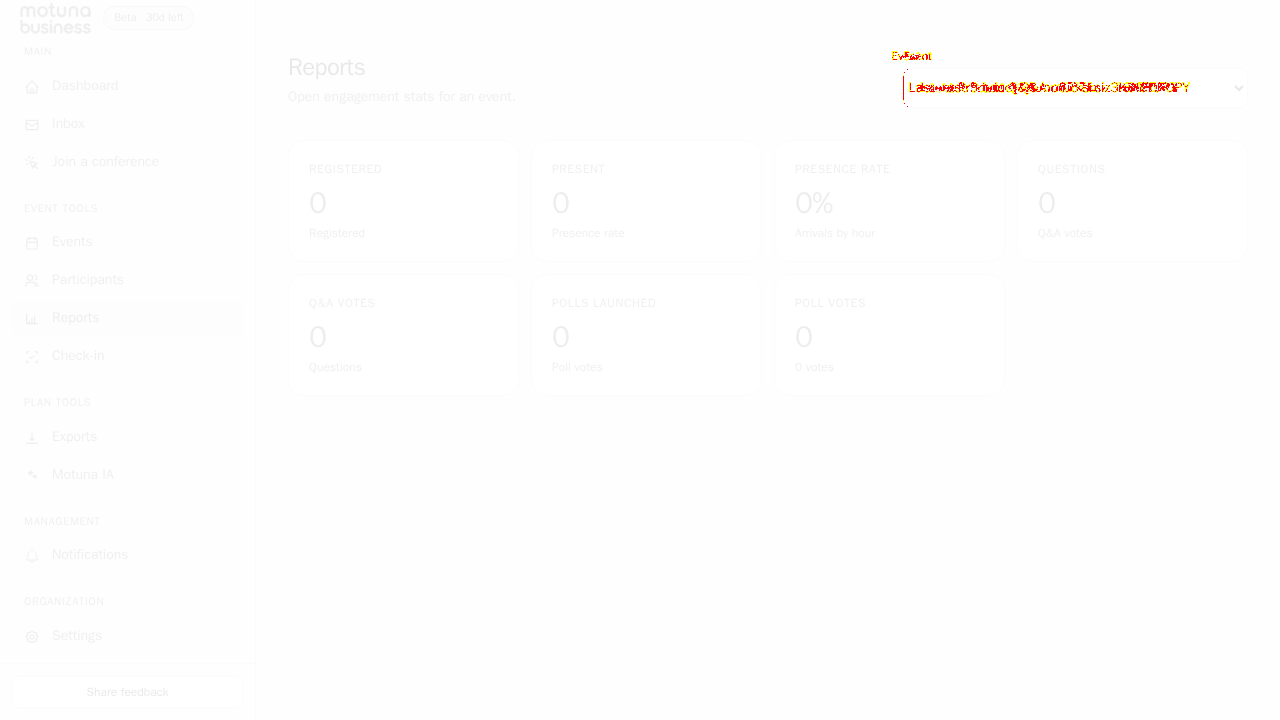
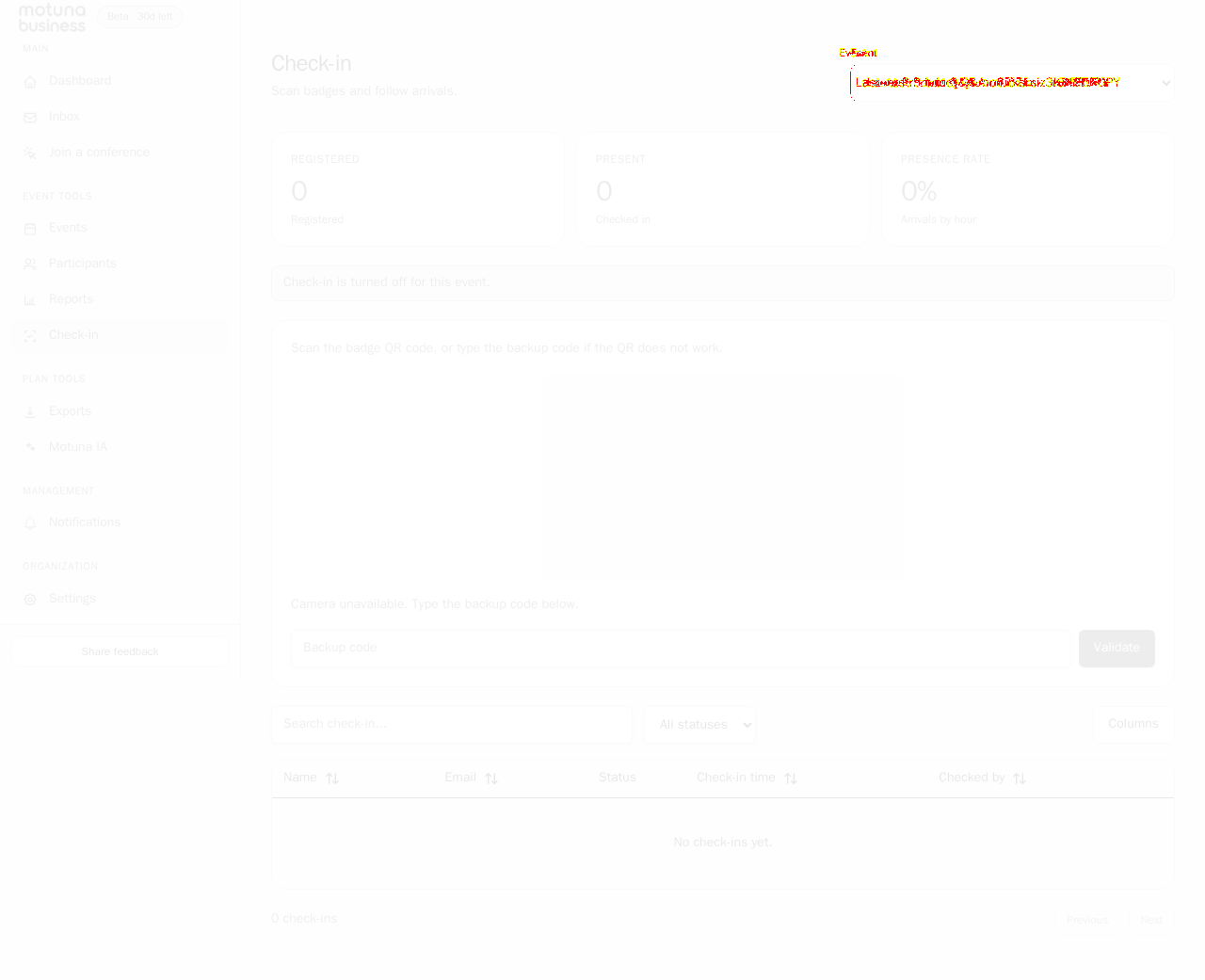
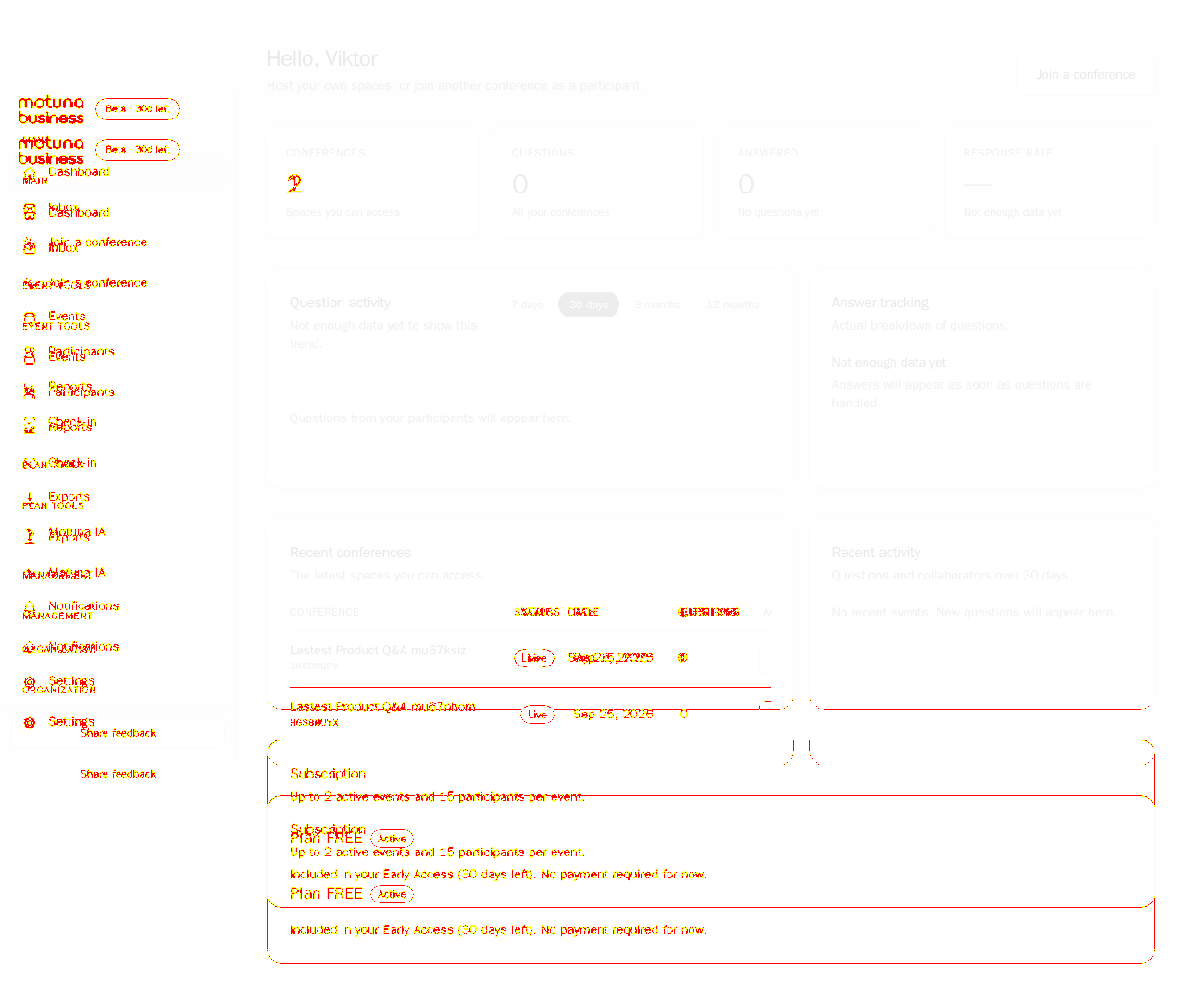
AI-generatedWe created a Motuna Business account, chose the organiser role, and then ran the job the product exists for: we built a real conference space end to end (name, description, format, dates, venue, capacity) and walked participants, reports, Motuna IA, check-in and the dashboard. The create-space form is the strongest part of the product - one page, sensibly grouped, with registrations and check-in as toggles rather than a separate setup flow - and the moment the space is created you get a join code, a QR code and a public screen without asking.
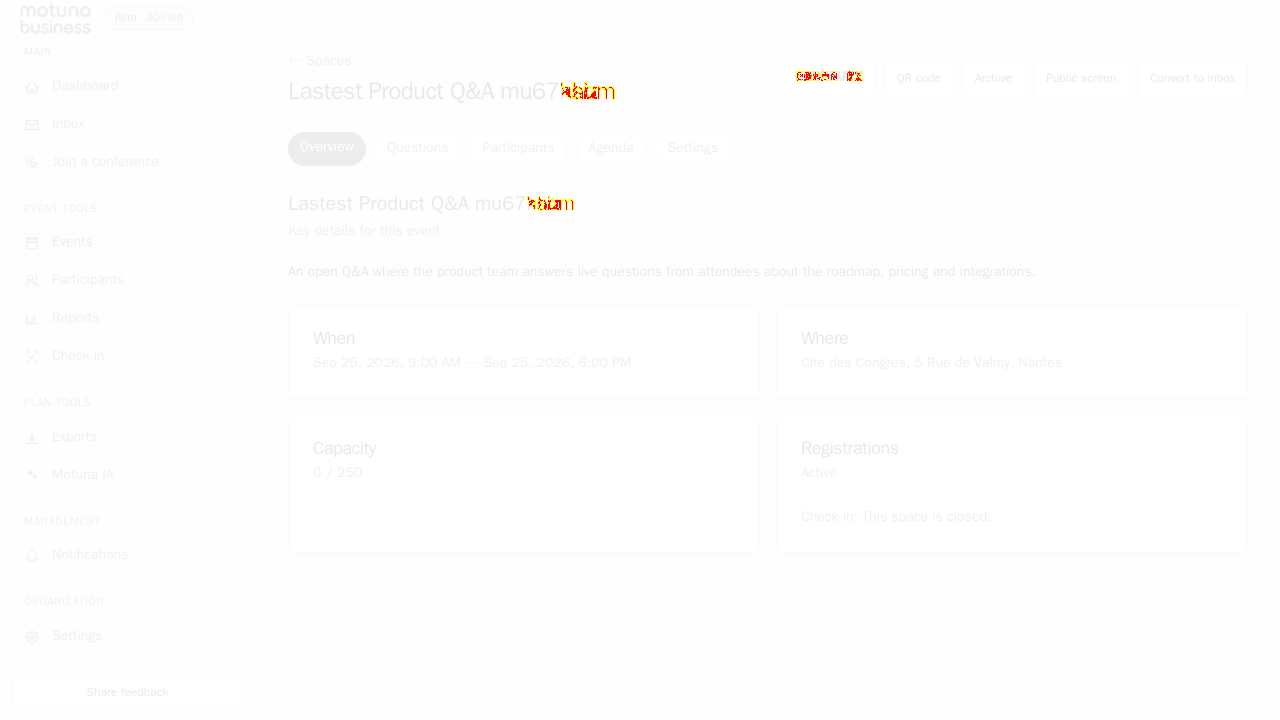
- Space creation is one page, not a wizardEssentials, Date and time, Location, Registrations and check-in, and Agenda all sit on a single screen. We filled six fields and had a live event with a join code (3K6DRUPY), QR code and Public screen ready.
- Capacity is tied to the plan, in context'Your EARLY_ACCESS plan allows up to 500 participants' sits directly above the capacity field. The limit is shown where the decision happens instead of on a pricing page.
- Bilingual without a language wallThe app serves /en and /fr from the same routes and the locale persists across the session. For a French-market event tool selling to international conferences that is the right default.
- Required date is not marked requiredSpace name carries an asterisk; Date does not. We filled every visible field, pressed Create conference and got 'Choose a start date and time' only after submitting. Marking Date with the same asterisk, or disabling the submit button until it is set, turns a failed submit into no submit at all.
- The date picker needs a forced click to registerSelecting a day in the calendar popover did not commit on an ordinary click in our run; it only took with a forced click. Worth checking on trackpads and touch, because a date that silently does not stick lands the user straight in the error above.
8 visual changes
















Share this run
Proof your app is not AI slop
This test was built for motuna.io — claim it free
One click copies the test and baseline screenshots into your own Lastest workspace. Re-run on every deploy and catch regressions before your users do — free, no card required.