

In this video· click a step to jump to it
Test recording
Drawgon — app walkthrough
75,976 ms · 83,922 pixels changed
We built this regression test for drawgonx.vercel.app — it's yours to keep, free.
Take this test with you
This is a real Playwright test, recorded against drawgonx.vercel.app. Claim it into your own workspace and re-run it on every deploy — free.
export async function test(page, baseUrl, screenshotPath, stepLogger) {
  const shot = (n, slug) => screenshotPath.replace('.png', `-${n}-${slug}.png`);
  const BOARD = '/workspace/f9fcc018-486d-412e-ab66-335eca4e67e1';

  await page.context().setExtraHTTPHeaders({ 'User-Agent': 'Mozilla/5.0 (X11; Linux x86_64) AppleWebKit/537.36 (KHTML, like Gecko) Chrome/132.0.0.0 Safari/537.36' });
  for (const pattern of ['**/googletagmanager.com/**', '**/google-analytics.com/**', '**/vitals.vercel-insights.com/**']) {
    await page.route(pattern, function(r){ return r.abort(); }).catch(function(){});
  }

  // ── PUBLIC 1: sign-in page ────────────────────────────────────────────────
  stepLogger.log('Public 1: Sign-in page');
await page.goto(baseUrl + '/sign-in', { waitUntil: 'domcontentloaded' });Checks run
Notes from the demo run
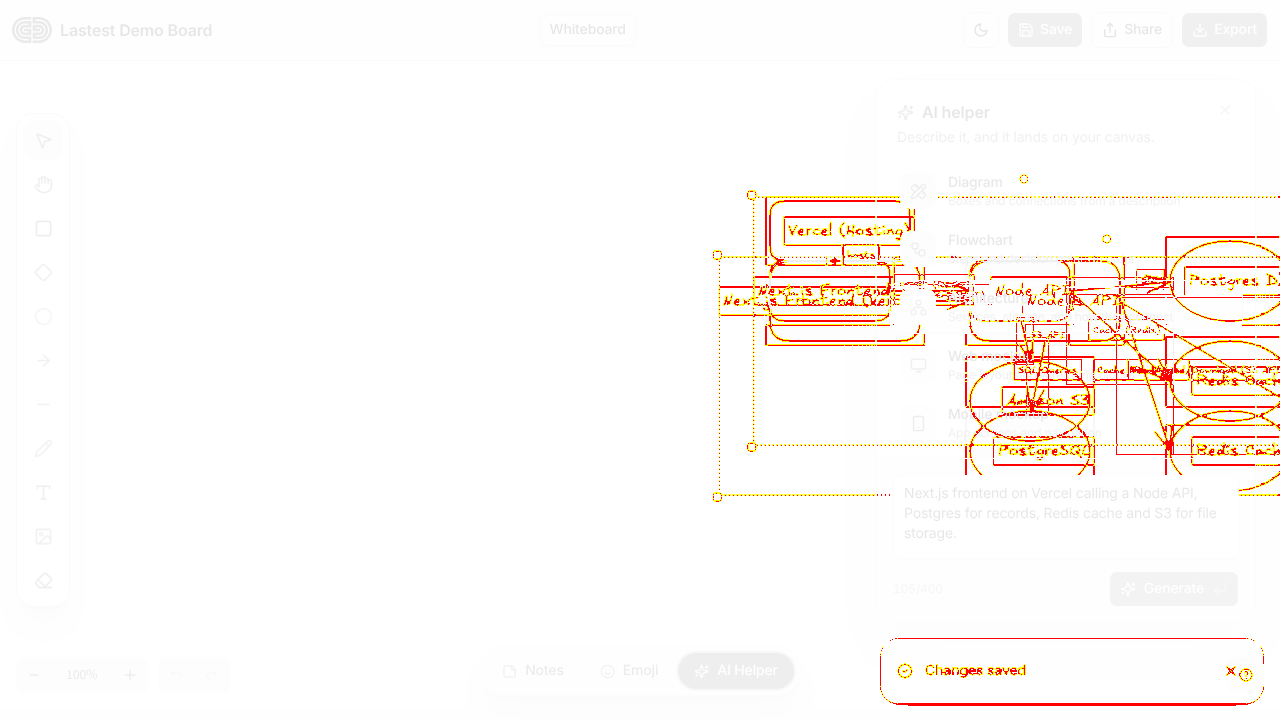
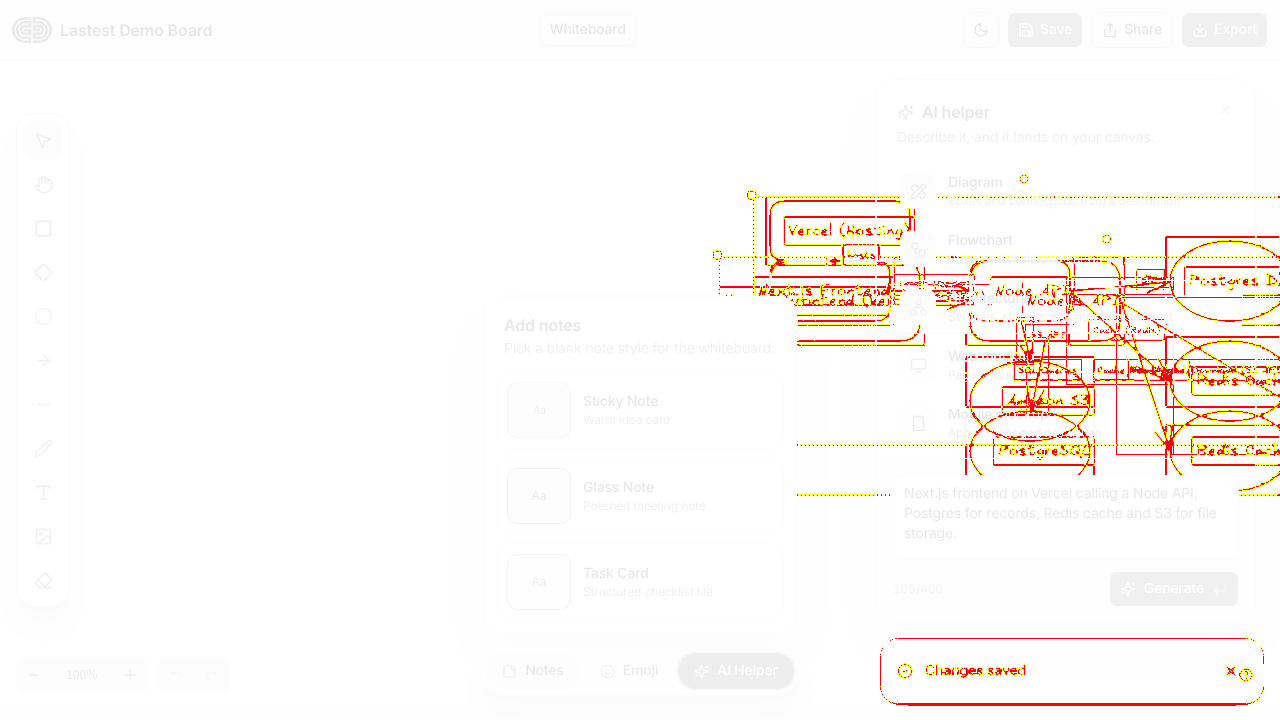
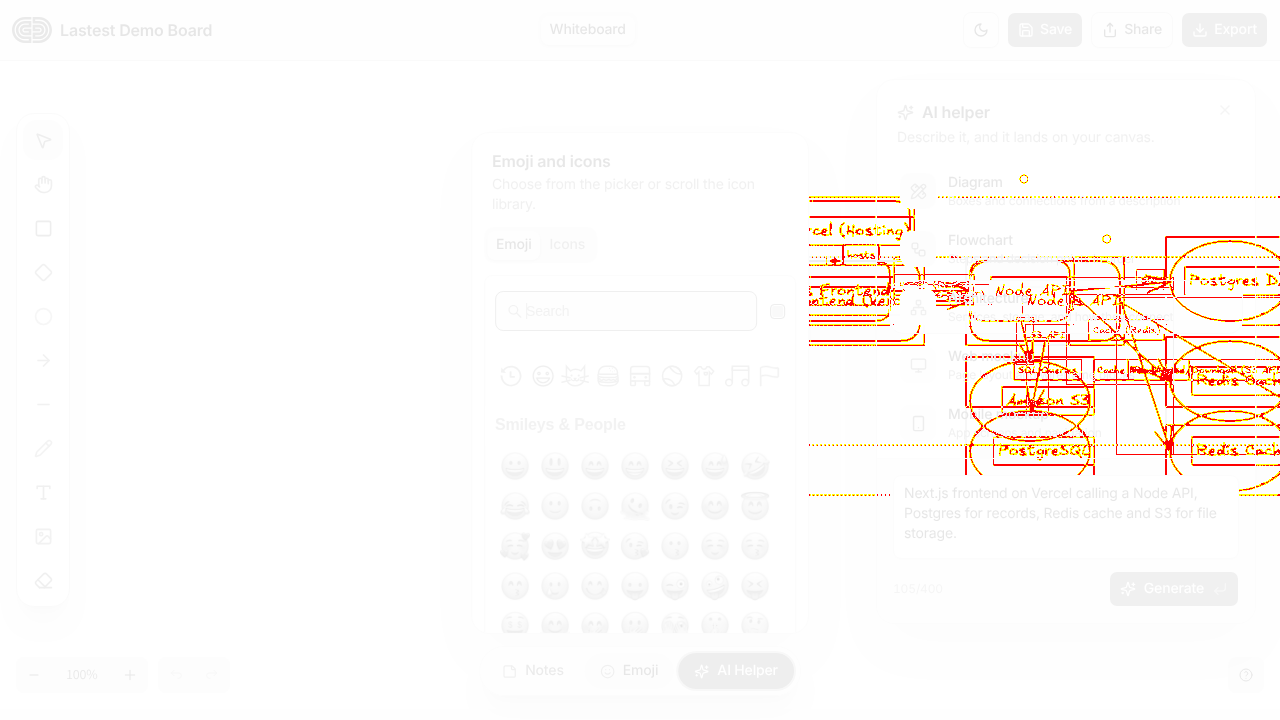
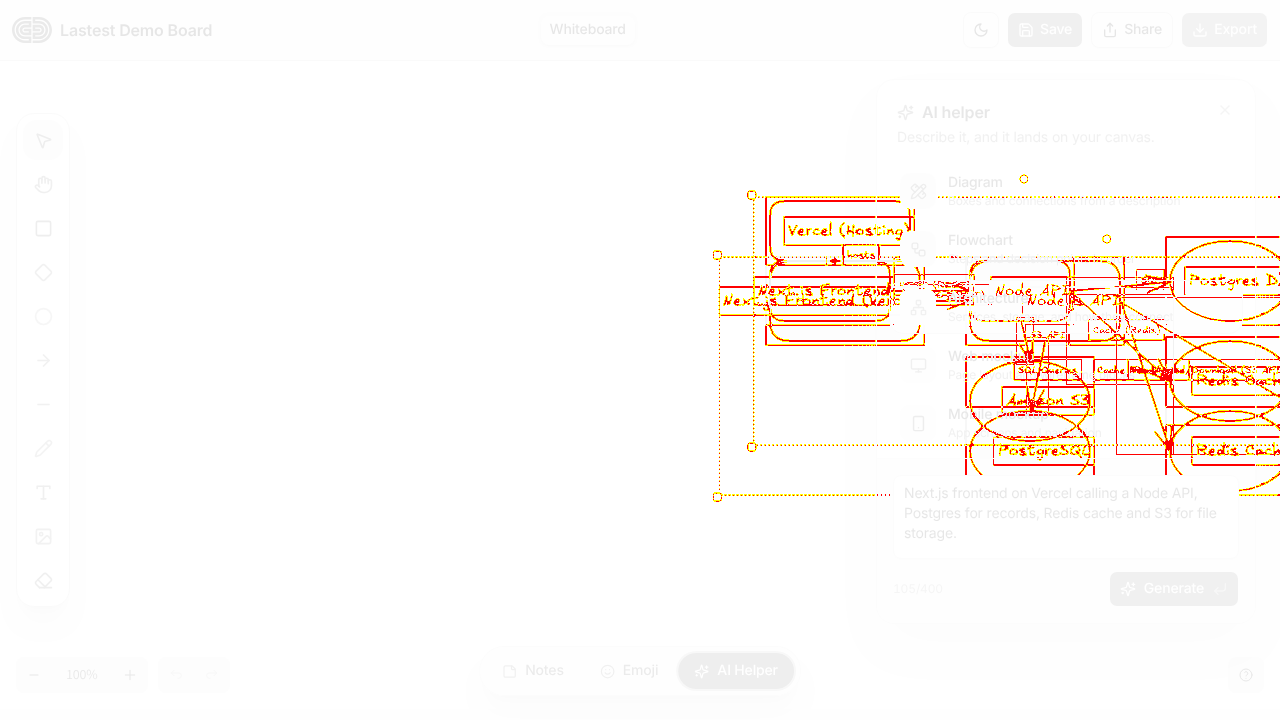
AI-generatedWe signed up to Drawgon with email and a 6-digit code, created a board, and drove twelve authenticated surfaces: My Files, Shared, Archived, the infinite canvas, the AI helper, the Notes and Emoji tools, and the Export and Share menus. The headline moment is in the recording at 0:52 — we picked the Architecture preset, described a stack in one sentence, hit Generate, and Drawgon drew Vercel hosting a Next.js frontend calling a Node API with Postgres, Redis and S3 hanging off it, then auto-saved. It worked first time with no cleanup needed.
- AI generate is the real thing, not a demoOne sentence of prose produced a correctly-connected architecture diagram with labelled edges (hosts, calls, cache) and a 'Changes saved' confirmation. This is the moment worth putting at the top of your landing page.
- Five presets remove the blank-prompt problemDiagram, Flowchart, Architecture, Web mockup and Mobile mockup each carry a one-line description of what they produce, so a first-time user never has to guess what to type.
- Canvas toolbar stays out of the wayTools dock left, board actions top-right, AI helper bottom-centre. Nothing competes for the middle of the canvas, which is the part users actually need.
- The AI panel covers the diagram it just drewAfter Generate, the helper panel stays open on the right and sits directly over the generated shapes, so you cannot see the result without closing it. Auto-collapsing the panel, or panning the canvas left by the panel width, would make the payoff moment land.
- Your production Clerk instance is in Development modeThe sign-in page and the verification email both render a 'Development mode' badge, and the email subject is literally '[Development] 059116 is your verification code'. Real signups see it. Swapping to the production Clerk instance also lifts the dev-instance rate limits.
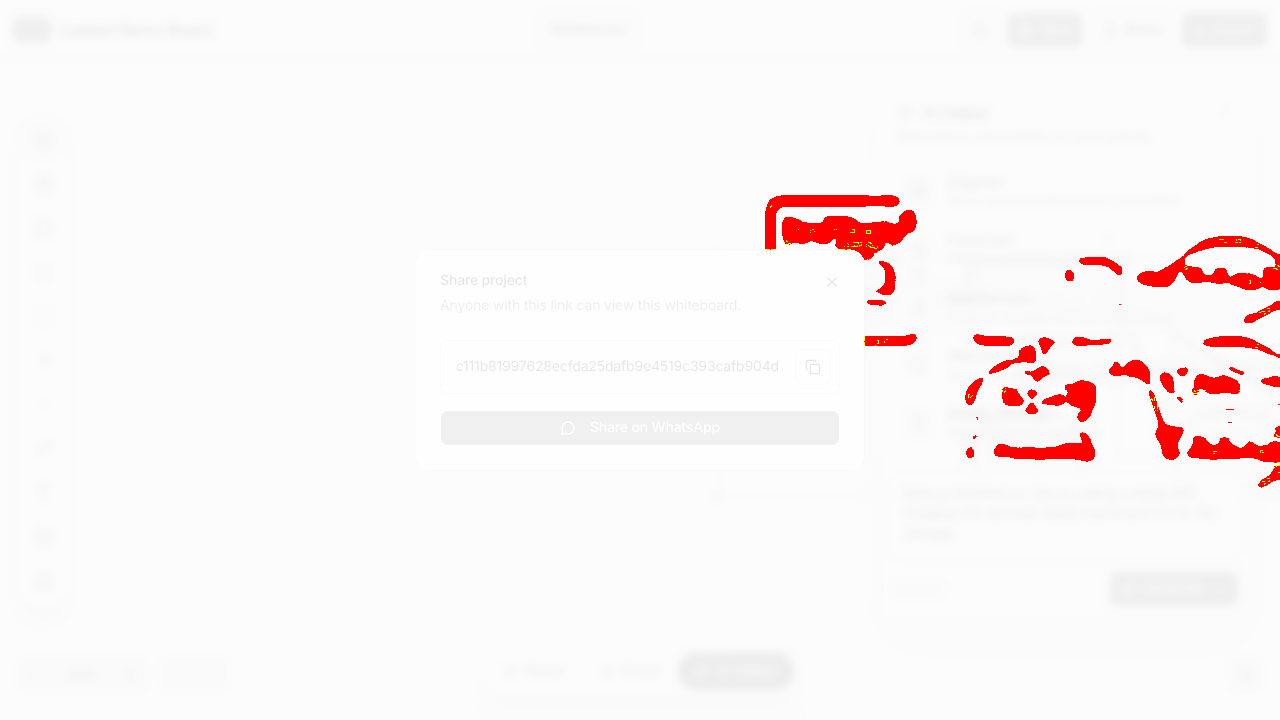
6 visual changes












Share this run
Proof your app is not AI slop
This test was built for drawgonx.vercel.app — claim it free
One click copies the test and baseline screenshots into your own Lastest workspace. Re-run on every deploy and catch regressions before your users do — free, no card required.