

In this video· click a step to jump to it
Test recording
Oxywise.AI — app walkthrough
57,803 ms · 4,073 pixels changed
We built this regression test for oxywise-ai.vercel.app — it's yours to keep, free.
Take this test with you
This is a real Playwright test, recorded against oxywise-ai.vercel.app. Claim it into your own workspace and re-run it on every deploy — free.
export async function test(page, baseUrl, screenshotPath, stepLogger) {
  const shot = (n, slug) => screenshotPath.replace('.png', '-' + n + '-' + slug + '.png');
  const UA = 'Mozilla/5.0 (X11; Linux x86_64) AppleWebKit/537.36 (KHTML, like Gecko) Chrome/132.0.0.0 Safari/537.36';
  await page.context().setExtraHTTPHeaders({ 'User-Agent': UA });

  for (const pattern of [
    '**/www.googletagmanager.com/**',
    '**/region1.analytics.google.com/**',
    '**/browser.sentry-cdn.com/**',
    '**/connect.facebook.net/**',
  ]) {
await page.route(pattern, r => r.abort()).catch(() => {});Checks run
Notes from the demo run
AI-generatedWe signed up for Oxywise with a fresh account and drove the plant-advice workspace end to end. Signup is genuinely frictionless - name, email, password, and you land straight in /chatbot with no verification wall, which is rarer than it should be. The composer is the whole product and it reads well: three starter prompts, and an Image / Document / Location / Weather rail that tells you what context the assistant can use before you type anything. The one thing we could not get to work was an actual answer.
- Signup to product in one stepNo email verification gate, no onboarding wizard. Create account and you are in the chat workspace on the next paint - three seconds from form submit to a usable screen.
- Context rail sets expectations earlyImage / Document / Location / Weather sitting under the composer tells a first-time visitor what Oxywise can reason over before they have typed a word. Most AI chat products hide this behind a slash command.
- Chat history persists immediatelyThe first question became a titled thread in the sidebar ('Suggest a plant for my balcony') without a reload, so the workspace already looks lived-in after one message.
- The assistant never replies on a new accountWe sent two questions from a fresh signup and got zero assistant messages back. The browser console shows 'Socket error: Something went wrong. Please try again.' - the websocket to the chat backend fails to establish, so the message posts and then hangs forever with no error surfaced in the UI. Worth a reconnect-with-backoff plus a visible 'could not reach the assistant' state, because right now a new user's first impression is a product that silently does nothing.
- Empty state gives no failure feedbackWhen the socket dies the user bubble stays on screen and nothing else happens - no spinner, no timeout, no retry. A single inline error under the last message would turn a dead end into a recoverable moment.
- /dashboard·404 - route does not exist
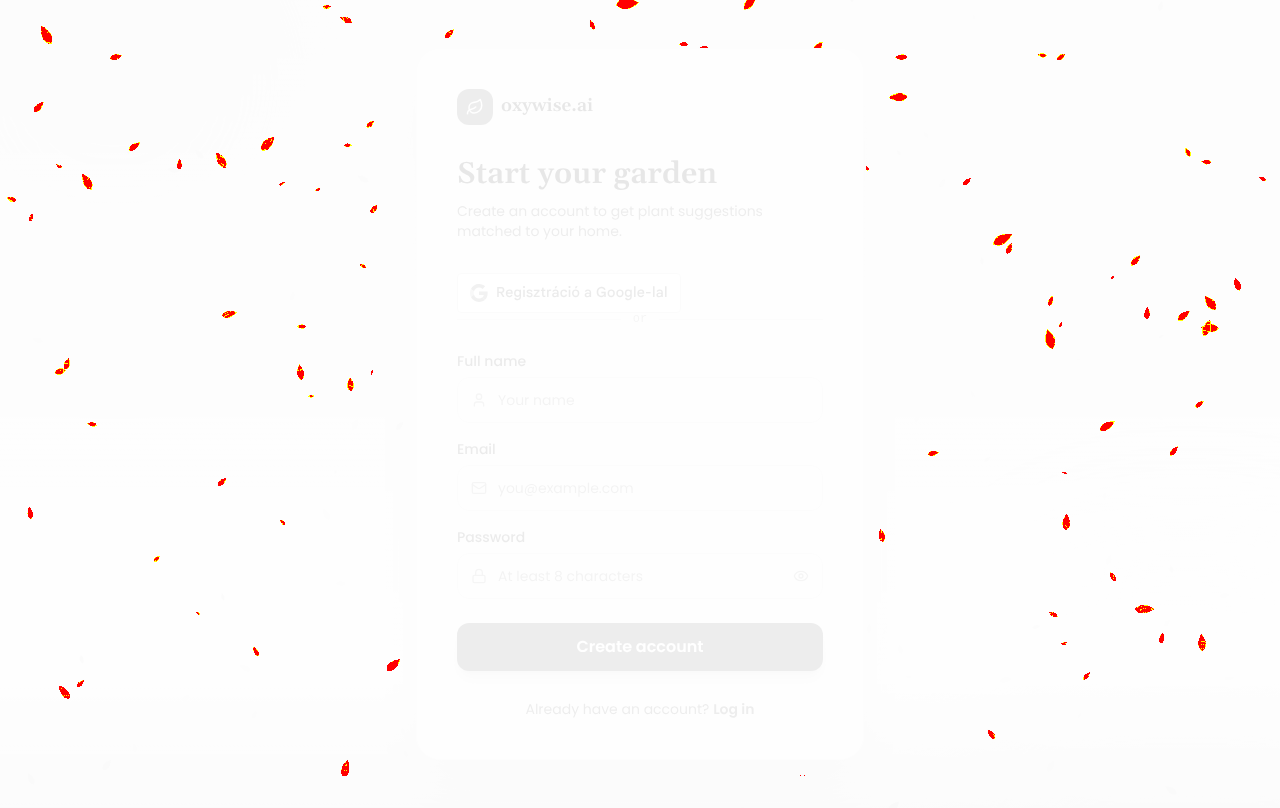
- /garden·404 - route does not exist (referenced in the signup copy 'Start your garden')
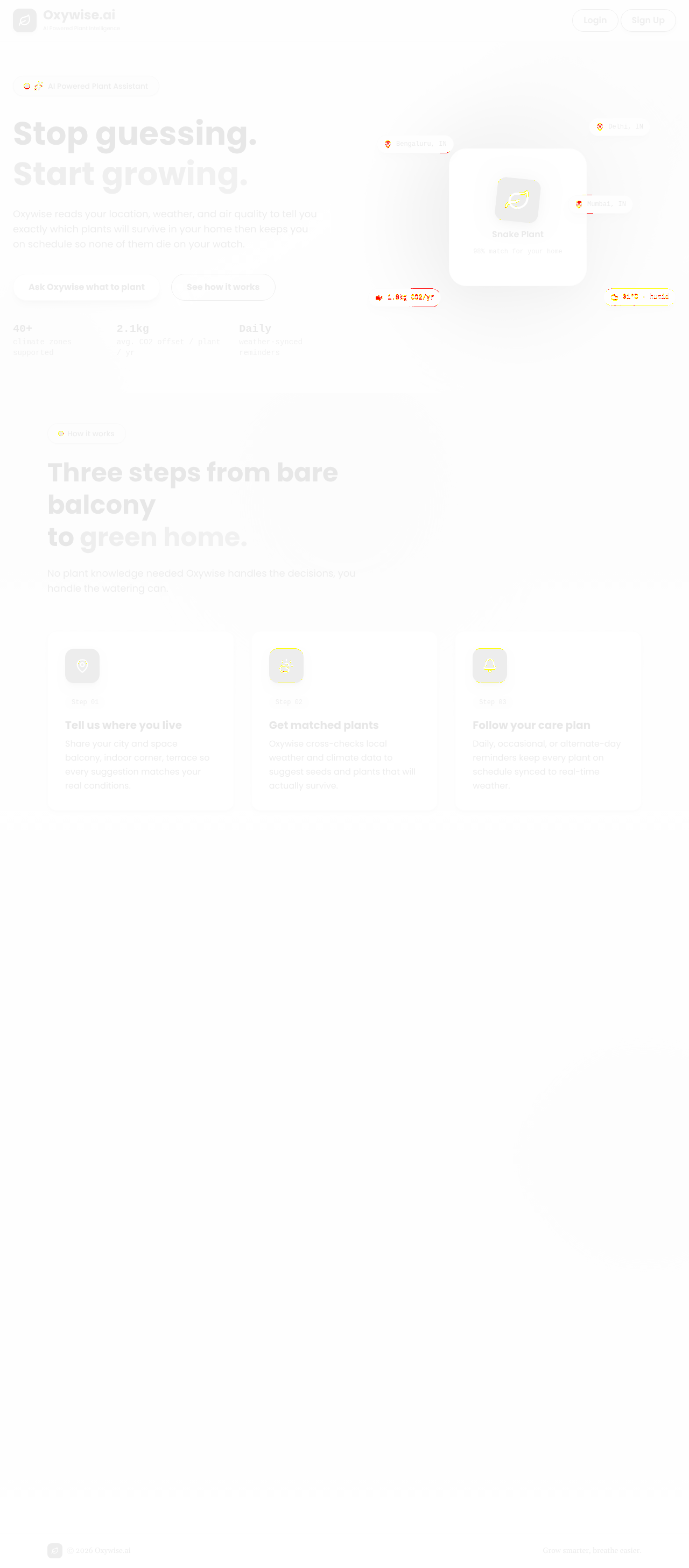
2 visual changes




Share this run
Proof your app is not AI slop
This test was built for oxywise-ai.vercel.app — claim it free
One click copies the test and baseline screenshots into your own Lastest workspace. Re-run on every deploy and catch regressions before your users do — free, no card required.