

In this video· click a step to jump to it
Test recording
Trakkar — app walkthrough
51,444 ms · 16,246 pixels changed
We built this regression test for web.trakkar.in — it's yours to keep, free.
Take this test with you
This is a real Playwright test, recorded against web.trakkar.in. Claim it into your own workspace and re-run it on every deploy — free.
export async function test(page, baseUrl, screenshotPath, stepLogger) {
  const shot = (n, slug) => screenshotPath.replace('.png', `-${n}-${slug}.png`);
  const SCROLL_THROUGH = "(async () => { const ease = t => 1 - Math.pow(1 - t, 3); const max = Math.min(3000, Math.max(0, document.body.scrollHeight - window.innerHeight)); if (max < 40) return; const anim = (a, b, ms) => new Promise(res => { const t0 = performance.now(); const step = now => { const p = Math.min(1, (now - t0) / ms); window.scrollTo(0, a + (b - a) * ease(p)); p < 1 ? requestAnimationFrame(step) : res(); }; requestAnimationFrame(step); }); await anim(0, max, 1400); await new Promise(r => setTimeout(r, 350)); await anim(max, 0, 800); })()";

  await page.context().setExtraHTTPHeaders({ 'User-Agent': 'Mozilla/5.0 (X11; Linux x86_64) AppleWebKit/537.36 (KHTML, like Gecko) Chrome/132.0.0.0 Safari/537.36' });
  await page.route('**/cdn-cgi/scripts/**', function (r) { r.abort(); }).catch(function () {});

  // ─── Scenario 1: public marketing / sign-up page ─────────────────────────
  stepLogger.log('Scenario 1: Trakkar sign-up page');
  await page.goto(`${baseUrl}/sign-up`, { waitUntil: 'domcontentloaded' });
  await page.waitForLoadState('networkidle', { timeout: 2000 }).catch(function () {});
await page.locator('h1, main, form').first().waitFor({ state: 'visible', timeout: 8000 }).catch(function () {});Checks run
Notes from the demo run
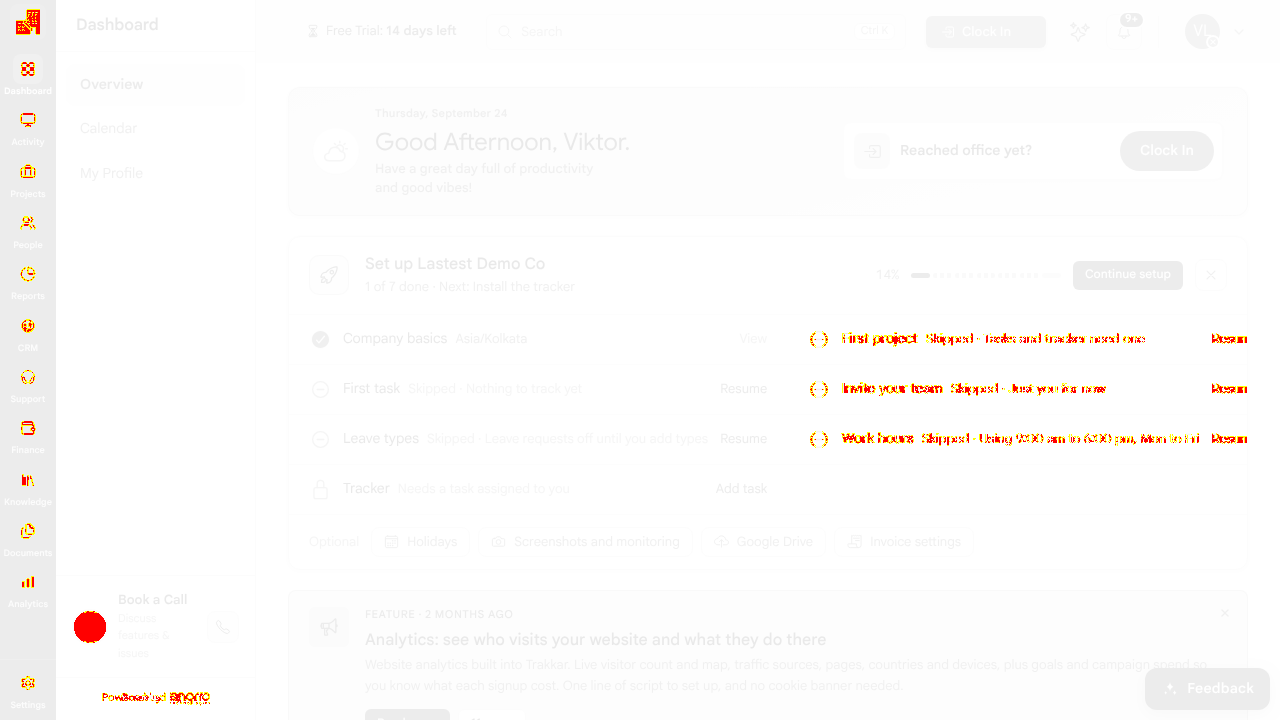
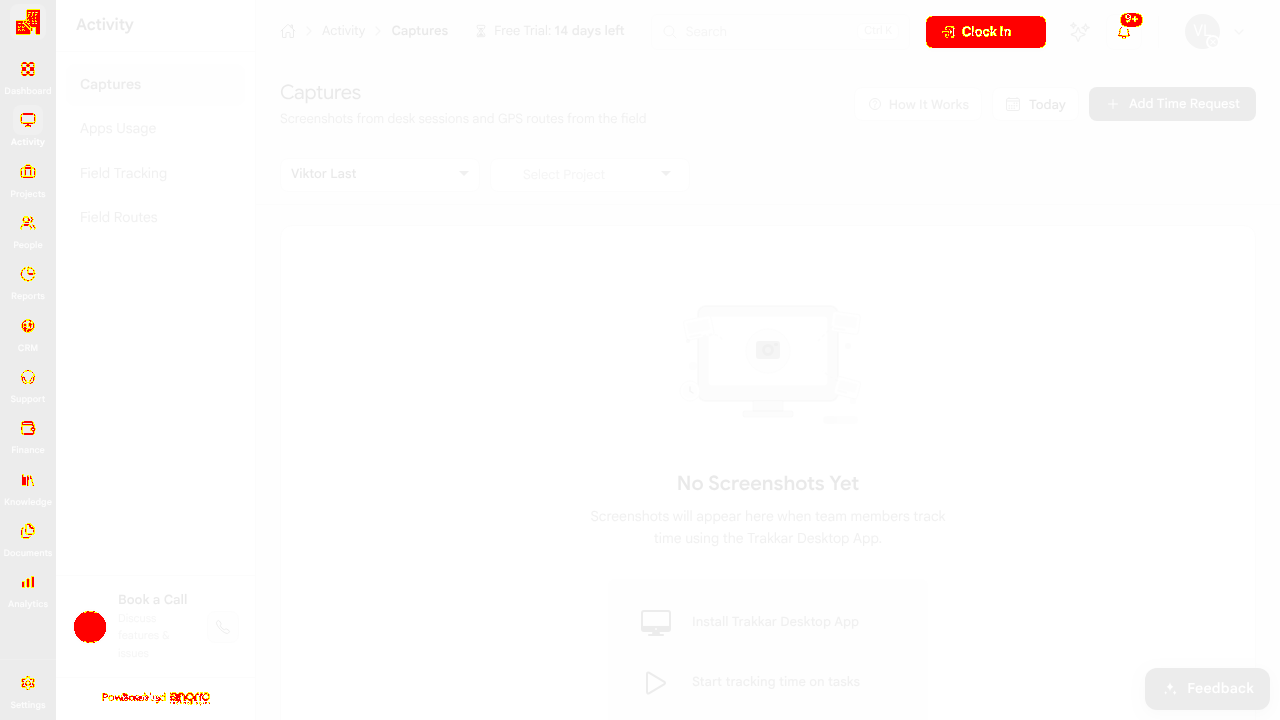
AI-generatedWe registered an organisation on Trakkar, skipped the setup wizard, and walked seven authenticated modules: dashboard, Activity captures, Projects, People, CRM, Finance and Settings. The dashboard is the best-designed screen — it greets by name, offers a single primary action (Clock In), and keeps an honest 1-of-7 setup progress bar with Resume links against each skipped step, so a brand-new org always knows what it is missing and why. For a product this broad (time tracking, projects, people, CRM, invoicing, analytics, knowledge base, documents) that progress card is doing a lot of work.
- The setup card tells you the consequence, not just the step'First project - Skipped - Tasks and tracker need one' and 'Tracker - Needs a task assigned to you'. Naming the downstream effect of each skipped step is much better than a plain checklist.
- One obvious primary action on an otherwise broad app'Reached office yet? Clock In' is the only green button on the dashboard. With a dozen modules in the left rail, having exactly one call to action keeps the first session from being paralysing.
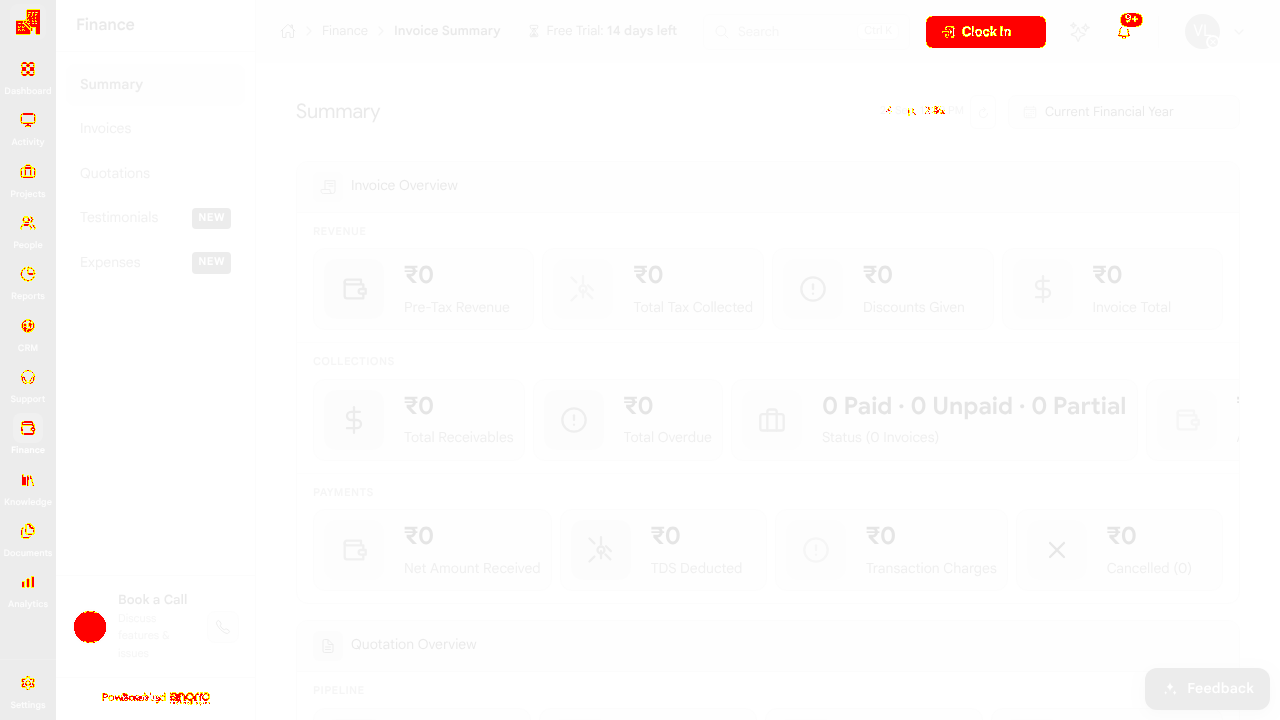
- Empty states are specific per moduleCRM shows a real 2026 pipeline frame with zeroed totals, Finance shows an invoice overview with currency already set, Projects offers Active / Maintenance / Closed tabs. Each module explains its own shape before it has data.
- Signup to working workspace in one formName, email, company, mobile, password - then straight into the org with a 14-day trial and no email-verification gate blocking the app.
- The Feedback widget opens over the app and blocks clicksThe support panel (Name / Email / Category / Subject / Message / Screenshot / Record) appeared over the Projects screen unprompted and intercepted our clicks on 'Create Project' — we had to dismiss it before the form would respond. Worth checking what triggers it, because it lands on top of the exact CTA a new org needs first.
- Skip this step is easier to hit than the real actionIn the setup wizard the forward control changes between 'Confirm' and 'Skip this step' per step. We ended up skipping five of seven steps without meaning to. Keeping the primary action in a fixed position and styling Skip as a quieter link would reduce accidental skips.
- /main/reports, /main/analytics, /main/knowledge-base·Cut to keep the run inside the browser time budget.
3 visual changes






Share this run
Proof your app is not AI slop
This test was built for web.trakkar.in — claim it free
One click copies the test and baseline screenshots into your own Lastest workspace. Re-run on every deploy and catch regressions before your users do — free, no card required.