

In this video· click a step to jump to it
Test recording
Sitesyn — app walkthrough
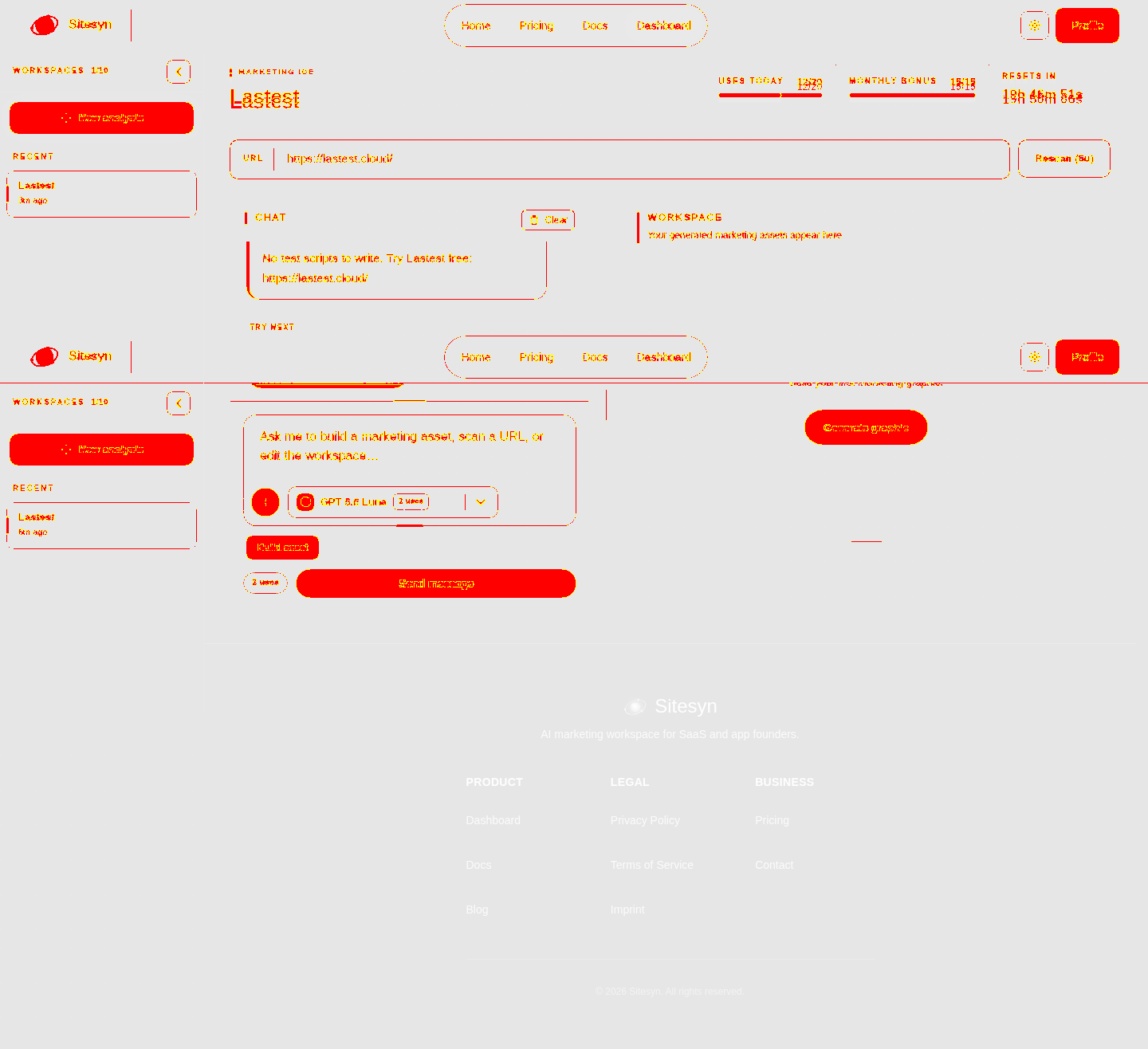
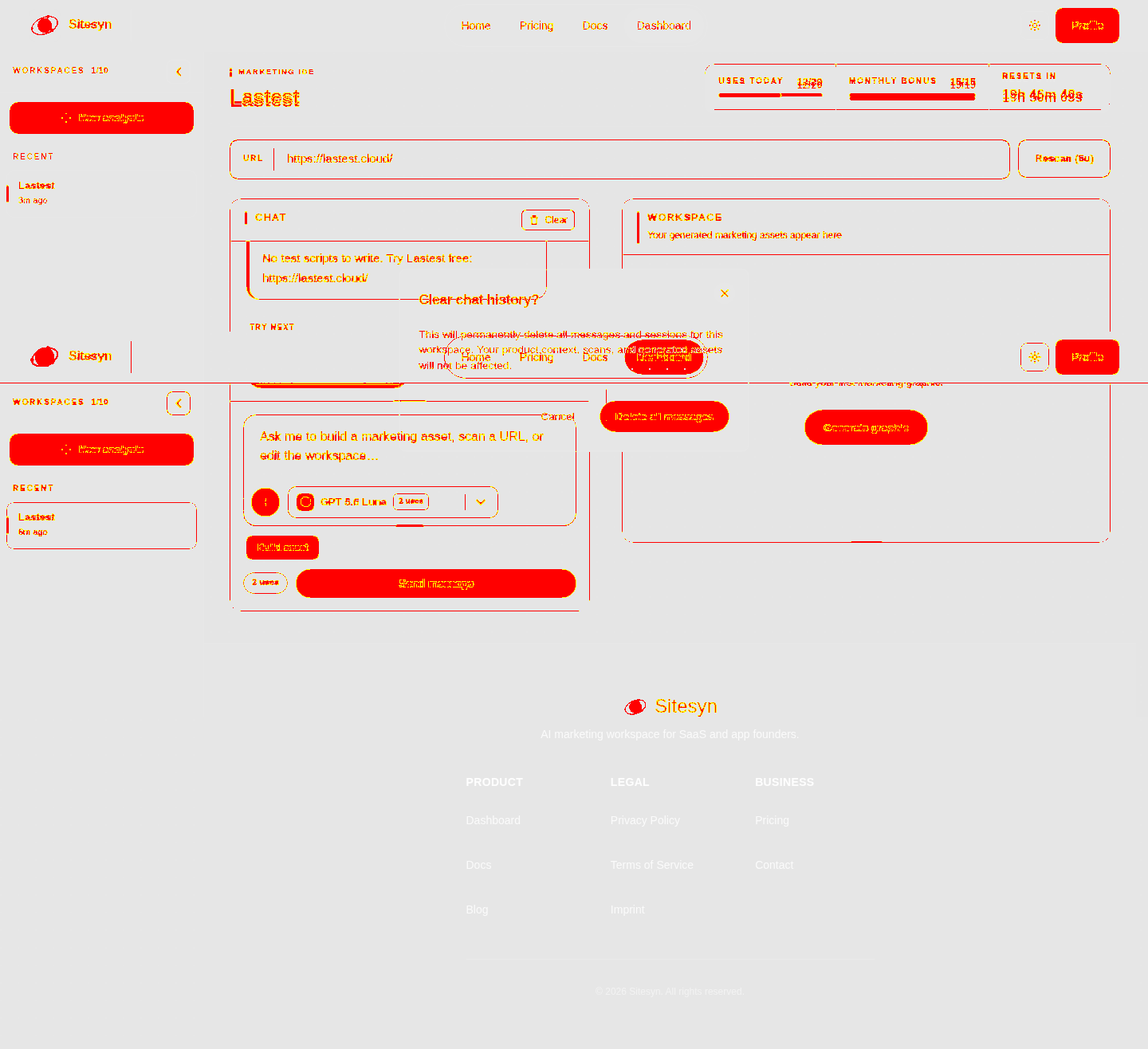
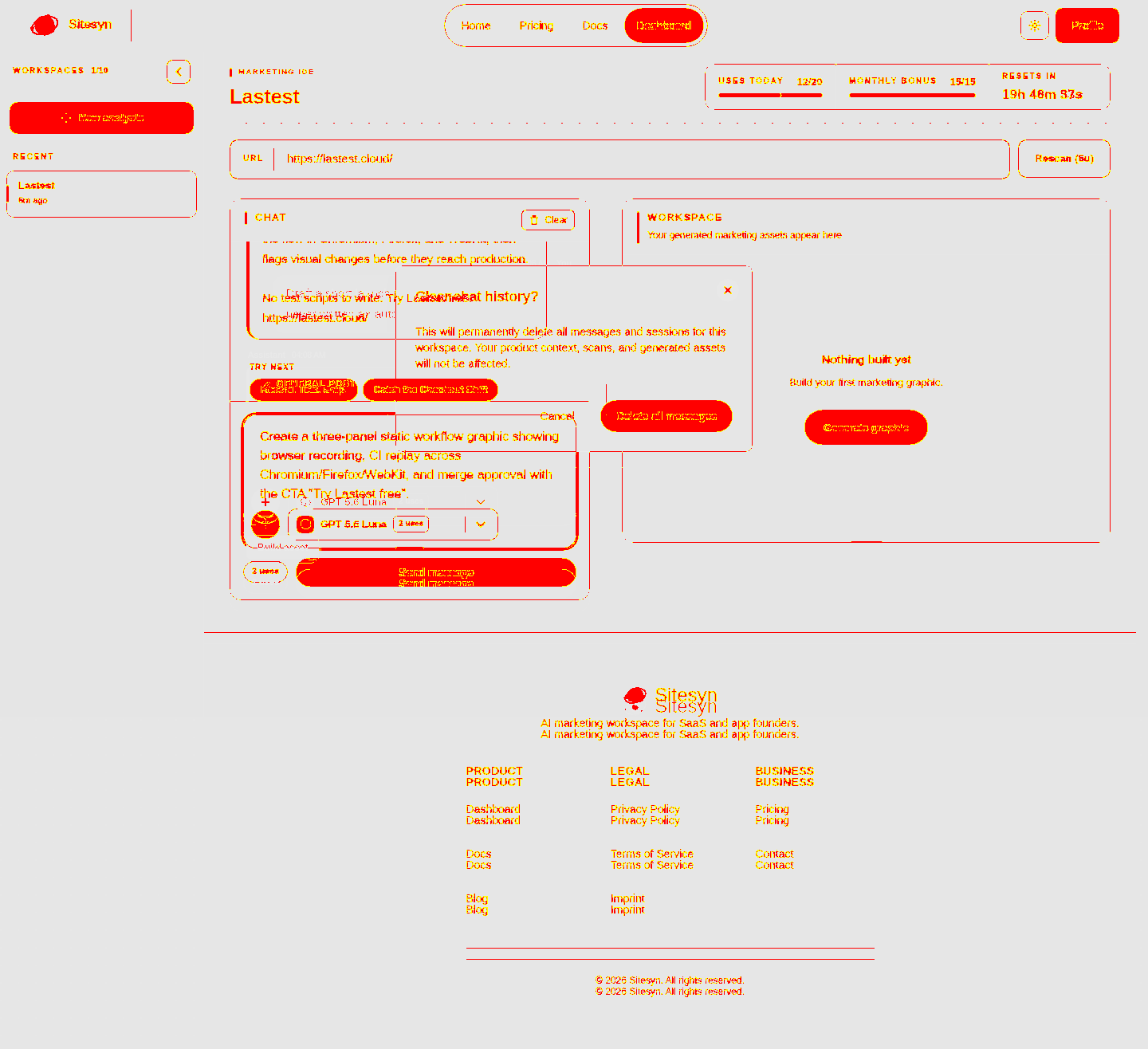
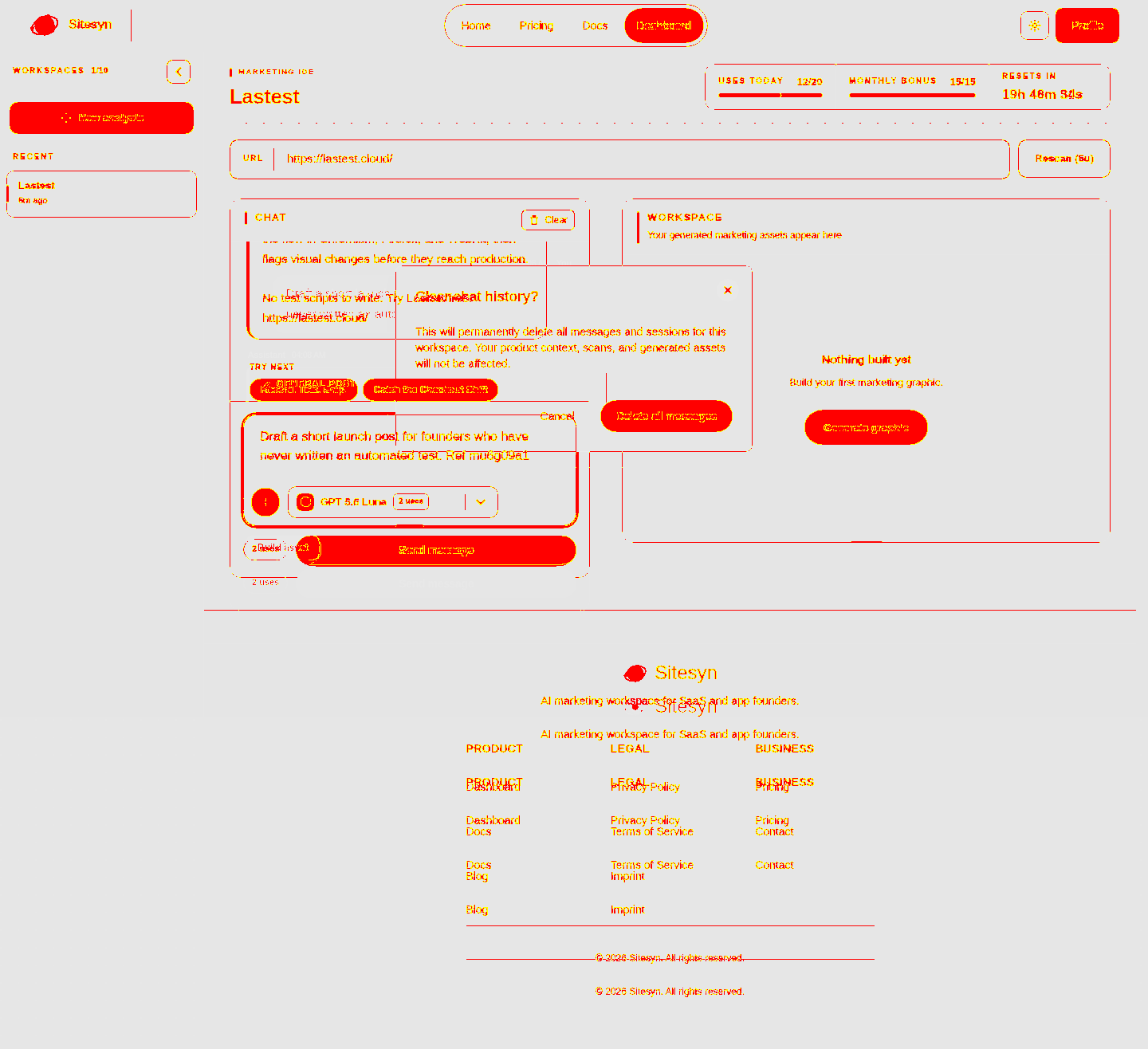
76,685 ms · 513,881 pixels changed
We built this regression test for sitesyn.com — it's yours to keep, free.
Take this test with you
This is a real Playwright test, recorded against sitesyn.com. Claim it into your own workspace and re-run it on every deploy — free.
export async function test(page, baseUrl, screenshotPath, stepLogger) {
  const shot = (n, slug) => screenshotPath.replace('.png', '-' + n + '-' + slug + '.png');
  const UA = 'Mozilla/5.0 (X11; Linux x86_64) AppleWebKit/537.36 (KHTML, like Gecko) Chrome/132.0.0.0 Safari/537.36';
  await page.context().setExtraHTTPHeaders({ 'User-Agent': UA });
  await page.setViewportSize({ width: 1440, height: 900 });

  let postLoginActions = 0;
  const STAMP = Date.now().toString(36);
  const BRIEF = 'Draft a short launch post for founders who have never written an automated test. Ref ' + STAMP;
  const gate = /confirm your password|min\. 8 characters|create account/i;

// ---------- Public phase ----------Checks run
Notes from the demo run
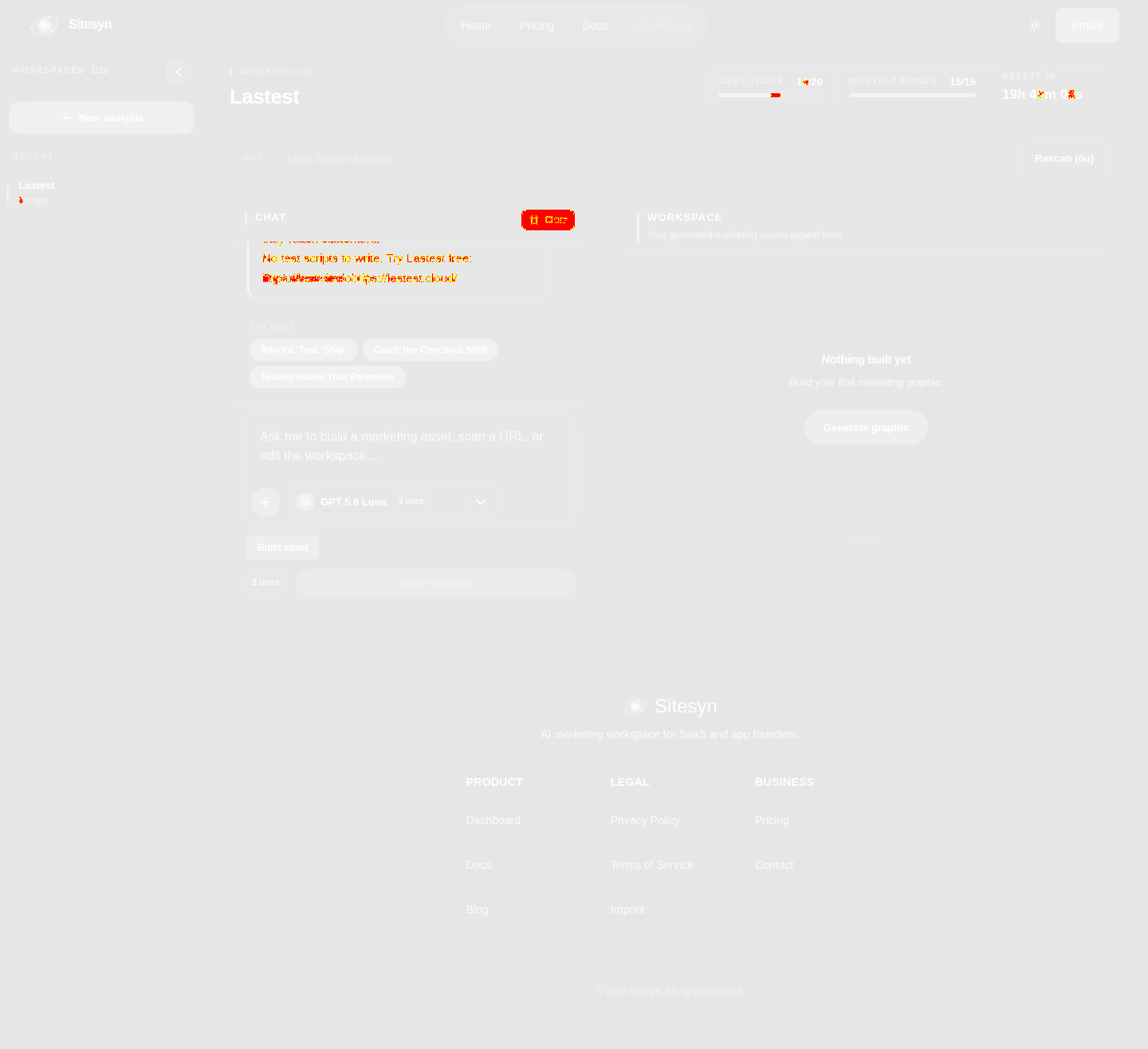
AI-generatedWe created a Sitesyn account, confirmed the email, scanned a product URL and then worked inside the Marketing IDE signed in: the product memory built from the scan, the suggested-prompt rail, a custom brief sent to the assistant, the copy it returned, the asset workspace, profile and docs. The scan-once-then-chat model is doing real work — the assistant answered with accurate, on-brand copy about a product it had only read from a URL.
- The scan actually produces product knowledge, not a summaryAfter scanning one URL the assistant wrote launch copy naming the real capabilities — recording a browser flow, generating a Playwright test, replaying across Chromium, Firefox and WebKit — and closed with the correct product link. No prompting about what the product does.
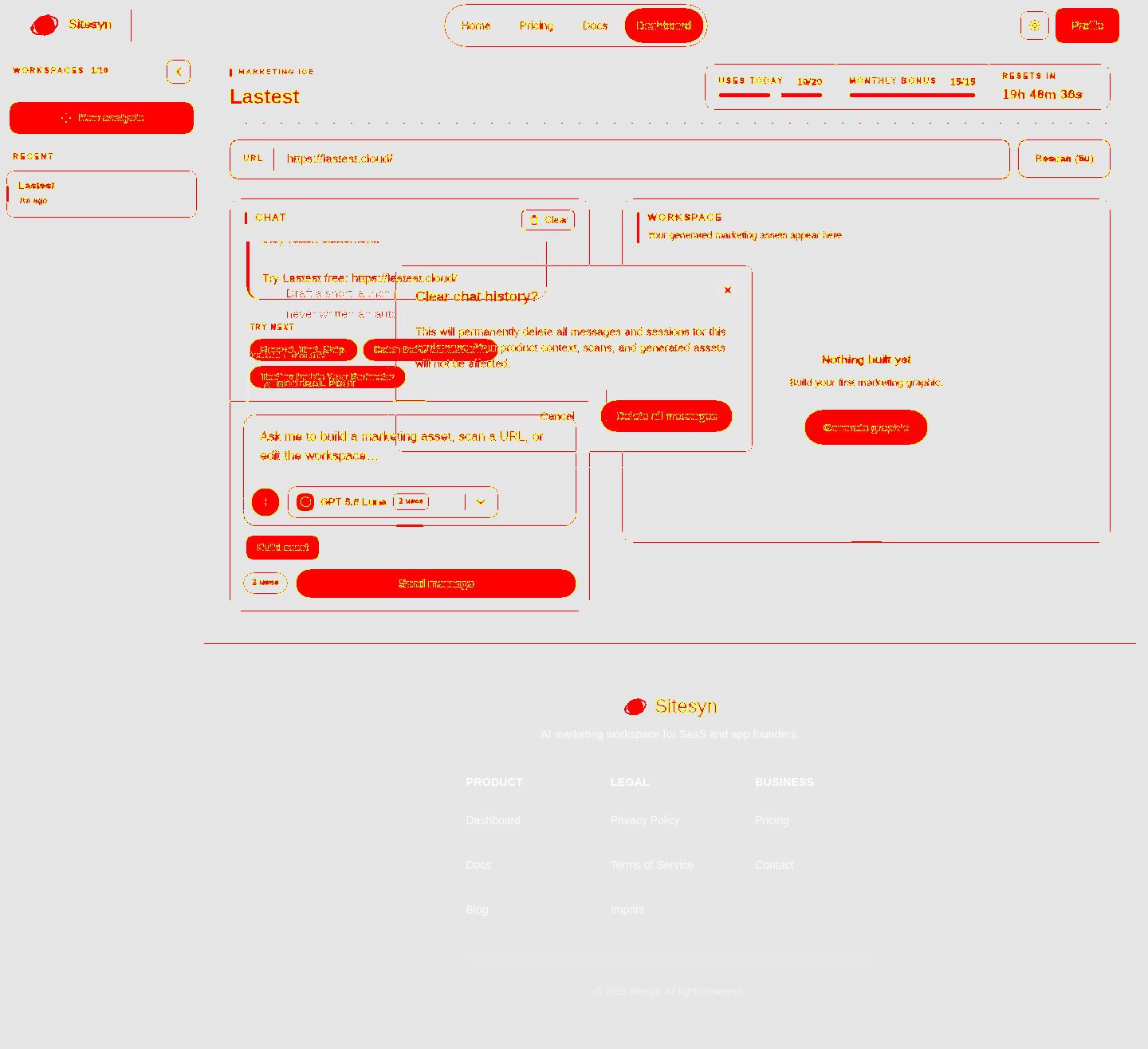
- TRY NEXT chips are generated from the scanned productThe suggestion rail came back with 'Record. Test. Ship.', 'Catch the Checkout Shift' and 'Testing Inside Your Perimeter' — all derived from the scanned site. That is a much better cold-start than a generic prompt library.
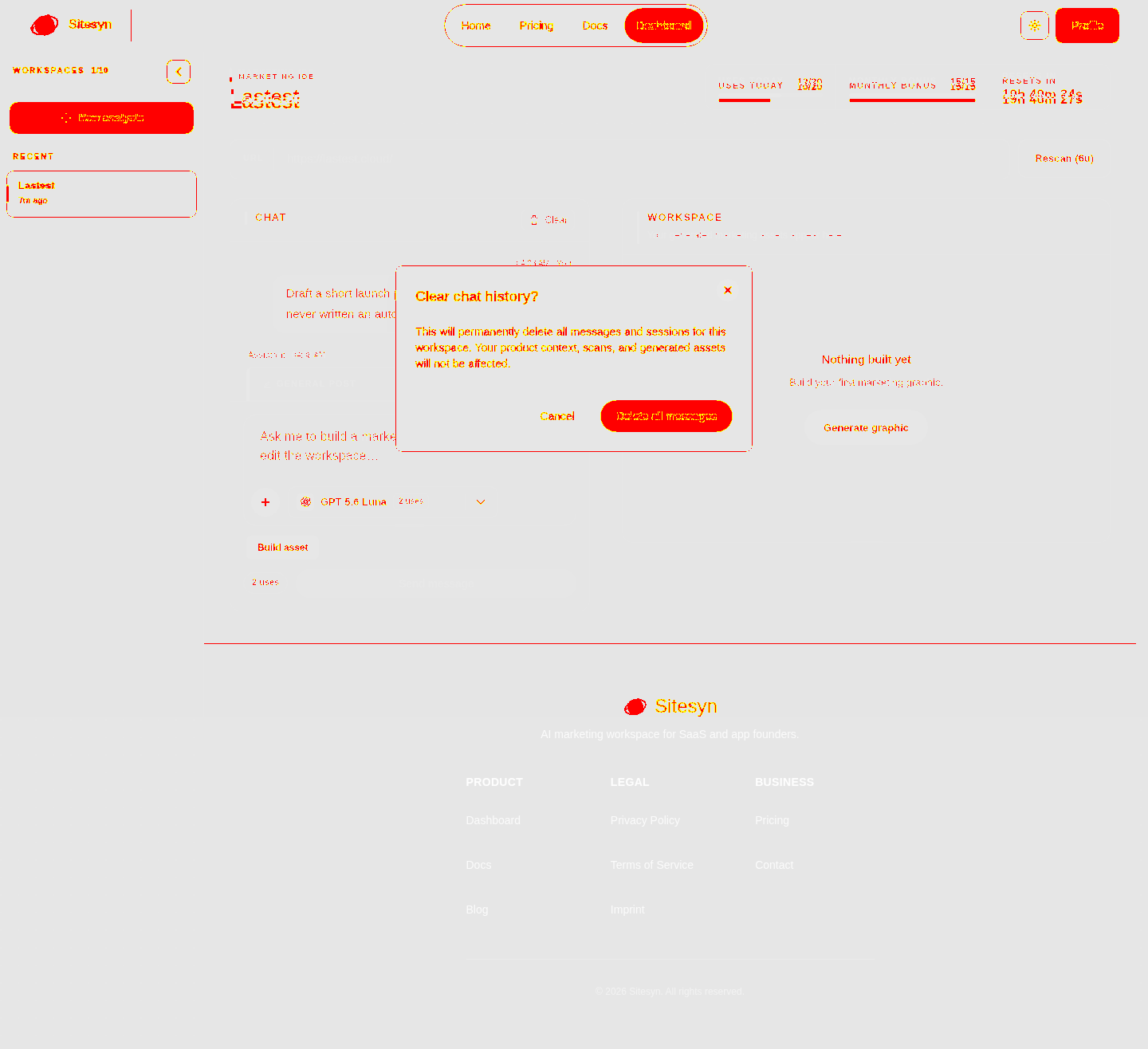
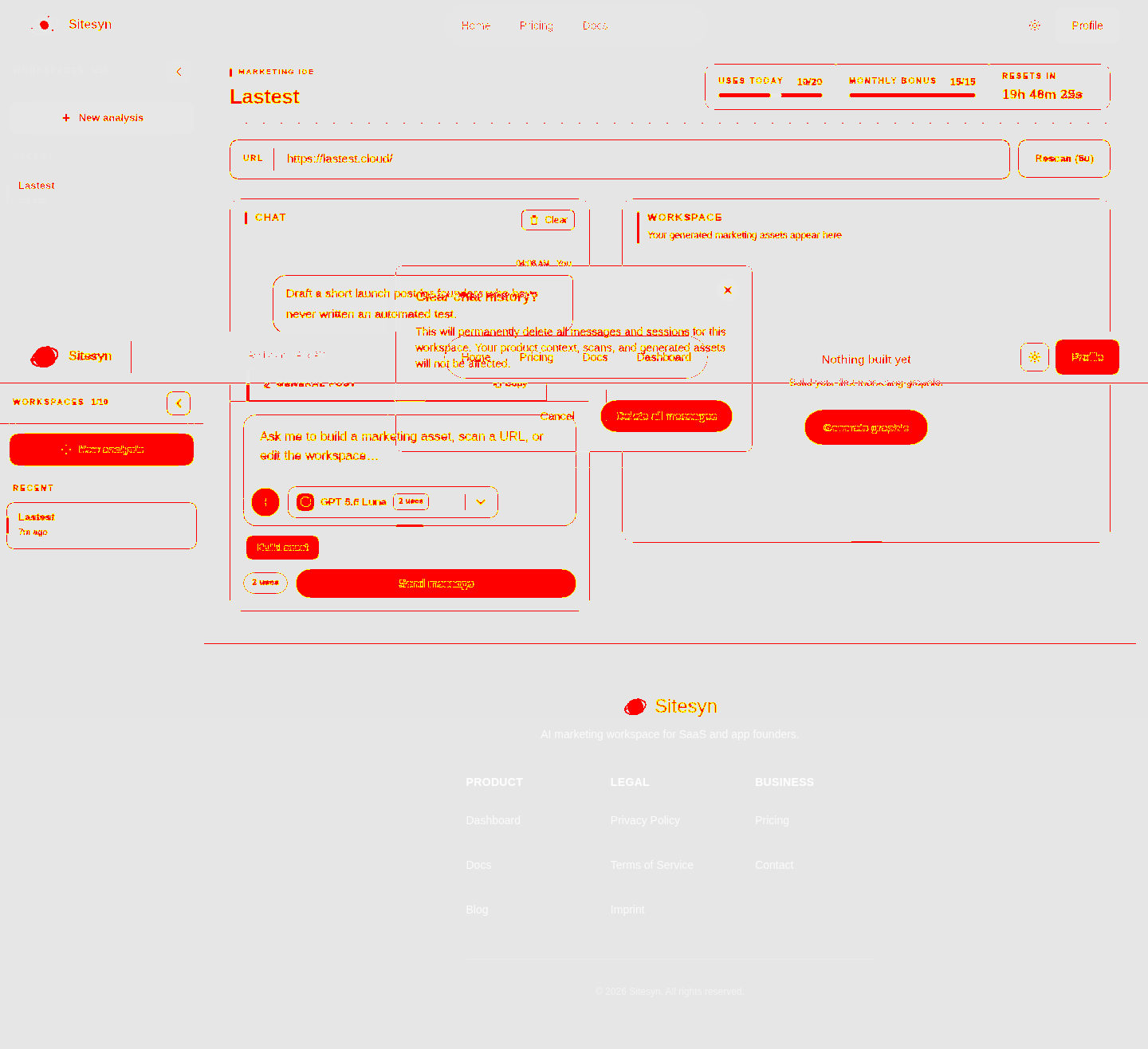
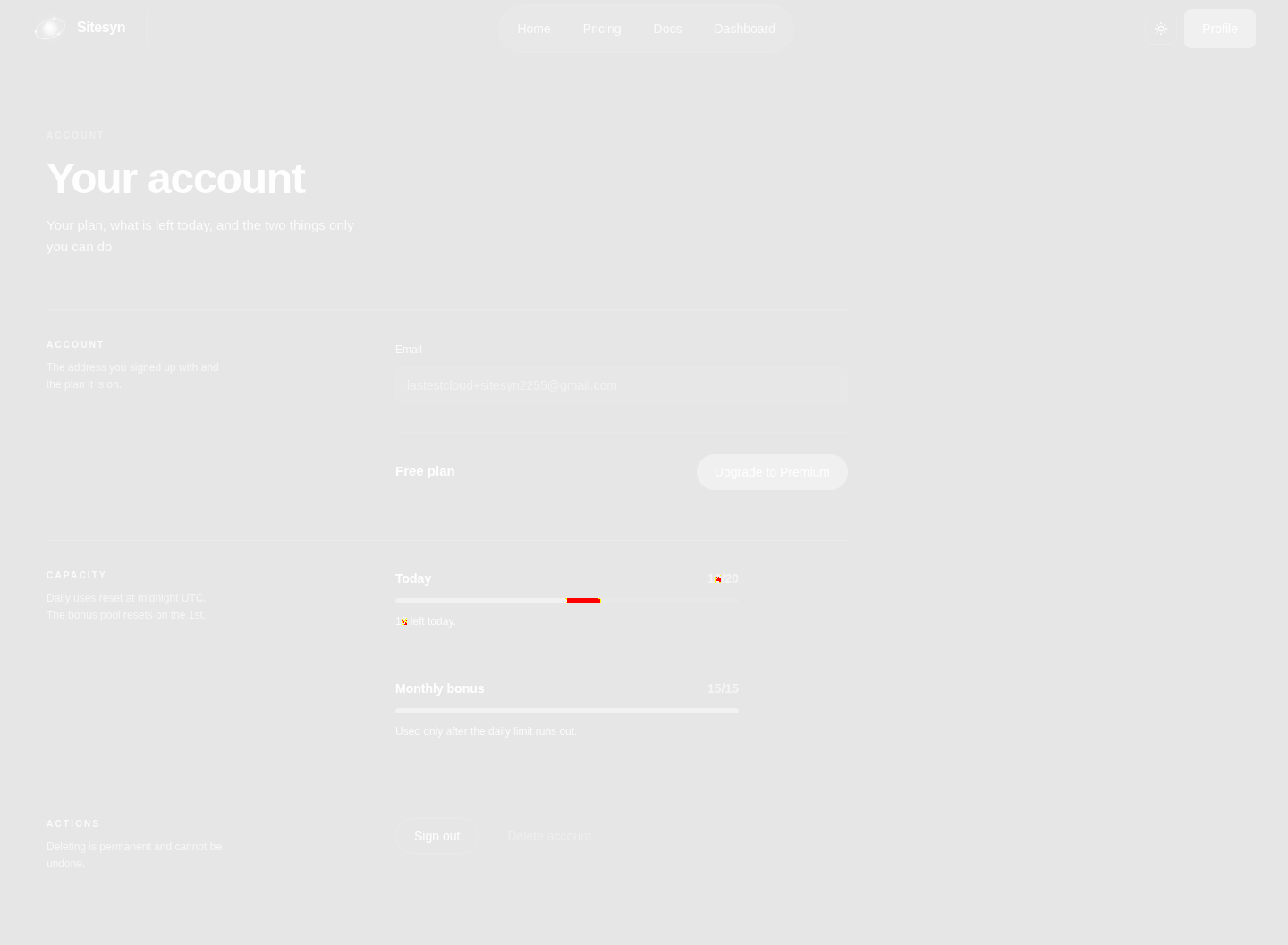
- Usage is visible before you spend itUSES TODAY 12/20, MONTHLY BONUS 15/15, RESETS IN 19h, and every action is labelled with its cost ('Rescan (6u)', 'Build asset · 2 uses'). Metered AI products usually hide this until you run out.
- Clear chat opens a confirm dialog that blocks the whole workspace'Clear' raises a 'Clear chat history?' modal, and until it is answered the composer, the suggestion chips and the workspace panel are all inert. Our first automated pass stalled behind it for five steps. A smaller inline confirm on the button itself would keep the rest of the IDE usable.
- The workspace panel stays empty while the chat fills upThe right-hand WORKSPACE keeps showing 'Nothing built yet' even after the assistant returns finished copy, because copy is not an asset. A user who just got a usable post reads that panel as a failure. Listing text outputs there too, or renaming it, would close the gap.
- Generate graphic / Build asset·Kept the run to a single generative call to stay inside the daily free allowance.
- Rescan (6u)·Would have spent a third of the remaining daily allowance re-deriving product memory we already had.
10 visual changes





















Share this run
Proof your app is not AI slop
This test was built for sitesyn.com — claim it free
One click copies the test and baseline screenshots into your own Lastest workspace. Re-run on every deploy and catch regressions before your users do — free, no card required.